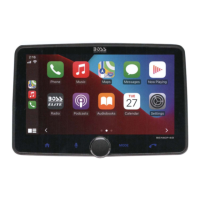
Apple CarPlay
Using
CarPlay
CD
Note
Apple CarPlay usage
is
limited while driving.
Functions, contents, and usability
is
determined by
the
App provider(s).
Controls will vary
with
each App
that
is
available
for
CarPlay.
For
more
details visit:
http://www.apple.com/ios/carplay
&WARNING
Familiarize yourself
with
your Local and State
laws regarding mobile devices.
Certain functions
of
an
iPhone
might
be
prohibited and
or
illegal while driving in
your
location.
When in doubt, park
the
vehicle and engage
the
parking brake
fir
st before performing
the
function(s).
Connecting
to
CarPlay
USB
Port
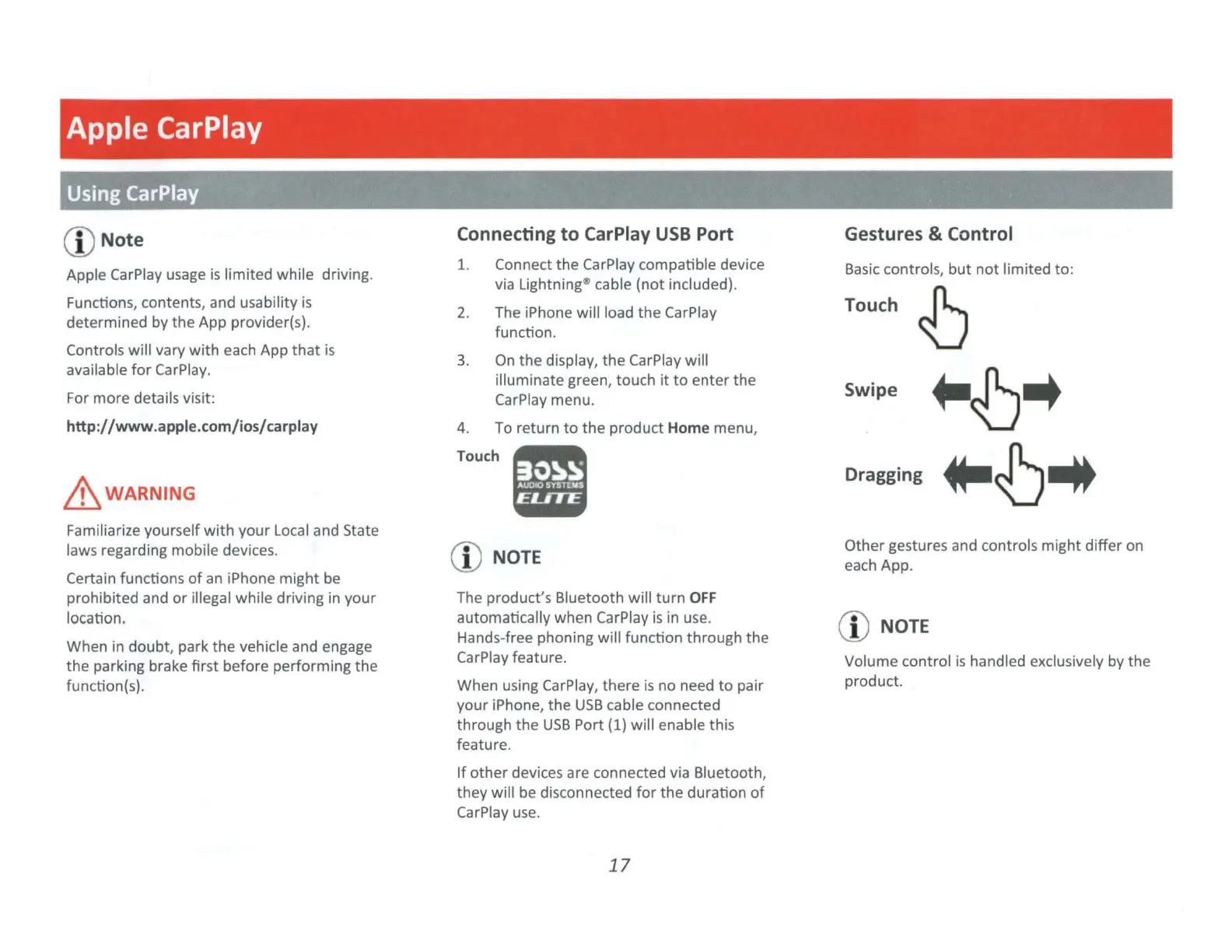
1. Connect the CarPlay compatible device
via Lightning~ cable
(not
included).
2.
The iPhone will load
the
CarPlay
function.
3.
On
the
display, the CarPlay will
illuminate green, touch
it
to
enter the
CarPlay menu.
4. To return
to
the
product Home menu,
Touch.
CD
NOTE
The product's Bluetooth will turn
OFF
automatically when CarPlay
is
in use.
Hands-free phoning will function through the
CarPlay feature.
When using CarPlay, there
is
no need
to
pair
your
iPhone,
the
USB
cable connected
through
the
USB
Port
(1)
will enable this
feature.
If
other
devices are connected via Bluetooth,
they will be disconnected
for
the duration
of
CarPlay u
se.
17
Gestures & Control
Basic
controls,
but
not
limited
to:
Touch
~
Swipe
~~
..
Dragging
..
~
..
Other gestures and controls
might
differ on
each App.
CD
NOTE
Volume control
is
handled exclusively by the
product.


 To Next Page