5
6
Users management
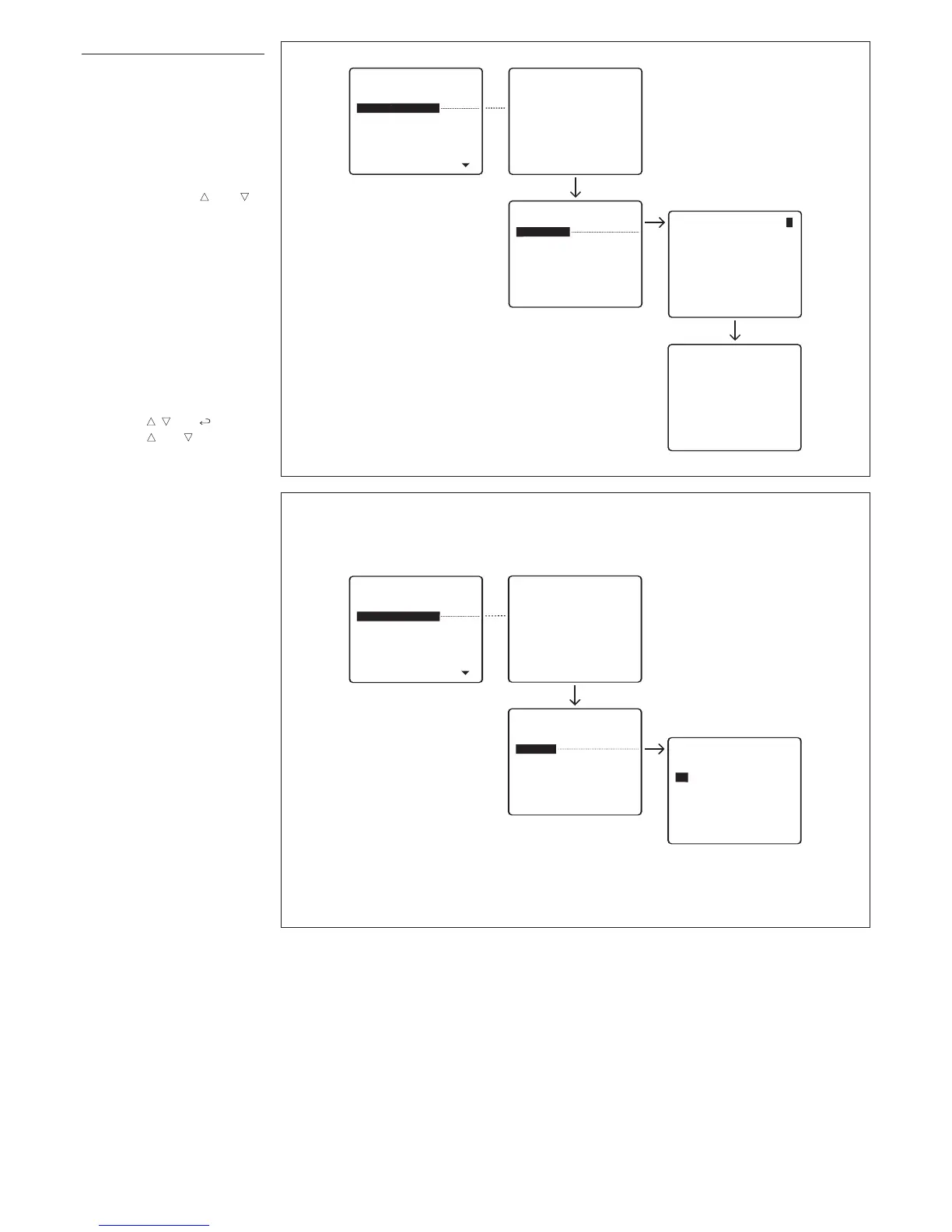
Modify (edits the stored user).
T
he following parameters can be
edited and entered for each user
(fig. 4):
Customized code
(max. 9 numbers or letters)
U
ser name
(the following options can be
selected with keys and to
specify the amount of letters or
numbers:
- 1 line with 9 numbers or let-
ters
- 2 lines with 15 numbers or let-
ters
- 4 lines with 20 numbers or let-
t
ers).
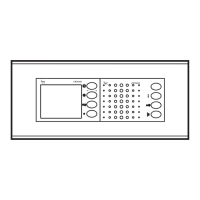
Delete name (deletes a stored
user) (fig. 5).
In the
Modify
and
Delete name
submenus, you can select the
user to be edited or deleted
using keys and .
Keep key or pressed to
scroll though names quickly.
Delete all (deletes all stored
users) (fig. 6).
In the
Delete all
submenu, you
are asked to confirm before all
stored items are deleted.
If you inadvertently delete users,
the default setting for the number
of users (100) can be restored,
or the total number (0-4000) edit-
ed.


 To Next Page