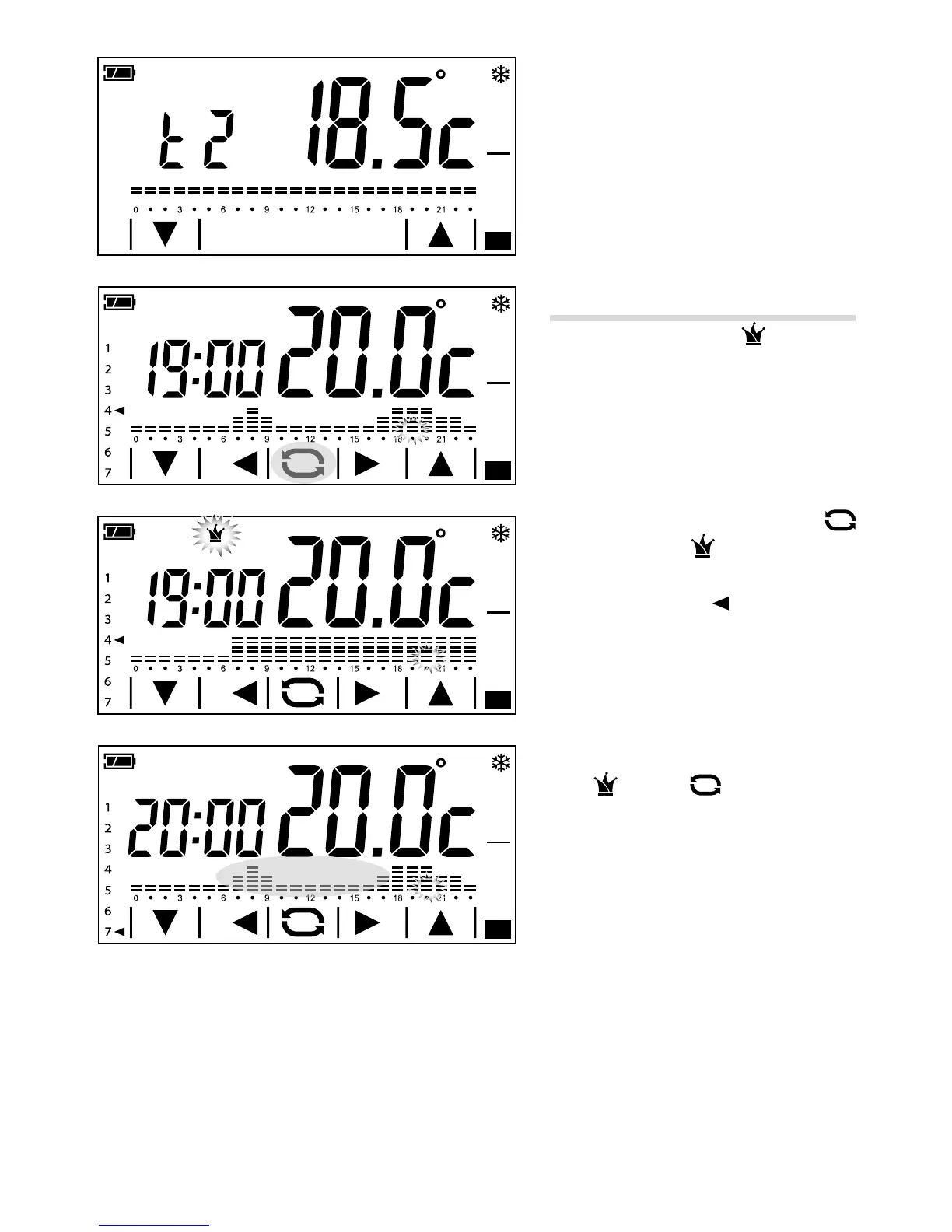
Proceed as described above to set temper-
ature level T3.
Use of the all-purpose program
The all-purpose program can be used
during midweek holidays, public holidays, etc.
It can be started up at any time of the day in
course and stay on until the end of that day, or
be set up in advance for any day of the week.
To activate this program, press the
button G until the
icon appears H.
The all-purpose program oers the temper
-
ature trend set for day 7 (factory settings),
but can be customised at will.
To make the all-purpose program come on on
a particular day of the week, just select the
desired day by briey pressing the area high
-
lighted in gure I and activate all-purpose
mode
using the button.
The program will be activated on the day set
and will stay in operation until midnight;
at the end the device will go back into
automatic mode.
Note. The All-purpose program can apply to only one day of the week; any pre-existing
All-purpose settings are cancelled.



 To Next Page