37
Operations
Load Media
5/13/08 BBP81 User Manual Y882746
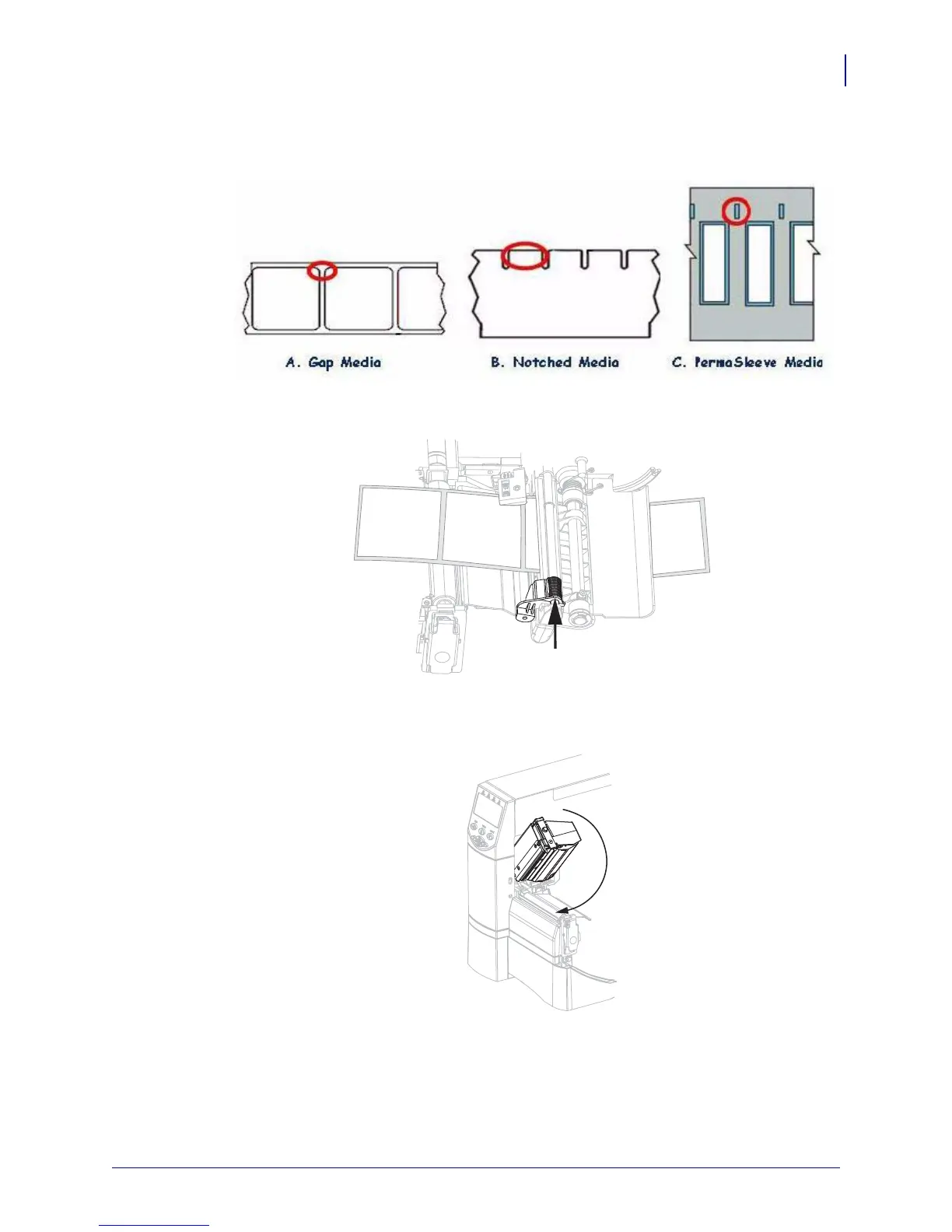
5. Adjust sensor to proper location, depending on media type.
6. Slide in the media guide until it touches the outer edge of the media.
7. Set the printer to Tear-Off mode. See Select Print Mode on page 61 for instructions.
8. Close the printhead assembly.
9. If the printer is paused (the Pause light is on), press PAUSE to enable printing.



 To Next Page