63
Configuration
Control Panel Parameters
5/13/08 BBP81 User Manual Y882746
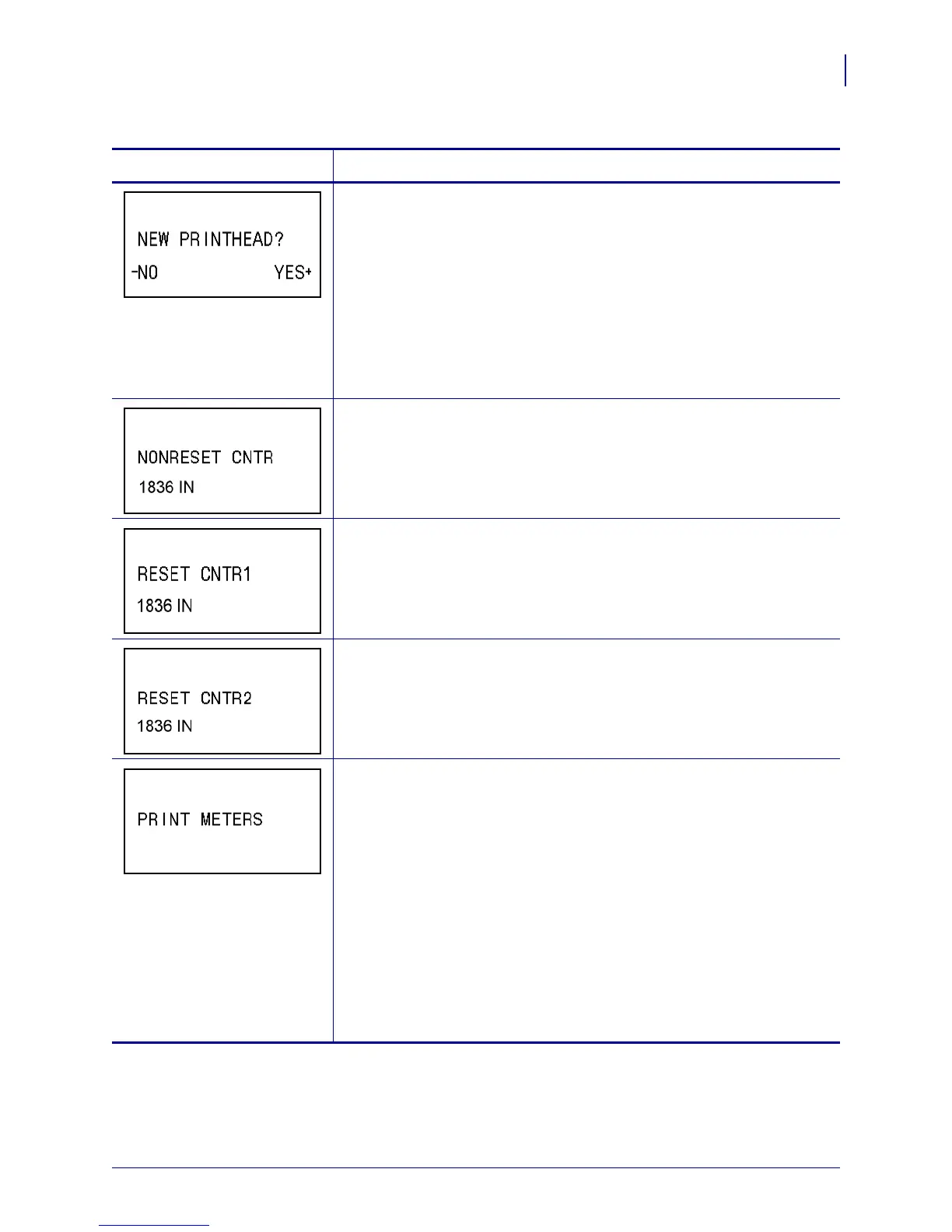
Reset Printhead Life Counter for Early Warning
This parameter appears only when Early Warning for Maintenance is
enabled.
To reset the printhead life counter:
1. Press SELECT to select the parameter.
2. Did you replace the printhead?
• If you replaced the printhead, press
PLUS (+) to select YES.
• If you did not replace the printhead, press
MINUS (-) to select NO.
3. Press SELECT to accept any changes and deselect the parameter.
View Non-Resettable Counter
This parameter displays the total length of media that the printer has
printed. You can use ZPL commands to change the unit of measure for this
counter. For the commands, refer to the ZPL Programming Guide.
View User-Controlled Counter 1
This parameter displays the total length of media that the printer has printed
since this parameter was last reset. You can use ZPL commands to change
the unit of measure and reset this counter. For the commands, refer to the
ZPL Programming Guide.
View User-Controlled Counter 2
This parameter displays the total length of media that the printer has printed
since this parameter was last reset. You can use ZPL commands to change
the unit of measure and reset this counter. For the commands, refer to the
ZPL Programming Guide.
Print Counter Readings
Prints a label that lists the odometer readings for the following:
• the non-resettable counter
• the two user-controlled counters
• the Early Warning for Maintenance counters, which indicate when the
printhead was last cleaned and the printhead life
If the Early Warning for Maintenance feature is disabled, the counters
related to it do not print.
To print a list of the odometer readings:
1. Press SELECT to select the parameter.
2. Press
PLUS (+) to print the odometer readings.
3. Press SELECT to deselect the parameter.
Table 12 • Printer Parameters (Page 10 of 22)
Parameter
Action/Explanation



 To Next Page