Configuration
Control Panel Parameters
64
Y882746 BBP81 User Manual 5/13/08
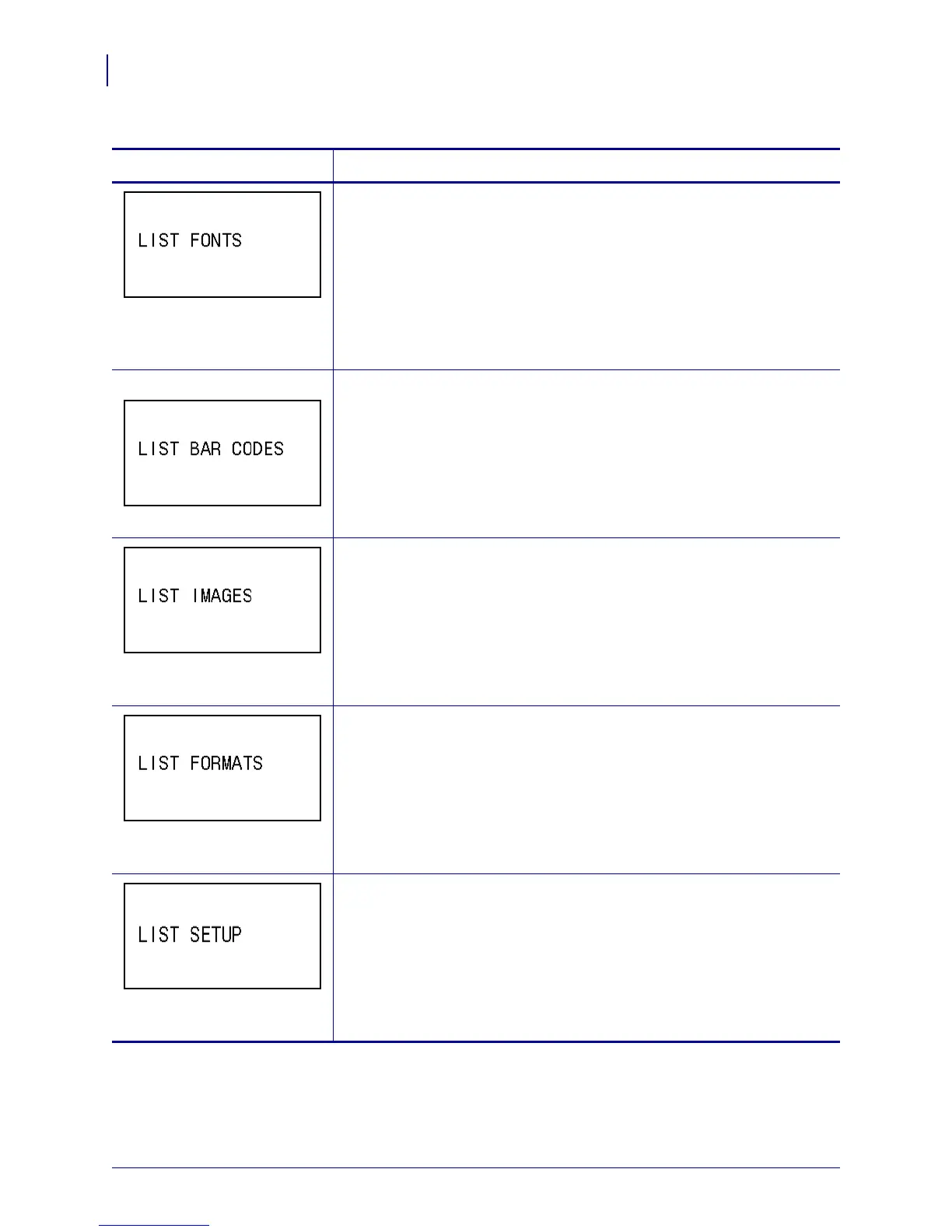
List Fonts
This option prints a label that lists the available fonts in the printer,
including standard printer fonts plus any optional fonts. Fonts may be
stored in RAM or Flash memory.
To print a list of the available fonts:
1. Press SELECT to select the parameter.
2. Press
PLUS (+) to select PRINT.
3. Press
SELECT to deselect the parameter.
ZPL and XML only List Bar Codes
This option prints a label that lists the available bar codes in the printer. Bar
codes may be stored in RAM or Flash memory.
To print a list of the available bar codes:
1. Press SELECT to select the parameter.
2. Press
PLUS (+) to select PRINT.
3. Press
SELECT to deselect the parameter.
List Images
This option prints a label that lists the available images stored in the
printer’s RAM, Flash memory, or optional memory card.
To print a list of the available images:
1. Press SELECT to select the parameter.
2. Press
PLUS (+) to select PRINT.
3. Press
SELECT to deselect the parameter.
List Formats
This option prints a label that lists the available formats stored in the
printer’s RAM, Flash memory, or optional memory card.
To print a list of the available formats:
1. Press SELECT to select the parameter.
2. Press
PLUS (+) to select PRINT.
3. Press
SELECT to deselect the parameter.
List Setup
This option prints a configuration label (see Figure 11 on page 51), which
lists the current printer configuration.
To print a configuration label:
1. Press SELECT to select the parameter.
2. Press
PLUS (+) to select PRINT.
3. Press SELECT to deselect the parameter.
Table 12 • Printer Parameters (Page 11 of 22)
Parameter
Action/Explanation



 To Next Page