73
Configuration
Control Panel Parameters
5/13/08 BBP81 User Manual Y882746
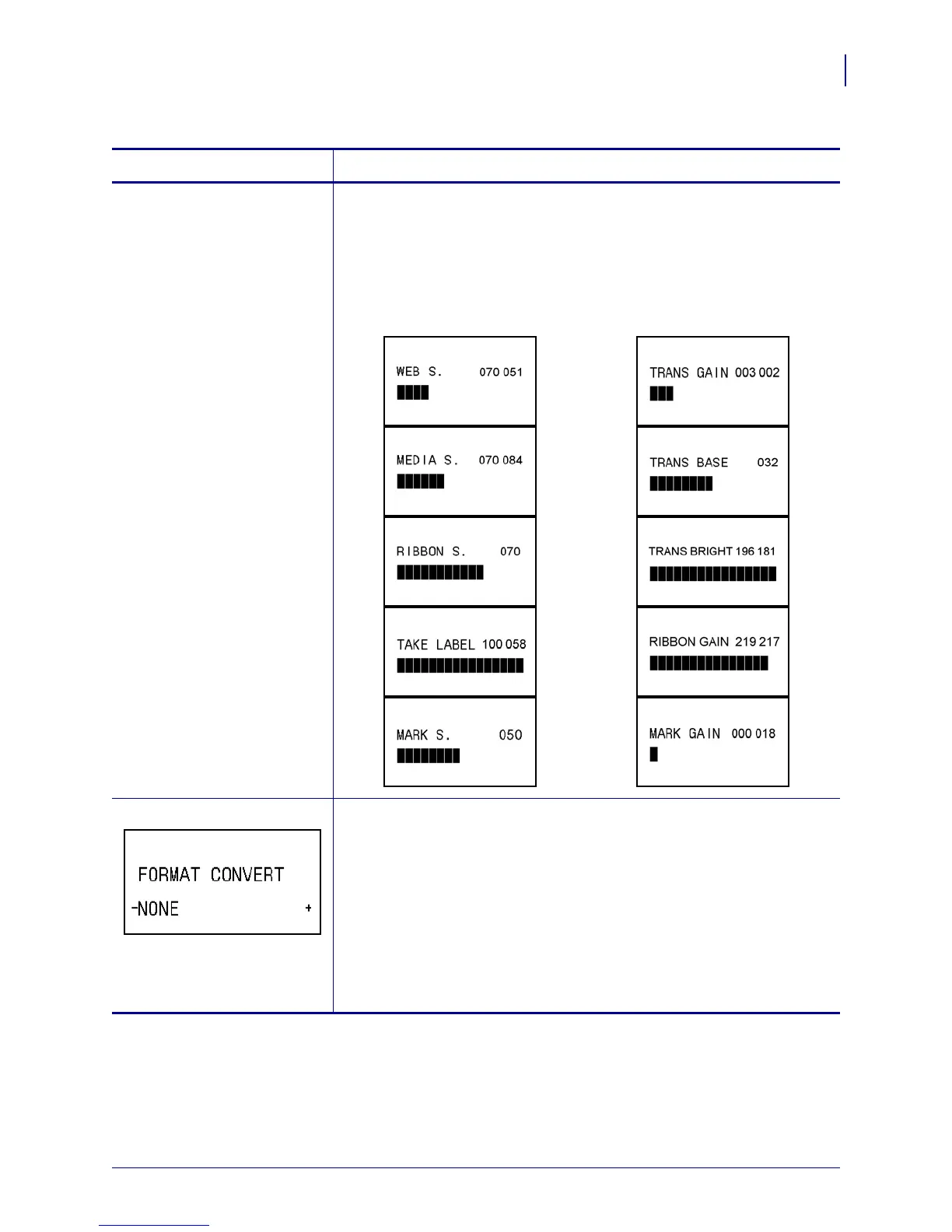
See next column View Sensor Settings
These parameters are automatically set during the calibration procedure
and should be changed only by a qualified service technician. Refer to the
ZPL II Programming Guide for information on these parameters.
To skip these parameters:
1. Press PLUS (+) to skip each of the following parameters:
ZPL and XML only Select Format Convert
Selects the bitmap scaling factor. The first number is the original dots per
inch (dpi) value; the second, the dpi to which you would like to scale.
Default Value: NONE
Selections: NONE, 150 → 300, 150 → 600, 200 → 600, 300 → 600
To change the value shown:
1. Press SELECT to select the parameter.
2. Press PLUS (+) or MINUS (-) to scroll through the options.
3. Press
SELECT to accept any changes and deselect the parameter.
Table 12 • Printer Parameters (Page 20 of 22)
Parameter
Action/Explanation



 To Next Page