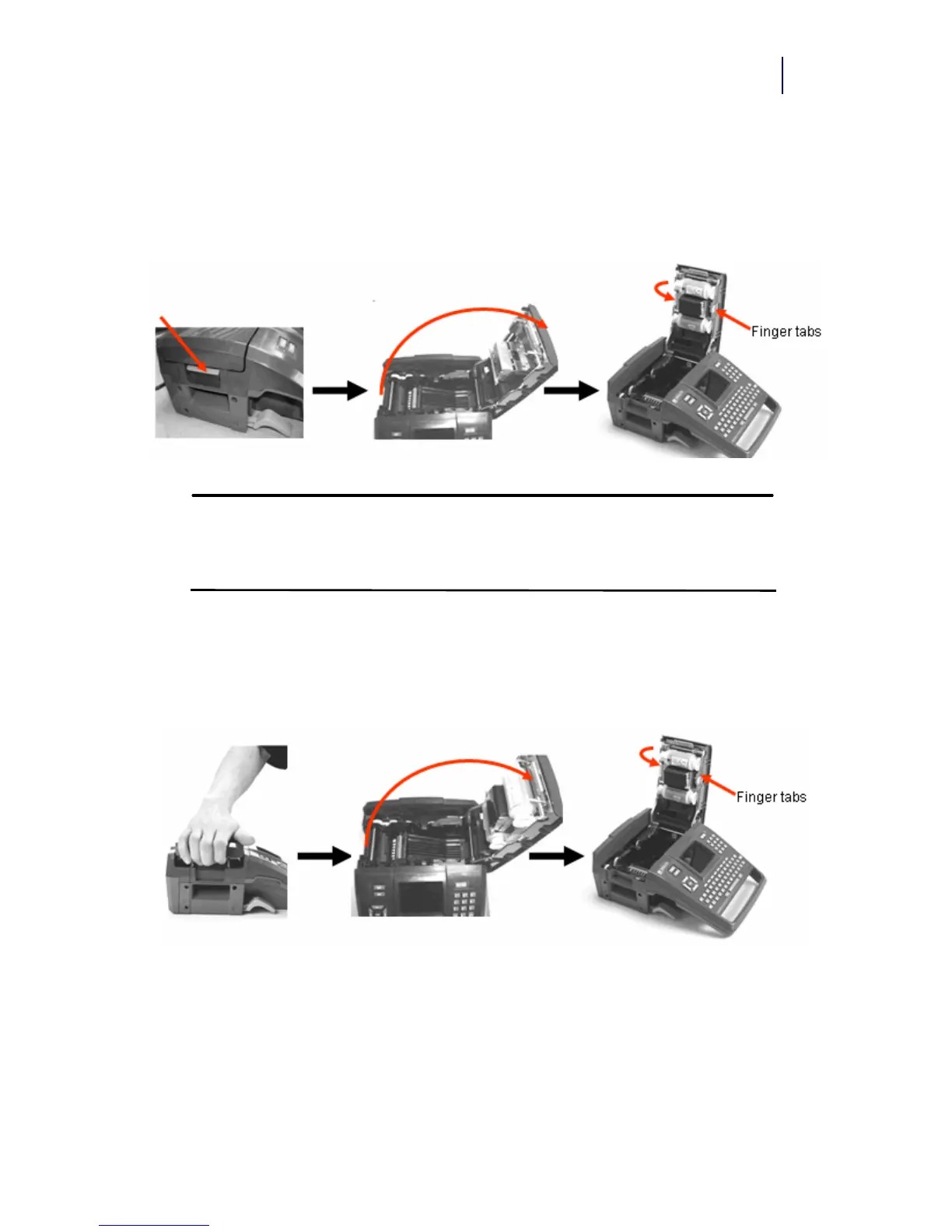
Turn the top spool of the ribbon downward, as needed, to take up any
potential slack.
Unload Ribbon
1. Pull up on cover latch. 2. Open the cover. 3. With cartridge label facing up,
grasp finger tabs of cartridge and
place directly over printhead,
pushing slightly to snap into place.
Close the cover until latched.
1. Pull up on cover latch 2. Open the cover. 3. Grasping finger tabs of cartridge,
pull cartridge out of the ribbon
compartment.



 To Next Page