English Initial Language Setup 7
11/10/09 BMP71 Quick Start Guide
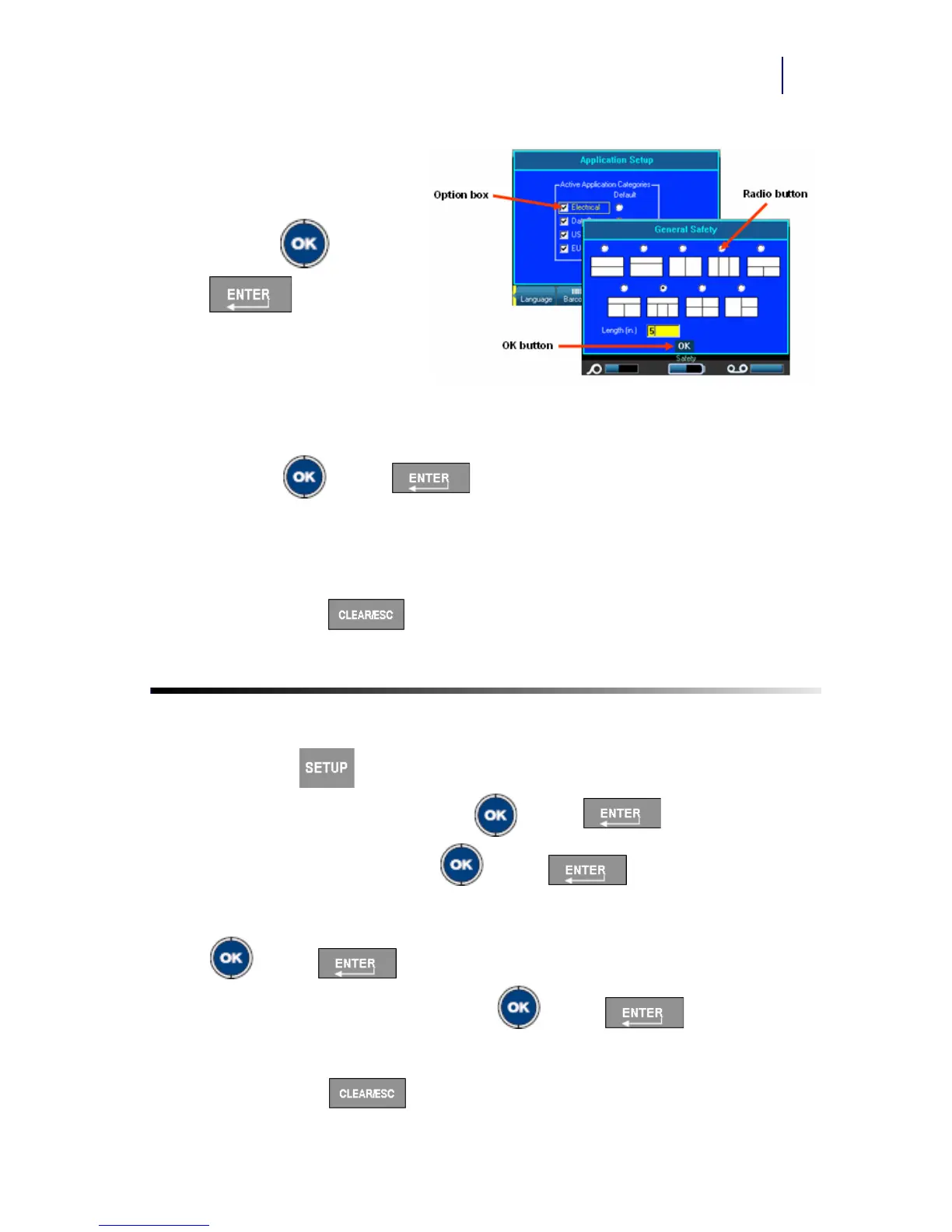
Radio Buttons and Option Boxes
To check or uncheck a radio
button or option box:
1. Navigate to the field.
2. Press OK or Enter
.
Accept Dialog Box Edits
To accept all edits in a dialog
box:
1. Navigate to the OK button.
2. Press OK or Enter .
Cancel a Menu or Dialog Box
To cancel a menu or dialog box, without accepting changes:
1. Press Clear/Esc .
Initial Language Setup
When turning the printer on for the first time:
1. Press Setup .
2. Navigate to Language and press OK or Enter .
3. In the Language field, press OK or Enter .
4. Use the up/down navigation keys to select the desired language and press OK
or Enter .
5. Navigate to the OK button and press OK or Enter .
To remove the Setup main menus from the screen:
6. Press Clear/Esc .



 To Next Page