English Menus 5
11/10/09 BMP71 Quick Start Guide
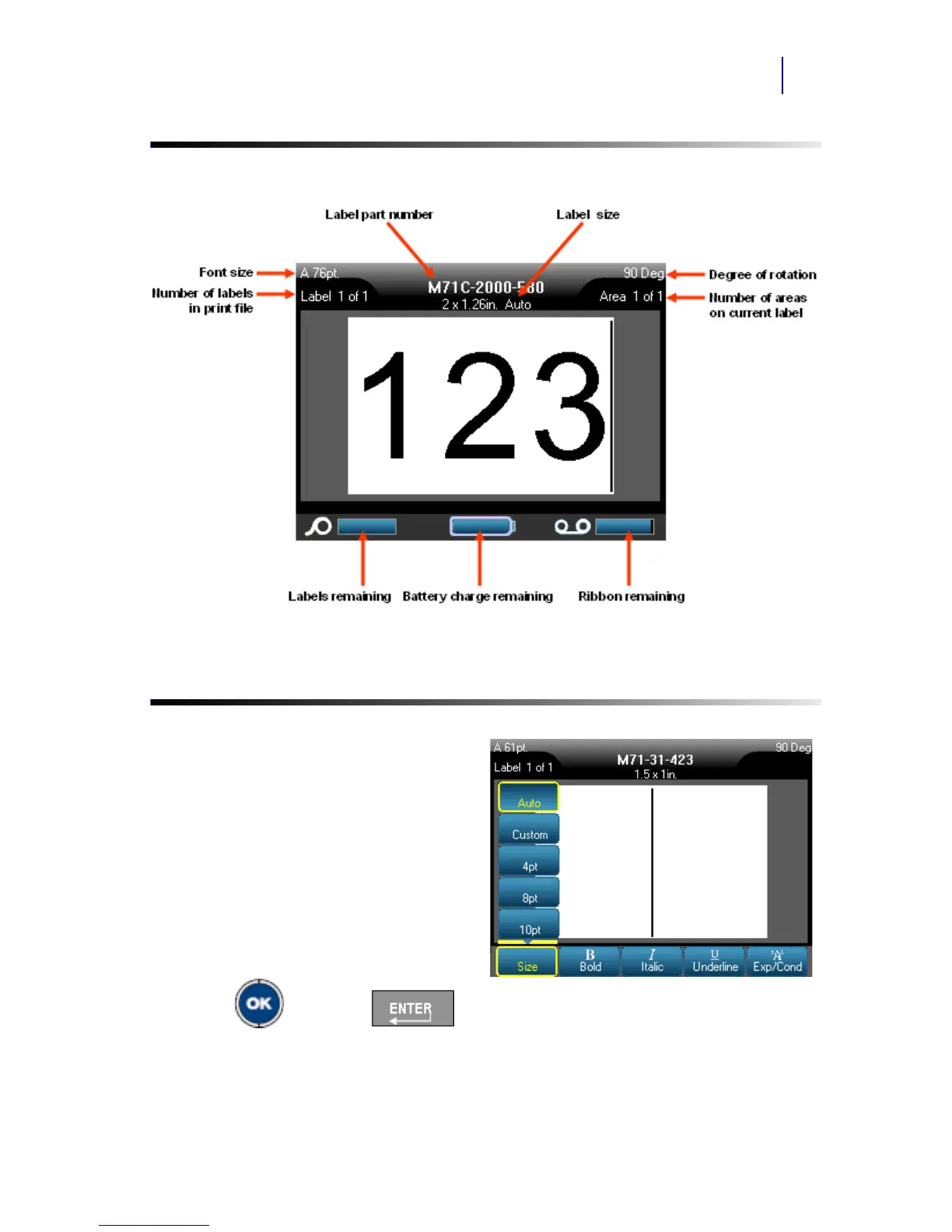
Status Information
Menus
Main menus display at the bottom of the
screen when a Function key is pressed.
To access menus:
1. Press the key for the function you
want to use.
2. Press left/right navigation keys to
move through the main menus.
3. Press up/down navigation keys to
move through the sub-menus.
4. To select a menu option, press
OK or ENTER .



 To Next Page