6 Dialog Boxes English
BMP71 Quick Start Guide 11/10/09
Dialog Boxes
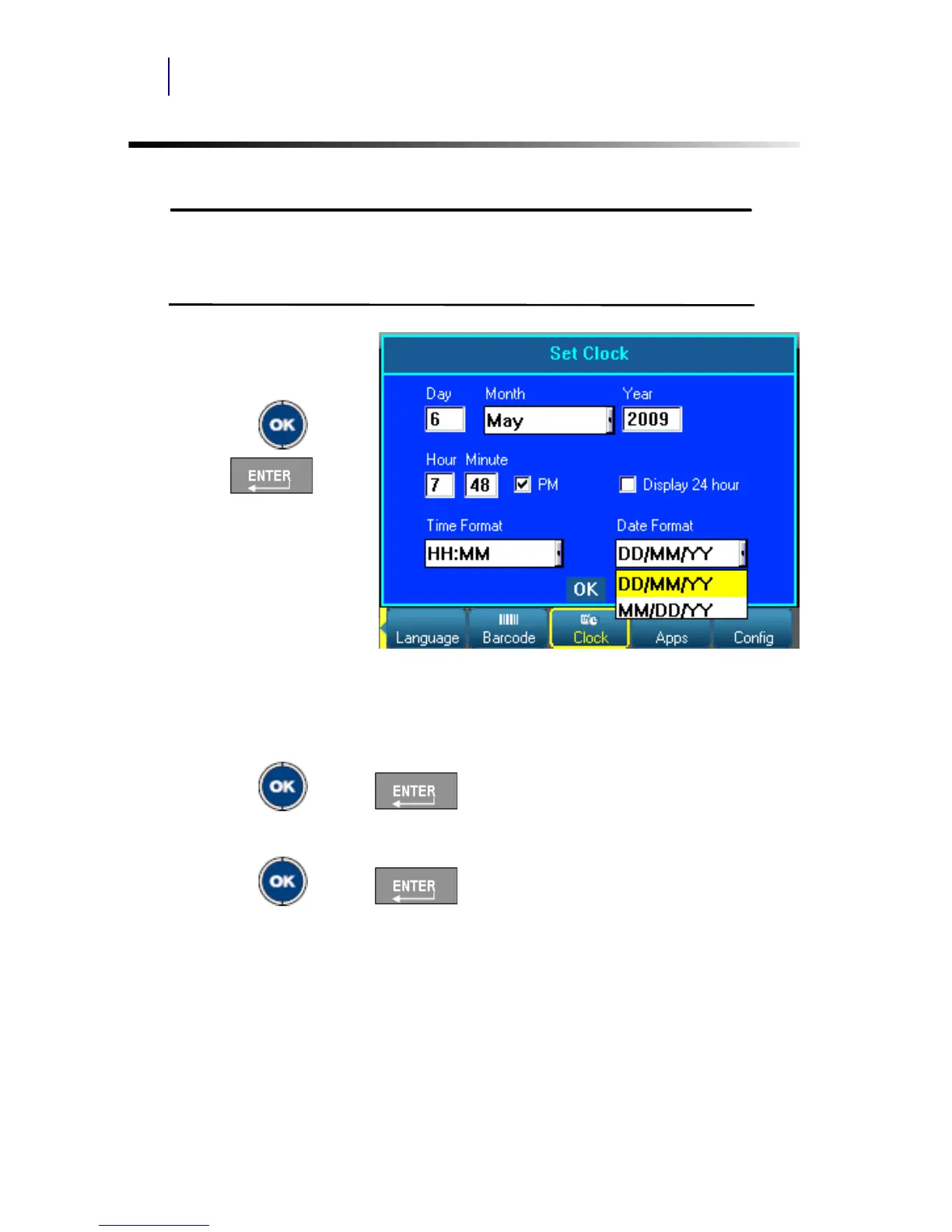
Some function keys display dialog boxes, rather than sub-menus.
You will know that a dialog box is associated with a menu if a sub-menu
does not immediately pop up when highlighting the main menu option.
To access the dialog box,
with the desired main menu
selected:
1. Press OK or
Enter .
A dialog box displays.
2. Press the up/down and
left/right navigation keys
to move to the different
fields.
Drop Down Field Lists
If a field has a drop down list associated with it, a small arrow displays in a scroll bar on
the right side of the field. To select an option from the drop down list:
1. Press OK or Enter to open the drop down list.
2. Use up/down navigation keys to highlight the desired option.
3. Press OK or Enter to select the option.



 To Next Page