M511 User Manual 13
Setup
Printer Settings
Bluetooth
The Bluetooth status light has the following meanings:
• Bluetooth symbol is blinking blue: No devices are connected.
• Bluetooth symbol is solid blue: At least one device is connected.
Up to five mobile devices can be connected at a time.
To connect the printer to a mobile device via Bluetooth:
1. Turn on the printer. See “Power On” on page 11. Bluetooth is automatically on when the
printer is on.
2. Open the Express Labels app on your mobile device.
• If no other printer is currently connected to the Express Labels
app, the software detects the new printer.
• If another printer is currently connected to the Express Labels
app, manually add the printer. Tap on the menu, then tap
Printers
, then tap the yellow + icon to add a new printer.
3. Tap the control to connect the printer. Once connected, you may change the printer name if
desired.
Disconnecting
If you need to disconnect a device, use the Forget function in the Express Labels app.
USB
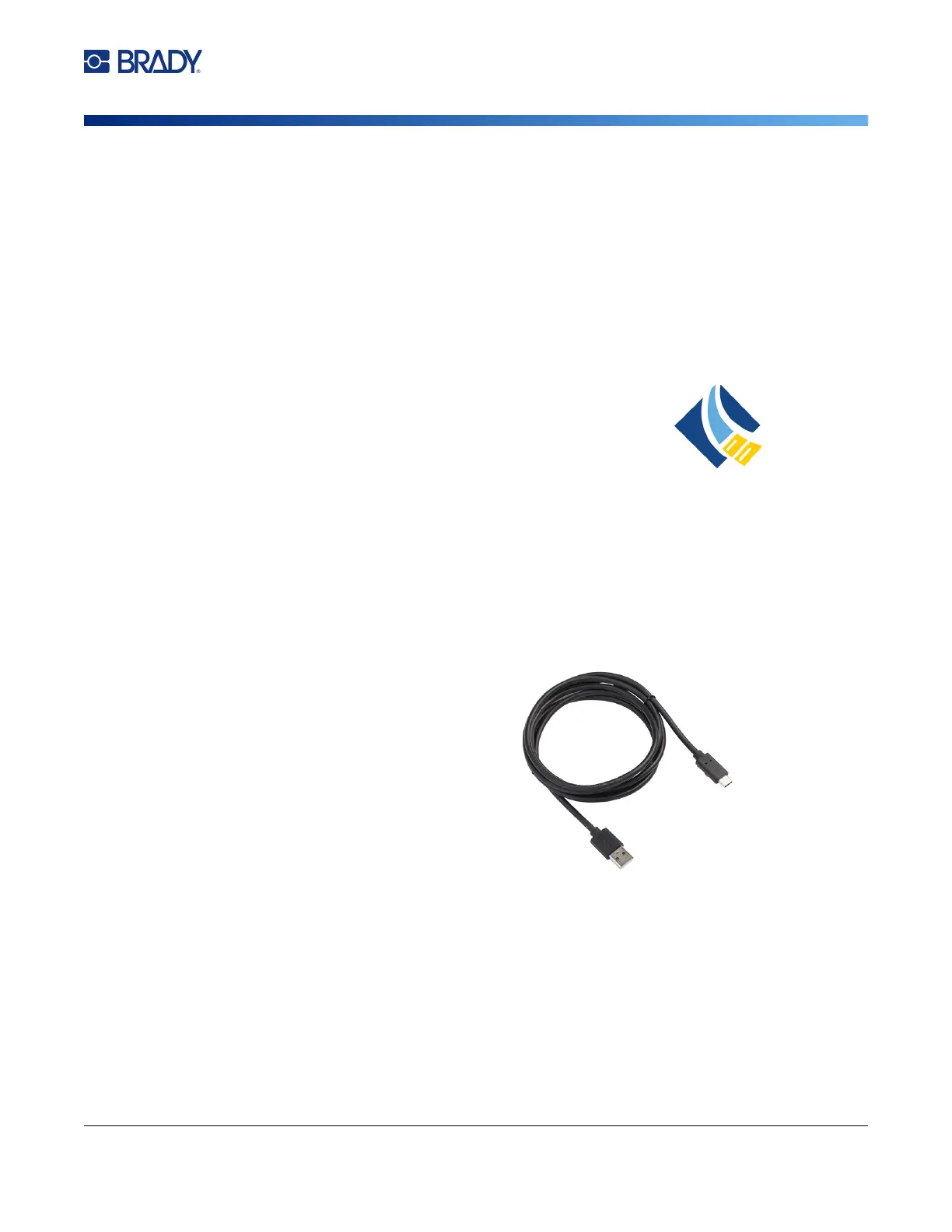
To connect to a computer via USB 2.0, plug the
provided USB cable into the printer and the
computer. Brady Workstation software
automatically detects the printer when connected
via USB cable.
Note: If you are not using Brady Workstation
software, you need to install the printer
driver. See the Driver Installation
Guide PDF file on the USB drive that
came with the printer.
Printer Settings
All settings are configured in the Express Labels mobile app. Most settings (like language and
measurement units) are software-wide and not specific to one printer model. The only settings that you
may wish to change for the M511 printer are the shutdown time and the printer name.



 To Next Page