M511 User Manual 24
Getting Started
Creating Labels
Battery Status
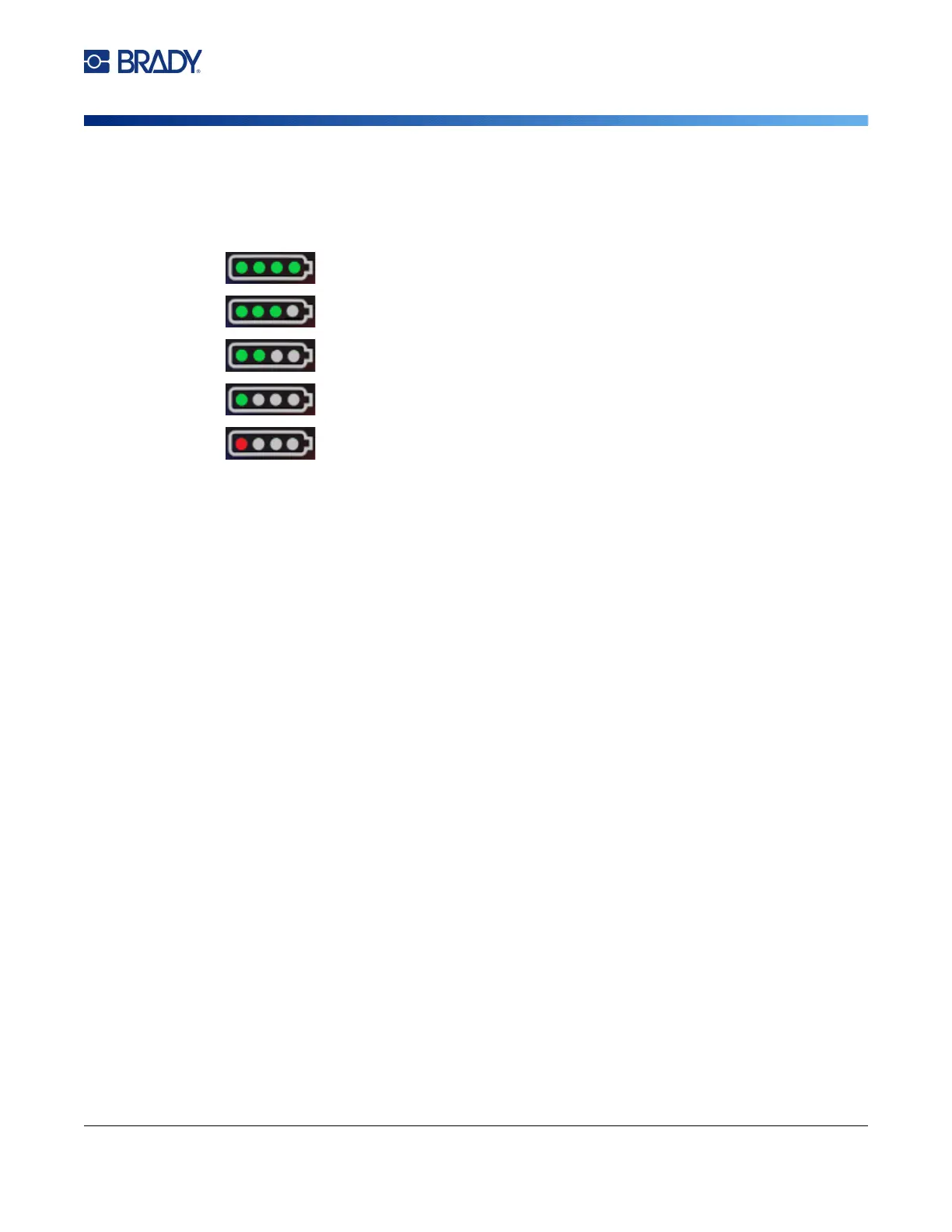
The battery status light is comprised of four dots that indicate the level of charge. Pulsing lights
indicate that the battery is charging.
• 76–100% charged, or charging completed
• 51–75% charged
• 26–50% charged
• 20–25% charged
• Less than 20% charged
Error
The error light has the following meanings:
• Flashing orange: There is a critical error that prevents printing. Check the software for the error
message. For additional help correcting the error, see
“Error Messages” on page 32
.
•
Express Labels:
Open the Express Labels app on the connected device and view printer
status to see the specific error message.
•
Brady Workstation:
Error messages are available from the Print page in the Brady
Workstation app from which you printed. Make sure to use Brady Workstation on the computer
connected to the printer and that the label file that you are printing is open.
• Solid orange: A non-critical error has occurred. You may dismiss the message in the Express Labels
app or Brady Workstation software and continue printing.
Creating Labels
Create label files using the Brady Express Labels app or a Brady Workstation app. See “Software for
Creating Labels” on page 11.
Printing
Before printing, you must use a software program to create labels. See “Software for Creating Labels”
on page 11.
To print labels:
1. Make sure the printer is on and the cartridge is locked.
2. In the Brady Express Labels app or Brady Workstation software, open the label file.



 To Next Page