DIGIMIC®
DCen mini
Copyright by BRÄHLER ICS AG 13
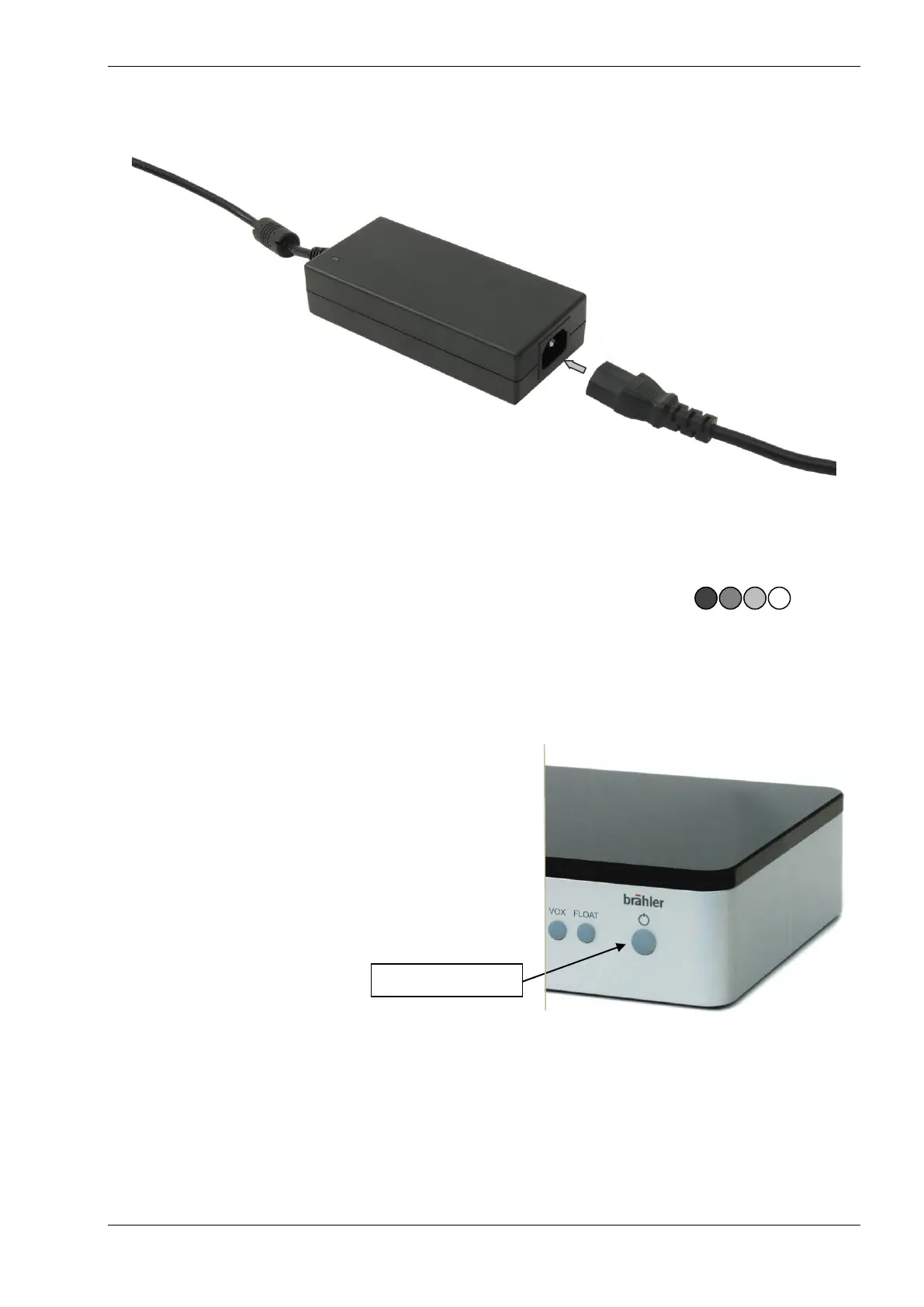
Connect the IEC power connector with the included AC power supply. The other end of the power
cable is plugged into the country-specified mains socket.
Switching on and setting
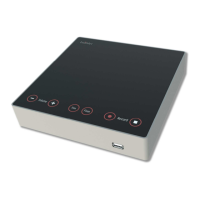
DCen mini is switched on by pressing the ON / OFF button for about 1 second.
During the boot sequence the ON / OFF button flashes in different levels of intensity:
In sequence the lights of the button VOLUME down (-), VOLUME up (+), BALANCE LS and BALANCE PA.
When the four left buttons are off (not illuminated), the startup is complete. The buttons are now set to
correct brightness on volume, balance and microphone mode. The ON / OFF button lights up permanently.
All connected microphone units are automatically identified.
You should now perform a test. Conveniently, this occurs in the operating mode AUT3, i.e. neither
button VOX nor button FLOAT light up. Otherwise you press the two buttons simultaneously to get
into this mode.
Press the microphone button on each unit to switch it on and press repeatedly to switch it off. When
switched on, the microphone button and microphone ring indicator must light up.


 To Next Page