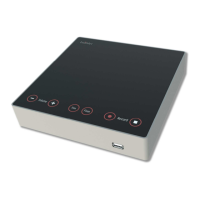
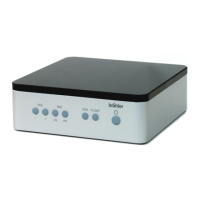
DCen mini
DIGIMIC®
16 Copyright by BRÄHLER ICS AG
4. Installation on the DCen mini
The final step of the updating process is done locally on the DCen mini.
Turn off the central unit. Wait at least 5 seconds before switching it on again. The DCen mini will verify
the integrity of the transferred files and will offer to upgrade the firmware from the old to the new release.
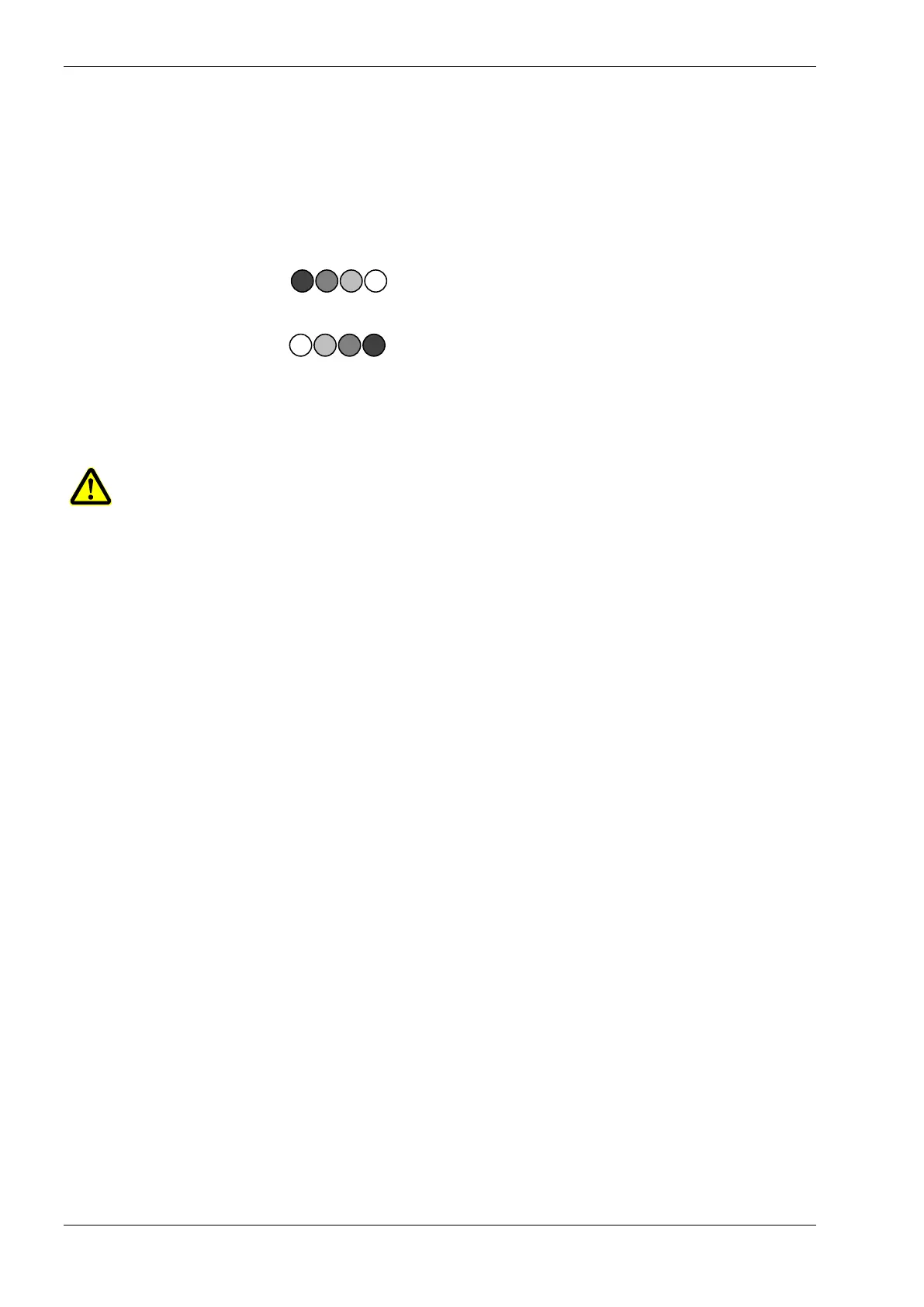
Should an update be offered, the two buttons BALANCE are flashes in the following way:
The button Balance LS flashes and indicates with increasing brightness “YES”.
Die button Balance PA flashes and indicates with decreasing brightness „NO”.
By pressing the corresponding button you can start or rejected the update process.
Note: Do not switch off the DCen mini during installation process!!
After the successful update the Central Unit DCen it will continue with the standard start-up procedure.


 To Next Page