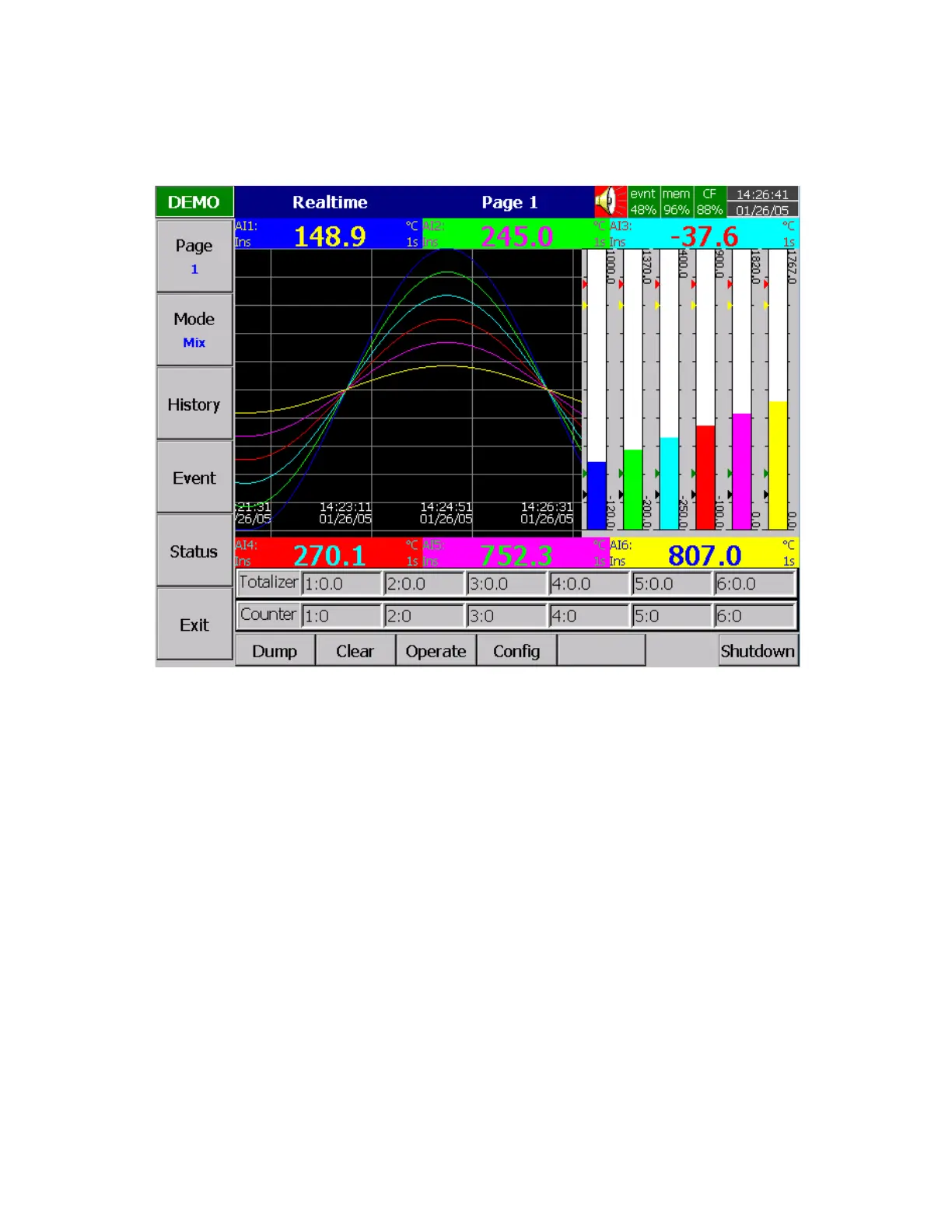
StatusBar: To make it convenient when viewing the status of Totalizer, Counter, DI or DO, the user may
enable these items in the StatusBar. For example, after enable Totalizer 1〜6 and Counter 1〜6, two extra
bars of Totalizers and Counters will appear at the lower part of display.
Figure 4 – 5
Note:
◆ To illustrate the difference between DisplayHi, DisplayLo and Scale Hi, Scale Low. Here is a typical
example, with input 0-10V, Scale Low=0.00, Scale Hi=100.00, to have better resolution and vision
on Bar, set DisplayLo=0.00, DisplayHi=50.00 so that the Bar displays from value 0.00 to 50.00.
◆ The decimal point is defined by Scale Hi and Scale Low, and not by DisplayHi, or DisplayLo.



 To Next Page