5.4 CF card Configuration
1. If no other higher capacity CF card been ordered, the standard 2GB CF card shall be supplied
along with the recorder.
2. Save configurations from recorder to CF card at Recorder.
Configuration – Save.
This step will make sure that all IO cards information as per jumper and Dip-switch selection will
be saved in to the CF card.
3. Use CF reader to read the recorder configuration on CF card in Observer software. Normally CF
readers are available for use at USB port.
Please note that all standard CF readers from major vendors will be detected automatically as
mass storage devices by the Win XP operating system. If you are using any other operating
system like Windows 98, windows ME, Windows NT and Windows 2000, then mass storage
device may not be detected and you have to install the driver for the CF reader. Driver CD shall be
shipped along with Observer software for configuration of CF card at PC. Please note that, you
need to configure CF card driver only if operating system not detecting mass storage device.
4. Once CF reader along with CF card are detected by the PC, then it should appear as removable
drive at the computer.
5. Start Observer program, Ex: Start-Programs-Observer 1 - Configuration
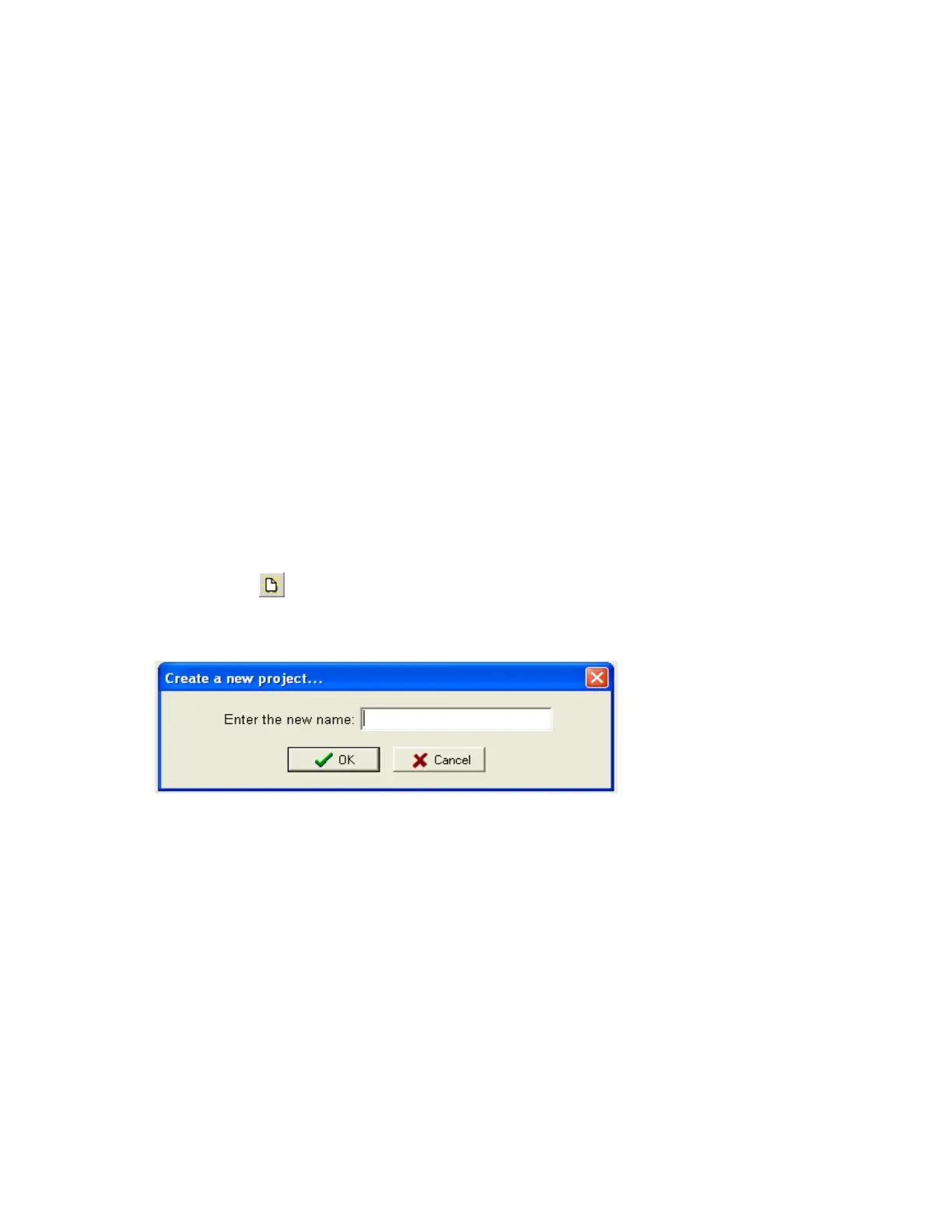
Open new file
Enter new name for the project, Ex: Boiler



 To Next Page