5. PC software and Communication configuration
5.1 Observer I & Observer II PC software guide
This is simple guide for PC software. Please refer more details to the software user manual in the HELP
of PC software itself.
Observer I & II are the PC software used for the recorder.
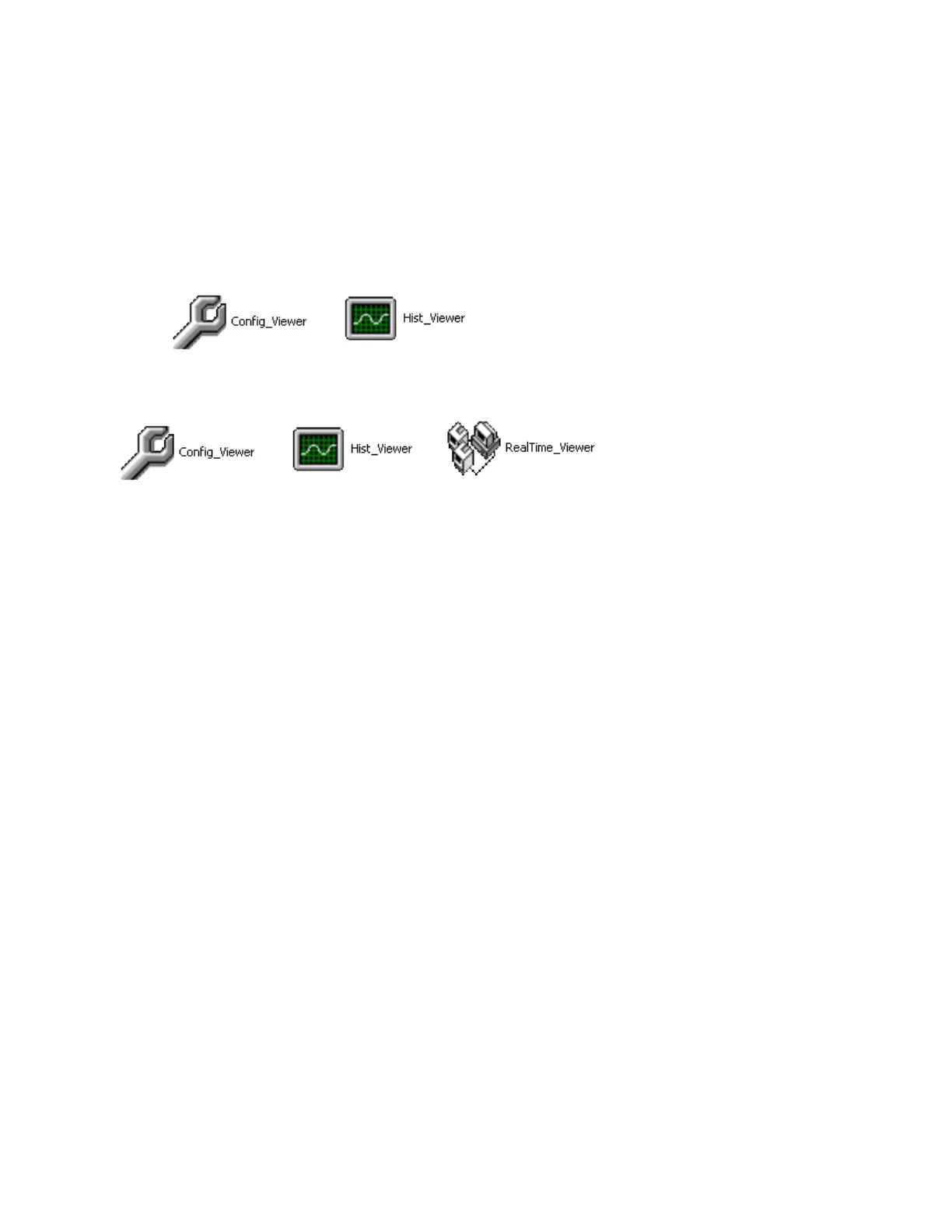
Observer I contains two components
Observer II contains three components
CONFIG_VIEWER is for configuration of the recorder from PC.
HIST_VIEWER is for monitoring historical trends in PC.
REAL TIME_VIEWER is for real time data logging in PC.
Observer I is supplied along with the recorder at free of cost.
Observer II is supplied on additional charge for real time data logging applications through PC.
System requirements
Hardware
PC with Minimum 200 MHz processor, 64 MB RAM
100 MB free space in the hard disk.
RS 232 serial port/ Network adopter RJ 45 female/ USB port and CF reader
Software
Operating system: Windows 98, Windows ME, Windows XP, Windows NT, Windows 2000, VISTA,
Windows 7 & 8.
Install Observer Software
Run the setup exe available at CD supplied and follow on screen instructions. At any point of time only
one either observer I or observer II will exist in any PC. If user install new version of observer software,
old version will be deleted automatically during installation of software.



 To Next Page