4.3 Tools ( Timer, Counter & Totalizer )
Press Back key, to return to the beginning of Configuration mode. Select Tools, then press Enter key to
get into Tools mode. Timer, Counter and Totalizer are defined here. Counter and Totalizer are available
only if the options of Math, Counter & Totalizer have been ordered before.
Timer
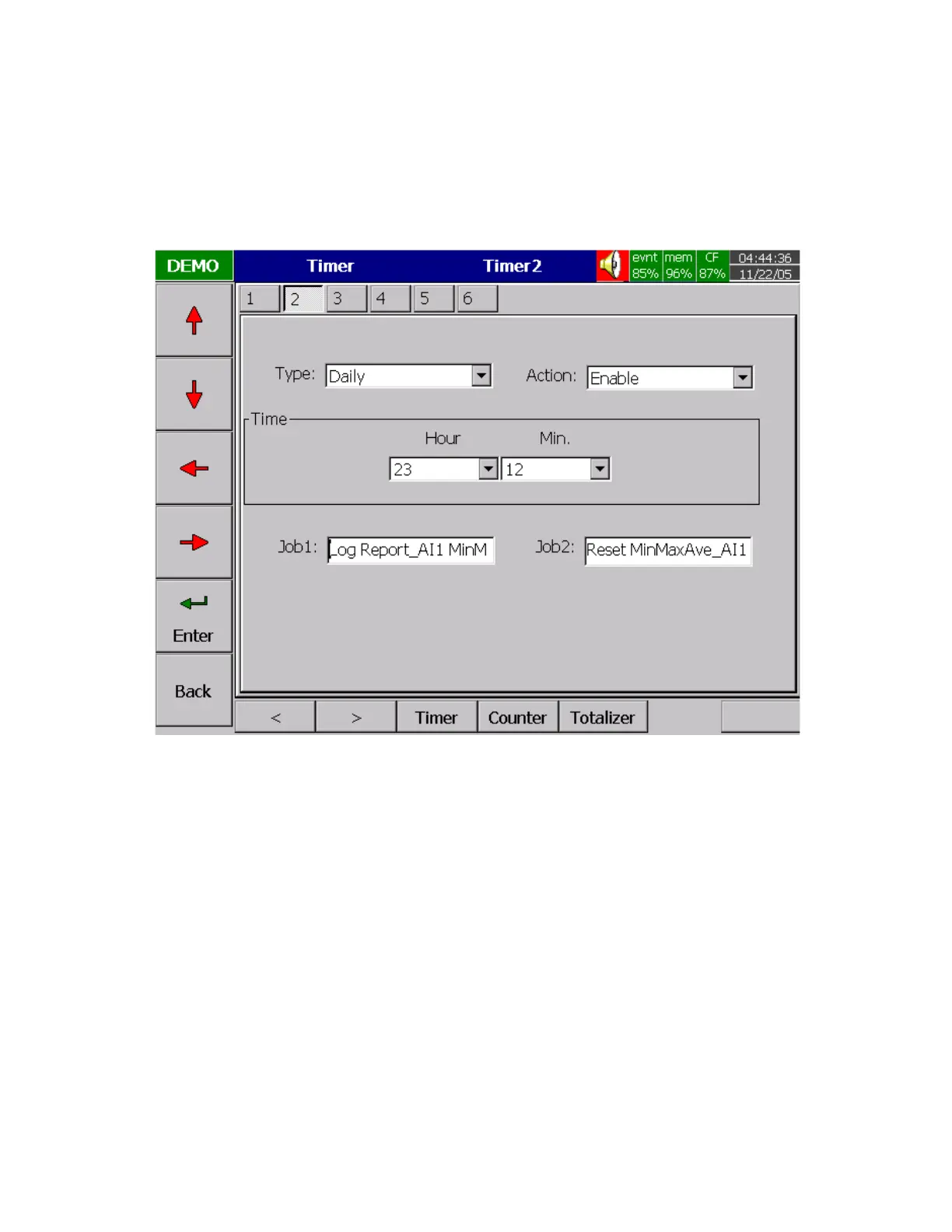
Figure 4 – 6
Press directional keys
〈
〉
at the bottom to select one from 6 available timers.
Type: Countdown, Repeat Countdown, Daily, Weekly or Monthly.
Countdown: Defines the interval of time, e.g. days, hours, minutes and seconds. ( not Real Time )
Repeat Countdown: Repeats the previous countdown.
Daily, Weekly or Monthly: The timer works in selected interval of Real Time.
Action: Disables or enables the timer.
Job1, Job2: various jobs as described in 4.1 Channel, 2 jobs for each timer.



 To Next Page