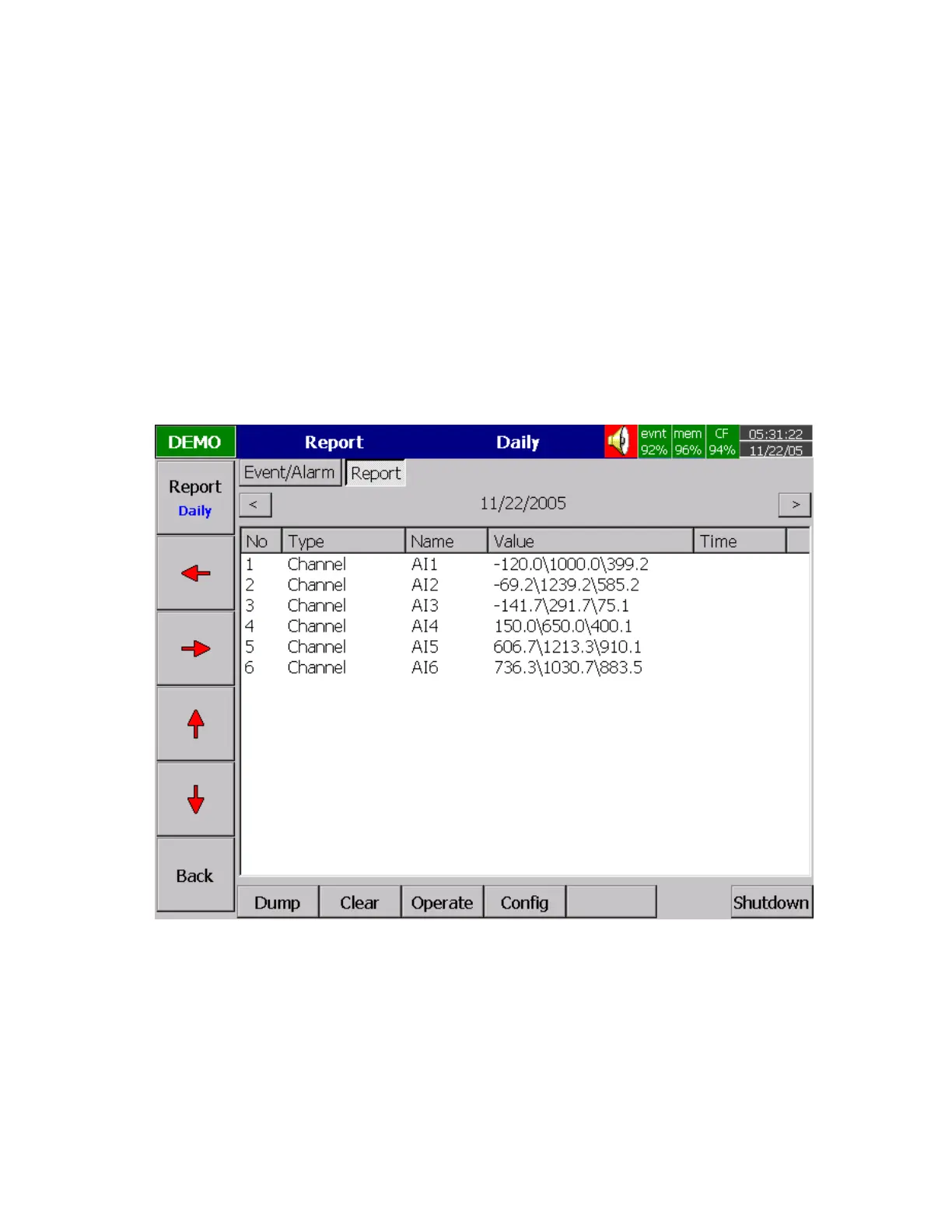
An example of Timer & Report: A staff plans to get a daily report from the recorder about the minimum,
maximum and average values of the process every day. He needs to get into Tools mode of Configuration
and do the following settings. After the production has finished, he can press Event key on the left hand
side, and press Mode key to select Report
Daily
mode and get the report like Figure 4-7.
Timer1 to Timer 6:
Type: Daily Action: Enable
Time – Hour: 17 Min: 01
Job1: Log Report Target: AI1 MinMaxAve (to AI6 MinMaxAve )
Job2: Reset MinMaxAve (Reset historical data in order to logging new data for the next day.)
Figure 4 – 7



 To Next Page