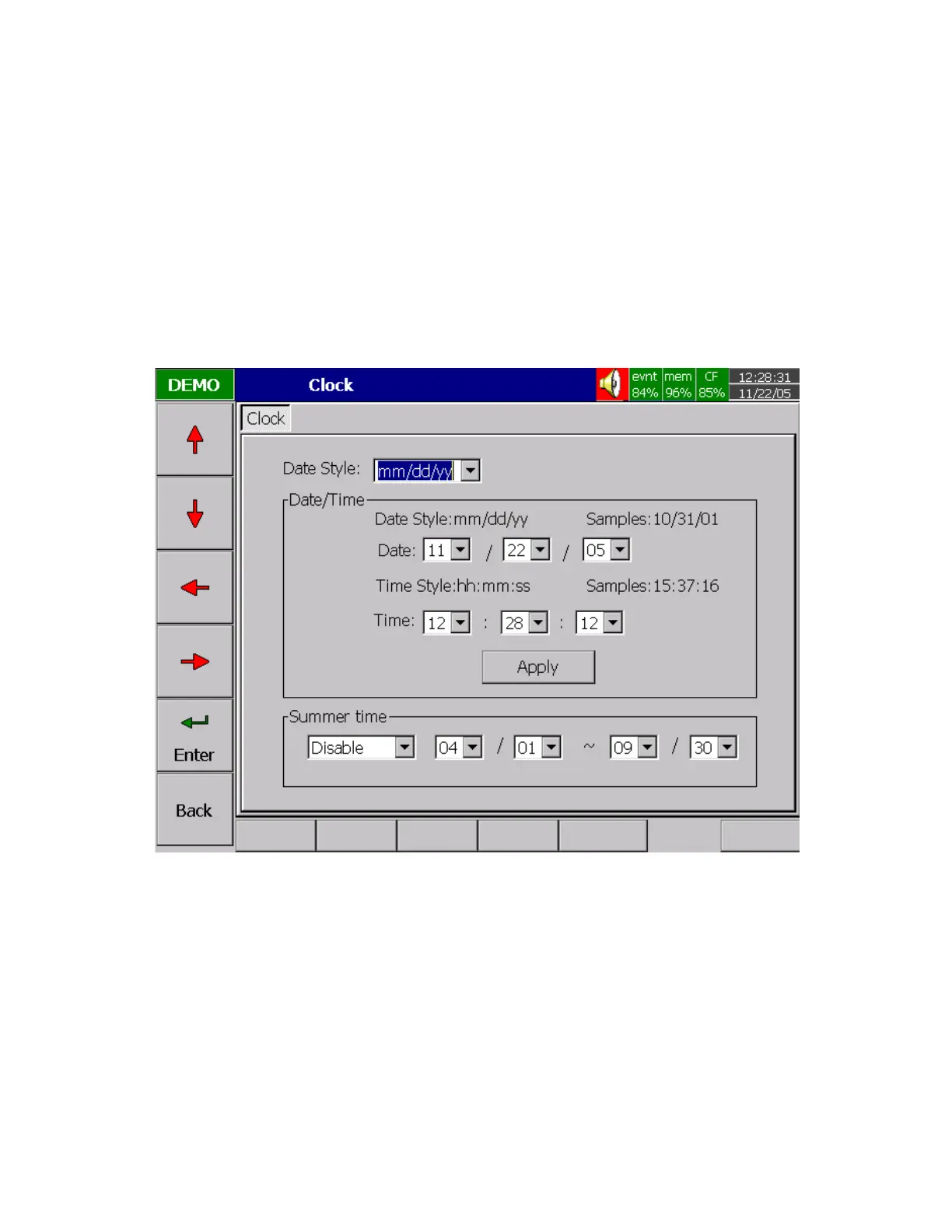
4.5 Clock
Press Back key, to return to the beginning of Configuration mode. Selects Clock then presses the Enter
key to get into Clock ( Date/Time ) mode to set up the local time.
Date Style: Selects either month/date/year or date/month/year
Date/Time: Set up the local time. Use directional keys going to the Apply column, and then press the
Enter Key to apply it to the recorder.
Summer time: For energy saving concern in certain area, it can be enabled and set certain period of time
for the purpose of energy saving in the summer.
Figure 4 – 11



 To Next Page