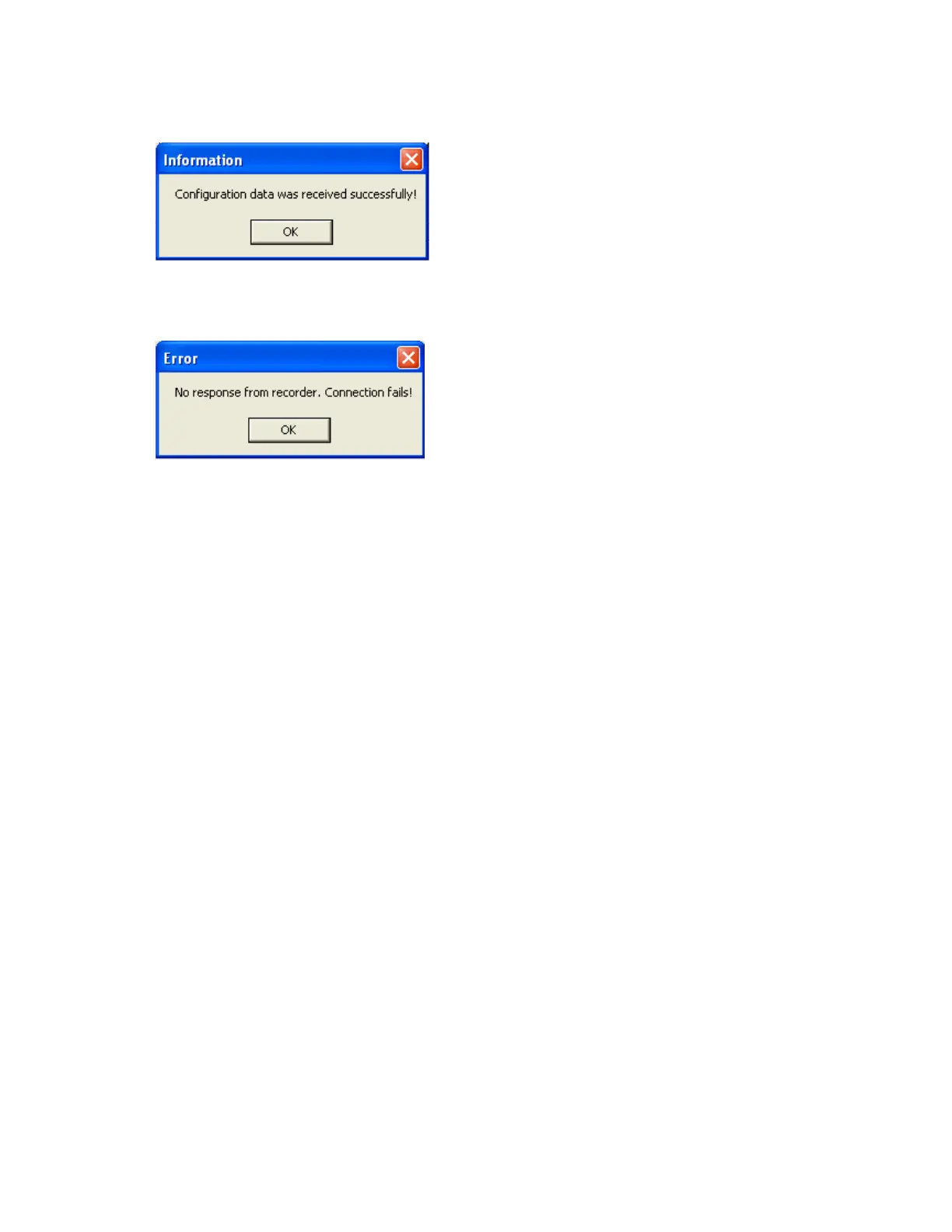
If Upload is successful, it shows message as “Configuration successful” and all the configuration
settings of the recorder now available at PC. The information includes all channel details of
Input/Output cards as per Jumper/switch settings.
If Upload is unsuccessful, it shown message as “No response from Recorder, connection fails”.
If this is the case, please check the Ethernet cable connections at both the recorder and PC/LAN
HUB side. Also make sure that green communication LED available for proper firm connection at
RJ 45 connector.
If still communication is not established between the recorder & PC, then once again check
Subnet mask and gateway address at the recorder & PC. Contact Network/ System administrator
for proper Ethernet configuration of the recorder & PC. Please note that recorder should have
unique IP address in the network and PC being used for Observer II shall have separated Unique
IP address in the network.



 To Next Page