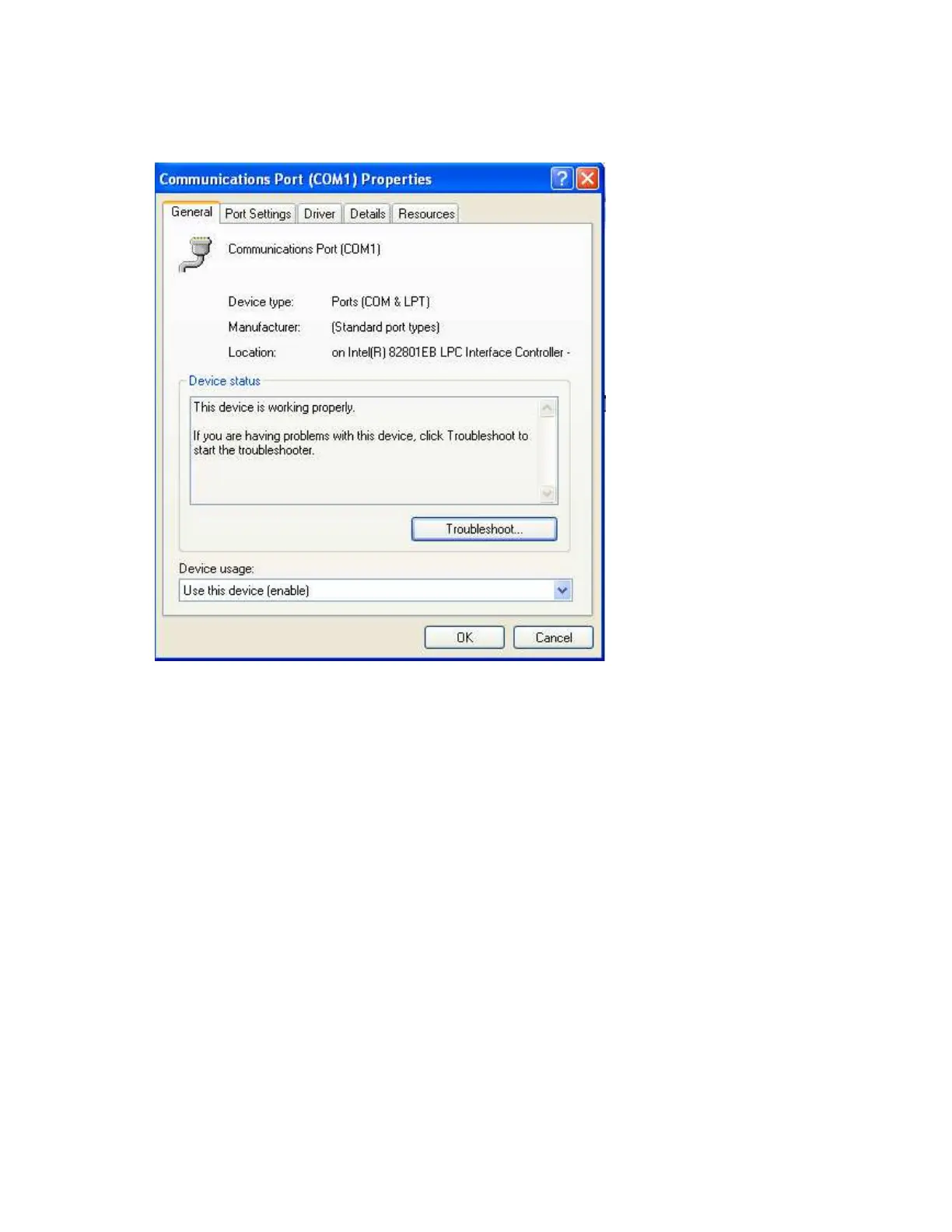
It is important to check COM port of PC to see whether it been properly set.
My computer-Properties-Hardware-Device Manager – Ports – COM 1 – Properties
Devise usage: It should be enabled
Device status: The device is working properly.
If above conditions are not met, then RS 232 port is having problem at PC. Contact system
administrator for replacing the port or updating driver properly.
If still communication is not established, user can try setting up observer software in another PC
where COM port is healthy.



 To Next Page