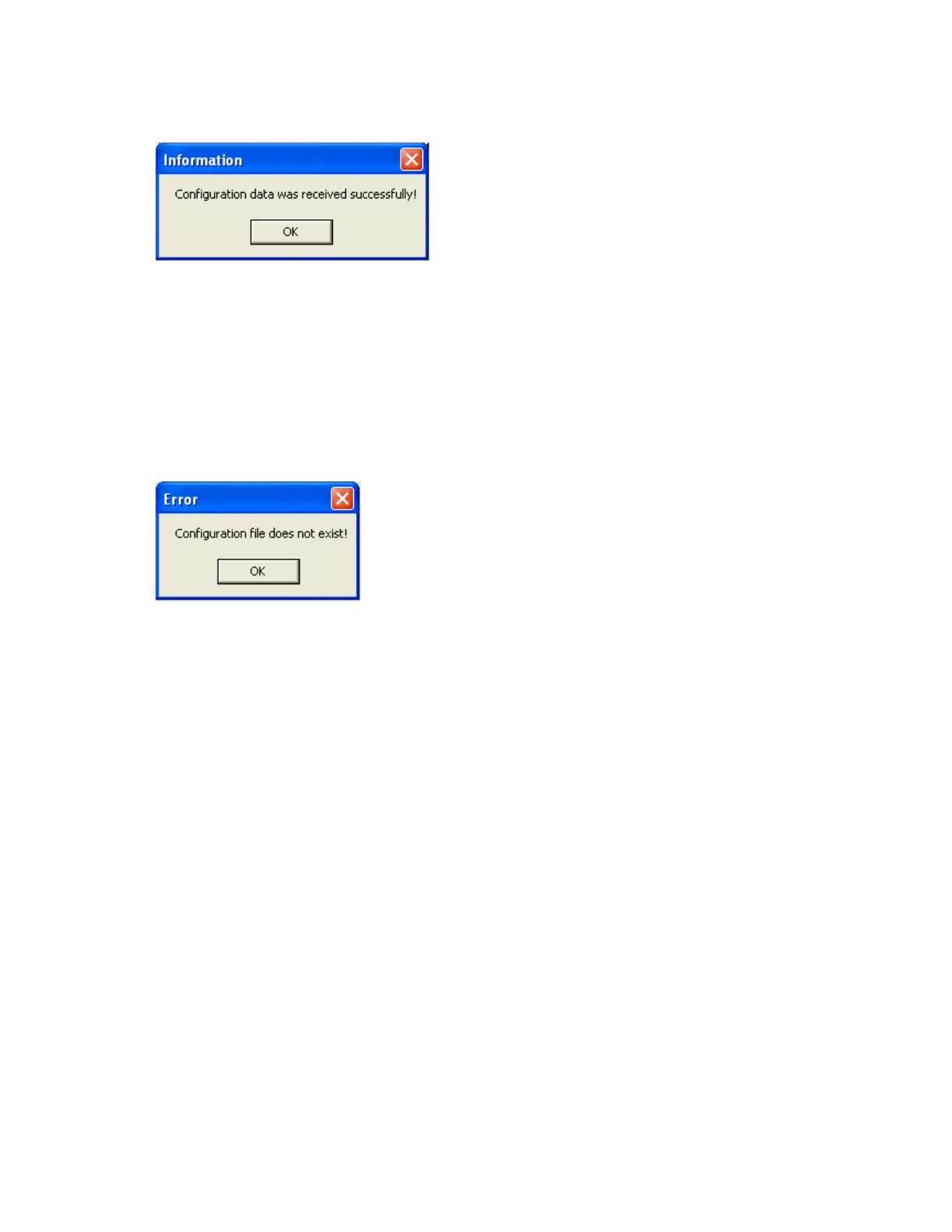
9. If Upload is successful, it shows message as “Configuration successful” and all the configuration
settings of the recorder now available at PC. The information includes all channel details of
Input/Output cards as per Jumper/switch settings.
10. If Upload is unsuccessful, it shown error message as “Configuration file does not exist”. This
message indicates that configuration information is not available in the CF card. Check correct
path of CF card is selected.
If still problem exists, check the files available in the CF card at PC. At least 2 files by name IO
and RECORDER should be available. If the files are not available, then recorder configuration
data is not properly saved in the CF card. Repeat it from Step 2.



 To Next Page