- 15 -
Troubleshooting
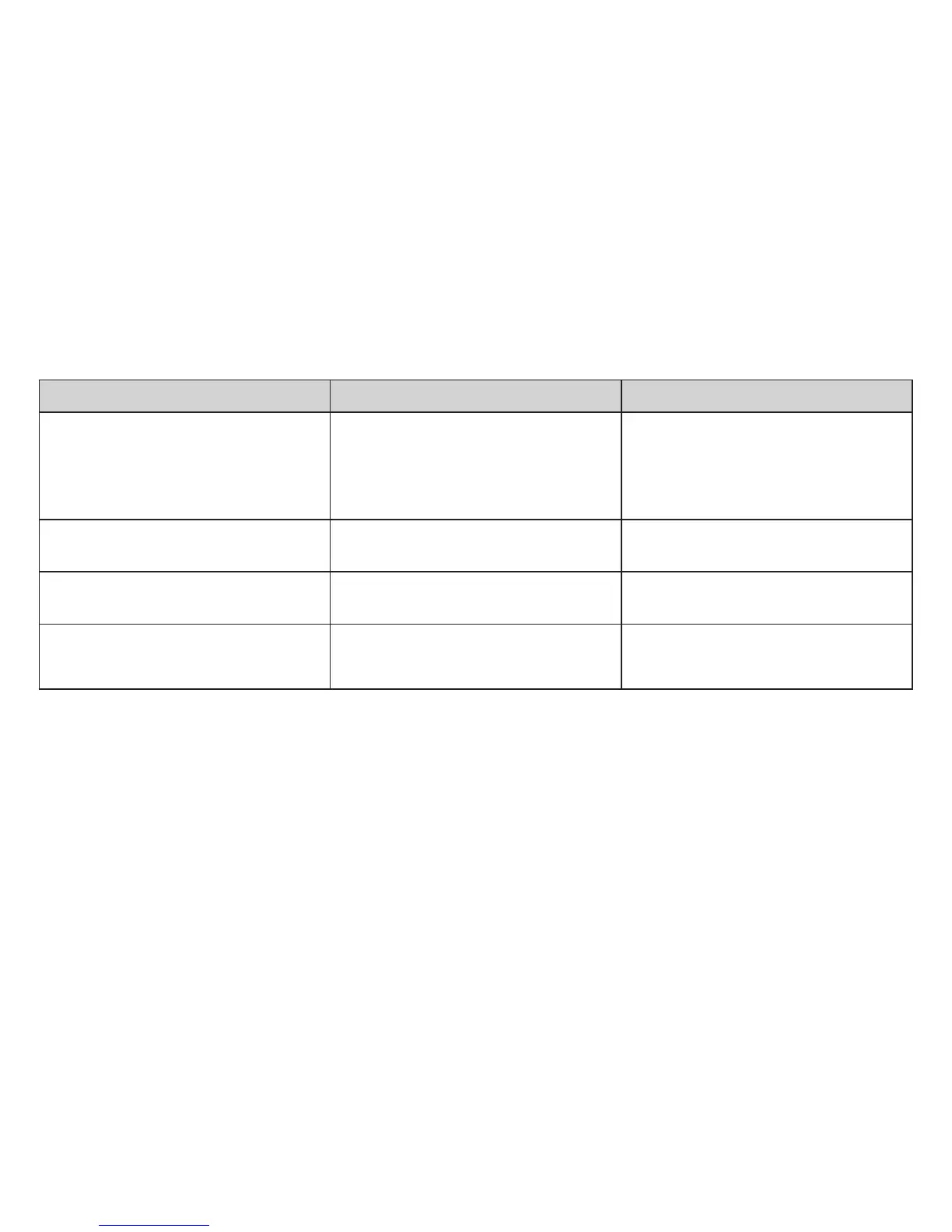
Trouble Possible cause Corrective action
PD-Tip cannot be inserted Locking/filling lever is not pushed all
the way down and is not swung out
The PD-Tip piston is not fully
inserted
Push the locking/filling lever to its
lower stop and swing it out
Push the piston of the PD-Tip fully
into the cylinder.
Locking/filling lever cannot be
pushed up
Locking/filling lever is not fully
pushed in
Make sure locking/filling lever is fully
pushed in
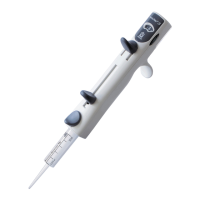
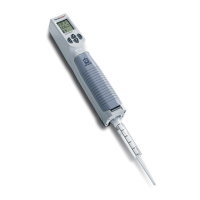
HandyStep
®
dispenses unevenly Sliding switch is not locked into
position
Lock sliding switch into position
PD-Tip drips PD-Tip seal worn
Tip loosely mounted
Replace PD-Tip
Push tip on firmly



 To Next Page