EasyManua.ls Logo

BRAND HandyStep touch - User Manual

BRAND HandyStep touch
257 pages
Go to English
Print Icon
To Next Page IconTo Next Page
Loading...
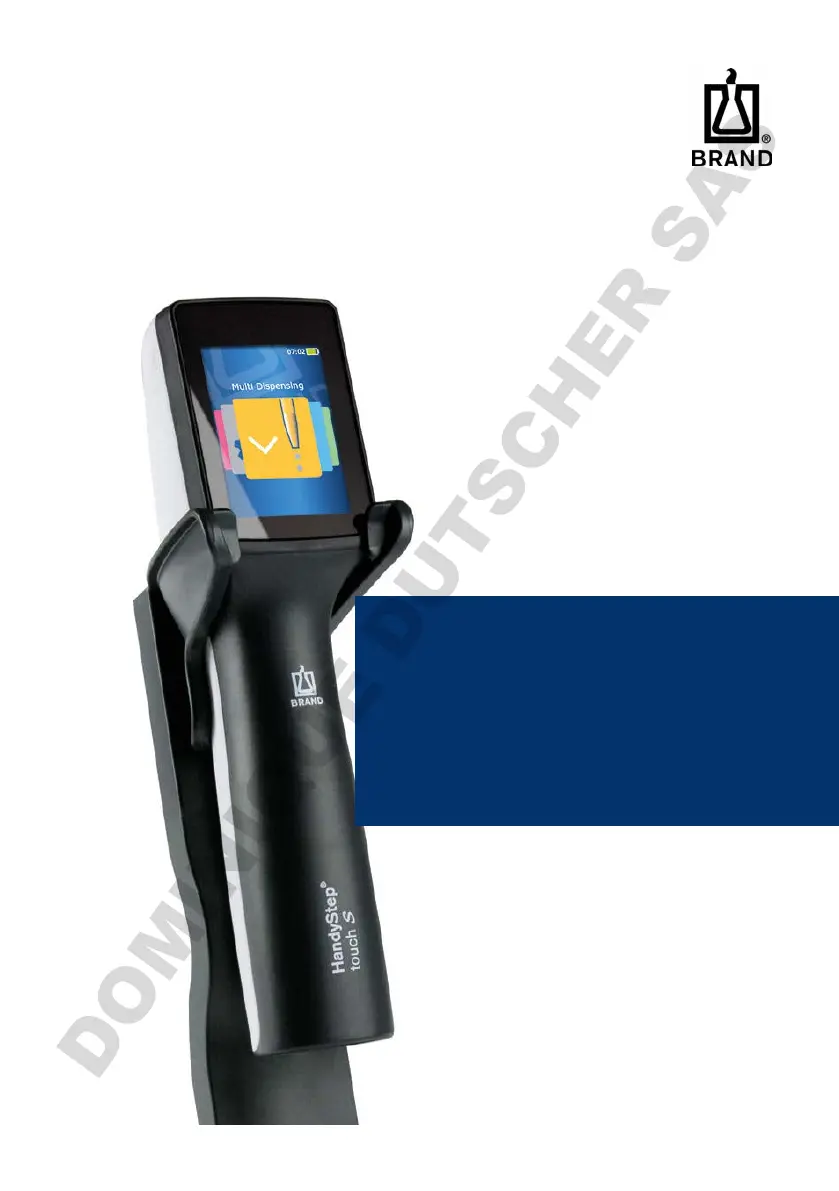
HandyStep® touch
HandyStep® touch S
Mehrfachdispenser | Multi Dispenser
Gebrauchsanleitung | Operating manual | Mode
d'emploi | Instrucciones de manejo | 操作手册
DOMINIQUE DUTSCHER SAS

Table of Contents

Questions and Answers

Summary

Scope of Supply and Terms of Use

Scope of Supply

Details the items included with the HandyStep® touch device, such as tips, cables, and adapters.

Terms of Use

Provides guidelines for using the device safely and effectively, including hazard warnings and symbols.

Hazard Levels

Identifies signal words and their associated potential hazards for safe operation.

Symbols

Explains the meaning of various symbols used throughout the manual for warnings and instructions.

Format Conventions

Describes the conventions used for tasks, steps, conditions, and results in the manual.

Safety Regulations

General Safety Regulations

Outlines essential safety precautions and rules for operating the device with hazardous materials.

Battery Safety

Covers safety warnings and precautions related to the device's battery and charging.

Inductive Charging Safety

Details safety considerations and warnings specific to inductive charging.

Usage Limits and Operating Exclusions

Specifies restrictions and conditions under which the device should not be operated.

Intended Use and Device Overview

Intended Use

Defines the proper and intended applications for the HandyStep® touch dispenser.

Functions and Controls

Provides a detailed explanation of the device's physical components and their functions.

Device Overview

Identifies and labels all external parts of the HandyStep® touch device.

STEP Button Operation

Explains how to use the STEP button for various functions like aspiration and dispensing.

Power Button Function

Describes the operation of the power button for turning the device on, off, or into standby mode.

Battery and Charging Management

Battery Status and Charging

Covers connecting, charging, and understanding battery indicators for the device.

Power Adapter and Charging

Details how to connect and use the power adapter and charging accessories.

Device Holder Mounting

Provides instructions for mounting the device holder using tape or in a benchtop rack.

Charging Stand Setup

Explains how to set up and use the optional charging stand, including safety notices.

Touchscreen and Operation Basics

Touchscreen Display Layout

Illustrates the touchscreen interface, identifying key elements and their functions.

Operation

General operational procedures, including safety, navigation, and mode selection.

Safety Precautions During Operation

Highlights safety warnings and notices related to handling liquids and the device.

Switching Device On and Off

Provides step-by-step instructions for powering the device on, off, and entering standby mode.

Opening and Exiting Operating Modes

Explains how to navigate and select different operating modes on the device.

Core Dispensing and Aspiration

Context Help and Inserting Tips

Guides on accessing help and correctly inserting dispenser tips.

Inserting and Ejecting Tips

Instructions for inserting BRAND and third-party tips, and how to eject them.

Aspirating Liquid

Details the process of aspirating liquid, including priming tips for accuracy.

Dispensing Liquid

Explains how to dispense liquid, including handling STEPS and residual volumes.

Setting Volume and Speed

Covers how to set dispensing volume and adjust aspiration/dispensing speed.

Operational Modes Overview

Overview of Modes

Lists and briefly describes all available operating modes for the HandyStep® touch.

Multi-Dispensing (MULTI-DISP)

Details the Multi-Dispensing mode for stepwise dispensing of aspirated volumes.

Aspiration and Dispensing in Multi-Disp

Explains how to aspirate and dispense liquid in the Multi-Dispensing mode.

Presetting the STEP Count

Describes how to preset the number of dispensing steps in Multi-Dispensing mode.

Advanced Operational Modes

Auto-Dispensing (AUTO-DISP)

Details the Auto-Dispensing mode for automated, timed liquid dispensing.

Automatic Dispensing and Pause Time

Covers automatic dispensing and setting manual or learned pause times.

Learn Function for Pause Time

Explains how to use the learn function to automatically determine optimal pause times.

Pipetting (PIP)

Describes the Pipetting mode for standard liquid aspiration and dispensing.

Setting Volume and Filling Tip in Pipetting

Guides on setting volumes and filling tips specifically for Pipetting mode.

Sequential Dispensing (SEQ-DISP)

Details the Sequential Dispensing mode for dispensing a series of predefined aliquots.

Creating and Dispensing Aliquots

Explains how to create, edit, and dispense aliquot lists in SEQ-DISP mode.

Specialized Modes and Features

Multi-Aspiration (MULTI-ASP)

Details the Multi-Aspiration mode for aspirating multiple volumes with one tip.

Aspiration and Filling Modes in Multi-Aspiration

Describes the different filling modes available for liquid aspiration in MULTI-ASP.

Titration

Explains the Titration mode for dispensing liquids for chemical analysis or color change observation.

Performing Titration

Provides a step-by-step guide on how to perform titration using the device.

Favorites

Covers the feature for saving and recalling frequently used settings and modes.

Creating and Using Favorites

Guides on how to create new favorites and open existing saved settings.

Settings and Configuration

Settings

Details various device settings for daily usage, including language and display.

Language, Device, Date;Time

Instructions for configuring device language, name, date, and time settings.

Display and Sound Configuration

Covers adjustments for display brightness, timeout, auto-power off, and sound alerts.

Calibration and Factory Settings

Information on device calibration reminders and resetting to factory default settings.

Maintenance and Support

Cleaning and Disinfection

Guidelines for cleaning the device exterior and performing UV disinfection.

Instrument Cleaning and UV Disinfection

Provides instructions for routine cleaning and recommended UV disinfection procedures.

Troubleshooting

Helps diagnose and resolve common issues encountered with the device.

Device Behavior Issues

Lists common device faults, their possible causes, and corrective actions.

System and Event Messages

Explains how to interpret system and event messages displayed by the device.

Monitoring Volumes

Covers procedures for monitoring device performance, like testing instructions and leak tests.

Leak Test Procedure

Step-by-step guide for performing a leak test on the PD tip.

Technical Information and Services

Calibration

Information on recommended calibration intervals and procedures.

Technical Data

Presents detailed specifications, including accuracy, limitations, and material composition.

Accuracy and Limitations

Details the device's accuracy performance and operational limitations.

Materials, Battery, Adapter Specs

Provides specifications for materials used, battery, and the universal power adapter.

Ordering Information

Lists available devices, accessories, and consumables with their order numbers.

Devices and Accessories

Information on ordering the main device units and various accessories.

Repairs

Guidance on how to send the device for repair, including decontamination and contact information.

Sending Device for Repair

Step-by-step instructions for preparing and sending the device for service.

Disposal

Information on the proper disposal of electronic devices and batteries.

Battery and Electronic Disposal

Specific guidelines and warnings for the safe disposal of batteries and electronic components.

Device Navigation and Symbols

Device Navigation

Explains how to navigate through the device's menus and operating modes.

Symbol Reference

A comprehensive guide to all symbols used on the device and within the manual.

BRAND HandyStep touch Specifications

General IconGeneral
BrandBRAND
ModelHandyStep touch
CategoryDispenser
LanguageEnglish

Related product manuals