5 Functions and controls
68
Operating manual HandyStep® touch, HandyStep® touch S 997486
5.3.3 Indicators on the display
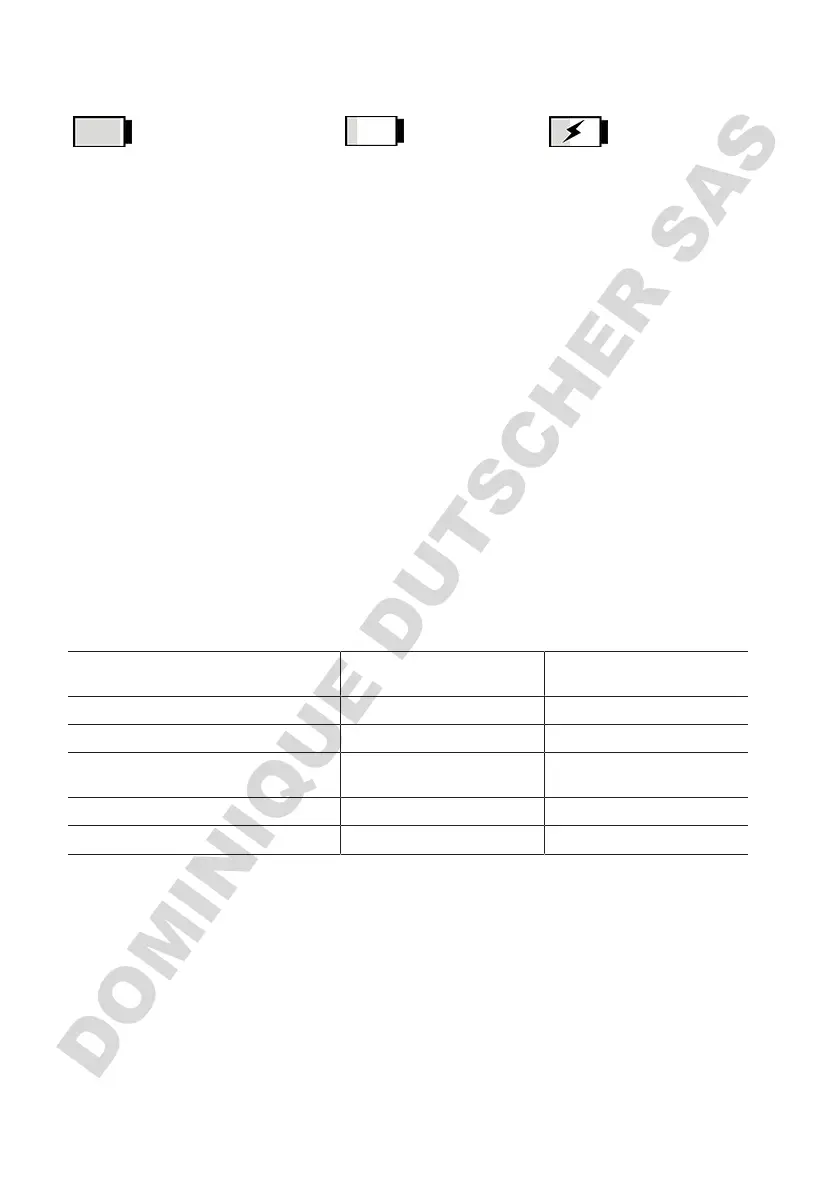
Battery is ready for operation. Battery is almost empty. Battery is charging.
5.3.4 Standby mode
If the power button is pressed when the device is switched on, the device goes into standby mode and
the display is turned off. Standby mode is used to extend battery life. To exit Standby mode, perform
one of the following actions:
• Press the power button.
• Press the STEP button.
• Insert a tip.
5.3.5 Working while charging
You can continue to work while the device is charging. To do this, plug the USB cable into the multi-
function jack on the device. The charging time is prolonged as a result. Working with the USB cable
plugged-in is only possible if the battery is connected to the device.
5.3.6 Battery life
The battery life describes the amount of time the device can be used with a new battery. Battery life
depends on several factors, including the condition of the battery itself, the display brightness, the
speed settings or the medium in use. The battery life itself was determined in an automated process.
Medium (examples) Distilled water (in accor-
dance with ISO 3696)*
Canola oil**
Tip 10 ml PD-Tip II 25 ml PD-Tip II
Battery New and 100% charged New and 100% charged
Device settings Speed level 6
Medium display brightness
Speed level 4
Medium display brightness
Steps 20 steps of 0.5 ml 10 steps of 2.5 ml
Battery life approx. 5 h approx. 2 h
*Corresponds to normal power consumption
**Corresponds to maximum power consumption
5.4 Controls
Touchscreen display
You operate the touchscreen display with your thumb, in order to set the required values.
STEP button
You operate the STEP button with your index finger.



 To Next Page