14 Titration
94
Operating manual HandyStep® touch, HandyStep® touch S 997486
14.3 Options
a. In the operating mode, tap on the symbol .
ð
The Options menu appears.
Option Meaning
Add to Favorites Adds active settings to Favorites. You can open these again from the
main menu under Favorites.
Manual/STEP volume Switches titration mode
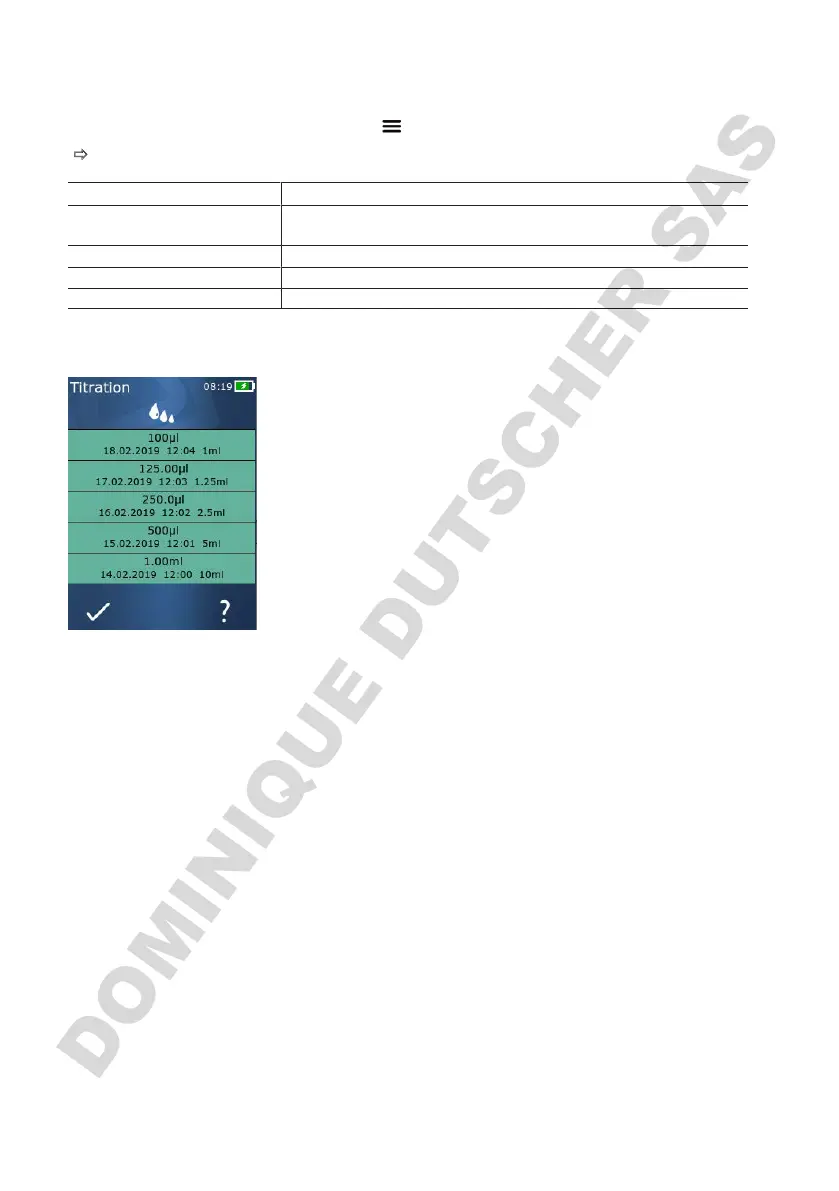
Show last volumes Displays the last volumes titrated.
Operating Mode Help Shows the help text for the mode.
Show last volumes
The list shows the last 5 volumes that were saved by you.
Newly saved volumes are added to the top, while older vol-
umes are discarded.



 To Next Page