English
7 Operation
HandyStep® touch, HandyStep® touch S 997486
Operating manual
75
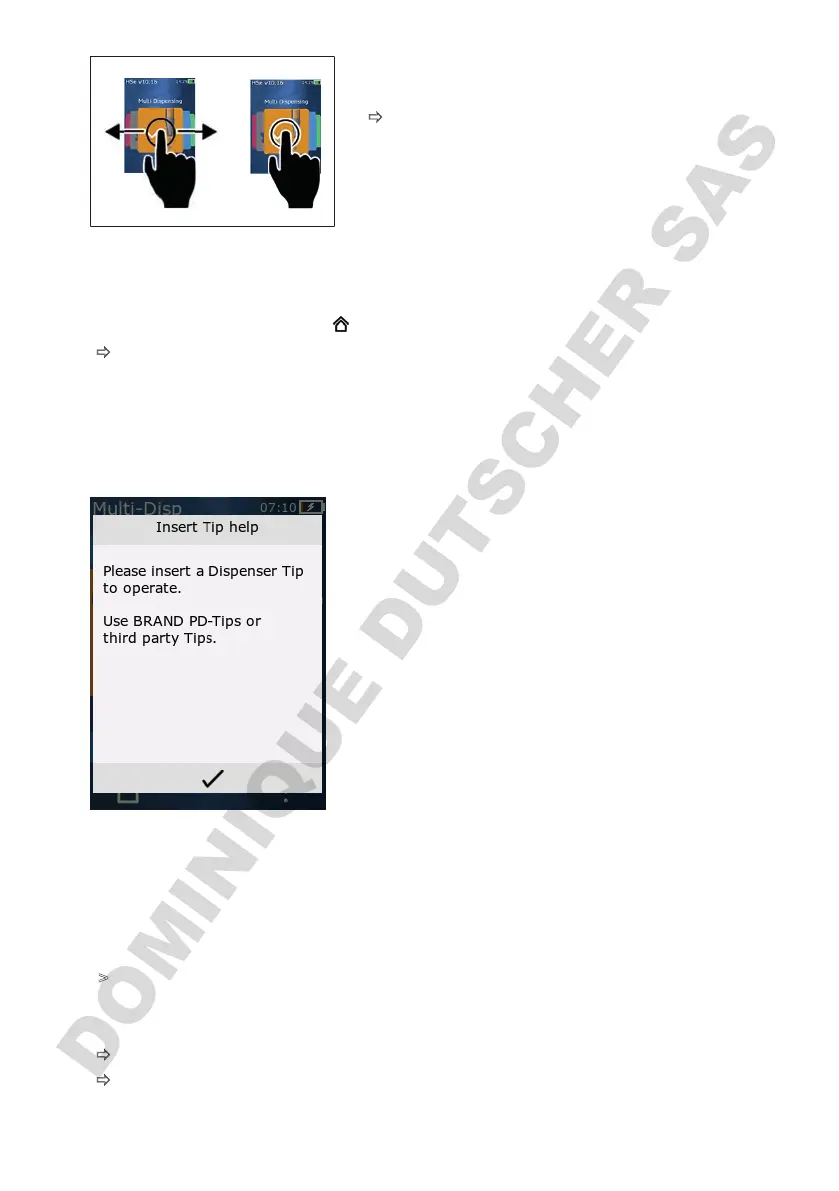
a. Swipe to select the operating mode.
b. Open the operating mode by tapping once.
ð
The operating mode appears.
7.6 Exiting an operating mode
a. In the operating mode, tap the button.
ð
The main menu appears.
If there is any liquid left in the tip, you will be asked if you would like to drain the tip or continue work-
ing in another operating mode with the remaining volume.
7.7 Opening Context Help
The Context Help window helps you answer questions about
functionality in the respective operating mode or menu.
7.8 Inserting tips
7.8.1 Inserting BRAND PD tips
Prerequisite:
>
The operating mode has been selected
a. Insert the tip.
b. Press the STEP button. The tip is connected to the device and the volume is set.
ð
The operating mode appears again.
ð
The liquid can be aspirated.



 To Next Page