5 Functions and controls
66
Operating manual HandyStep® touch, HandyStep® touch S 997486
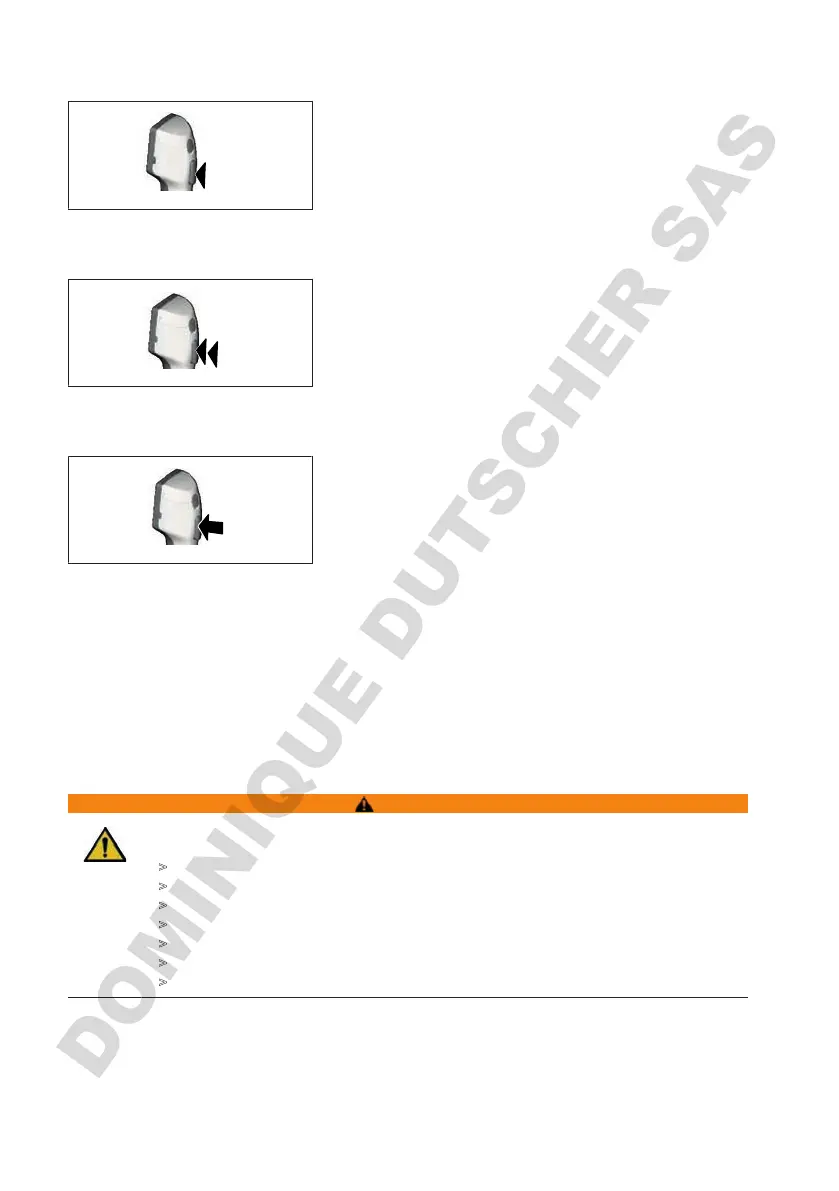
Briefly pressing the STEP button (“click”)
Example application:
Aspirating liquid, dispensing liquid, interrupting liquid aspi-
ration (mode-dependent), inserting or ejecting a tip
Briefly pressing the STEP button twice ("double click")
Example application:
Refilling a tip.
Pressing and holding the STEP button
Example application:
Completely emptying a tip, automatically dispensing liquid
(in Auto-Dispensing mode), manual titrating (in Titration
mode).
5.2 Power button
Use the power button to switch the device on and off. It is also used to put the device into standby
mode.
5.3 Battery
WARNING
Damaged or incorrect battery
Possible personal injury
>
Use only the original battery.
>
Use only the original power adapter.
>
Do not puncture, bend, ignite, compress, short circuit or overheat.
>
Do not touch a leaking battery with bare hands. Wear safety gloves!
>
Dispose of damaged batteries in accordance with legal requirements.
>
Operate the battery only within the specified temperature ranges!
>
Follow the instructions on the battery!



 To Next Page