I E16x442 Rev: 00 Page 34 of 73
5.1.5. Special Display Mode 1
Toggle between Standard and Special Display Mode 1 by pressing keys
and
together.
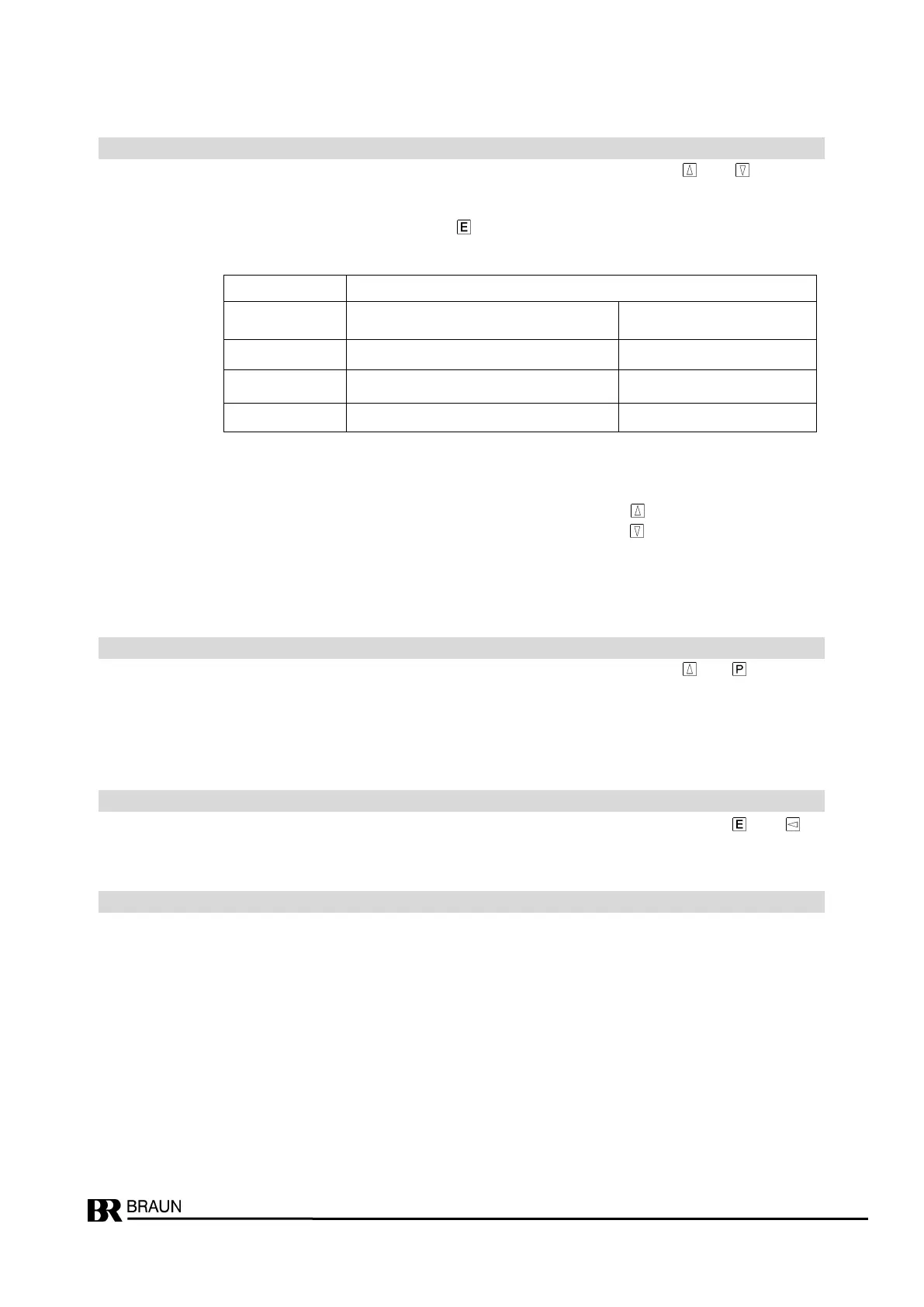
In Special Display Mode 1 the measured speed values of sensors A, B, C can be shown indi-
vidually as well as the signal level of the main sensor.
Toggle between the four values with
.
The LED assigned to the specific speed value is blinking (see table).
Note :
If signal level (LED4 blinking) is selected, without a key pressed the median signal value is
displayed.
The maximum measured signal level is then displayed with key
.
The minimum measured signal level is then displayed with key
.
Minimum, maximum and median values are dynamically updated with a sample rate of approx.
1 second.
5.1.6. Special Display Mode 2
Toggle between Standard and Special Display Mode 2 by pressing keys
and
together.
In Special Display Mode 2 LED1 and LED4 are blinking.
This display mode is only used for trouble shooting, if external signals are missing and the mon-
itor displays the Event code E.0.4.0.0 .
5.1.7. Frontside Reset of Alarms and Event Codes
Resetting of (no longer valid) alarms and event codes is done by pressing keys and (if
enabled in step P00.02).
9pole Sub-D for PROFIBUS and RS232.
Notes:
- RS232-Data interface only available for systems with serial nos. exceeding 193850.
- For RS232, adapter L3D02 must be used
speed value of sensor:
LED1 LED2 LED3
signal level (in xx.x volts)
LED4


 To Next Page