- 41 -
Deleting Test Results
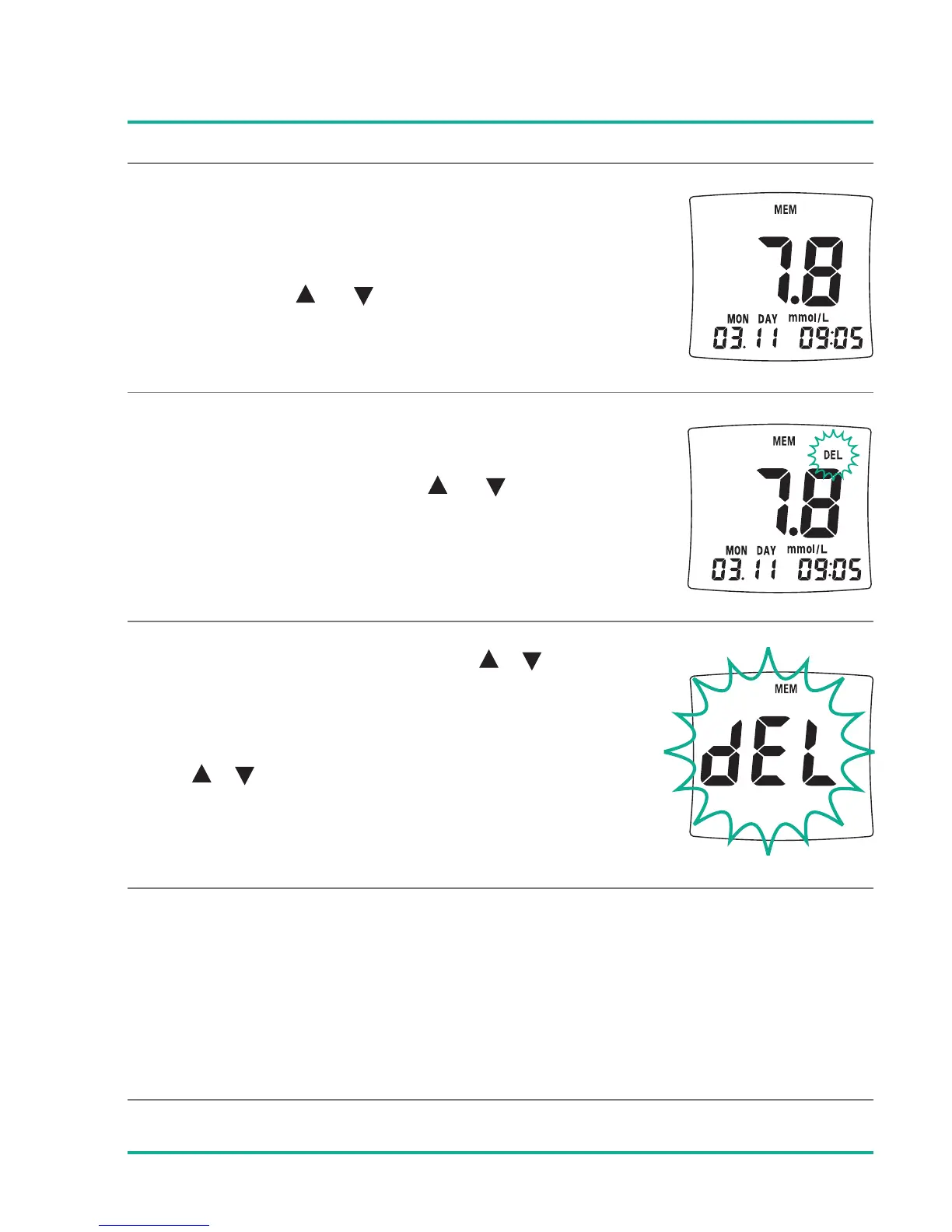
To delete any individual test result in the
memory press or button for 3 seconds.
Small DEL icon will be shown on the upper
right of the display. Press or button until
3 beeping sounds will be heard and the test
result disappears from the display.
To delete all test results press buttons
at the same time for 3 seconds and then big
dEL character will be displayed. Keep on pres-
sing buttons until 3 beeping sounds
will be heard and dEL disappears from the
display.
Average results (AVG) can not be deleted, because they are
calculated from the remaining test results in the memory.





 To Next Page