- 40 -
Reviewing Your Results
Omnitest® 3 saves up to 365 test results with date and time
in built-in memory and 3 different average glucose levels are
calculated and saved. These values will appear on the display
by recalling anytime you like to see them. The latest result
will replace the oldest beyond 365 data.
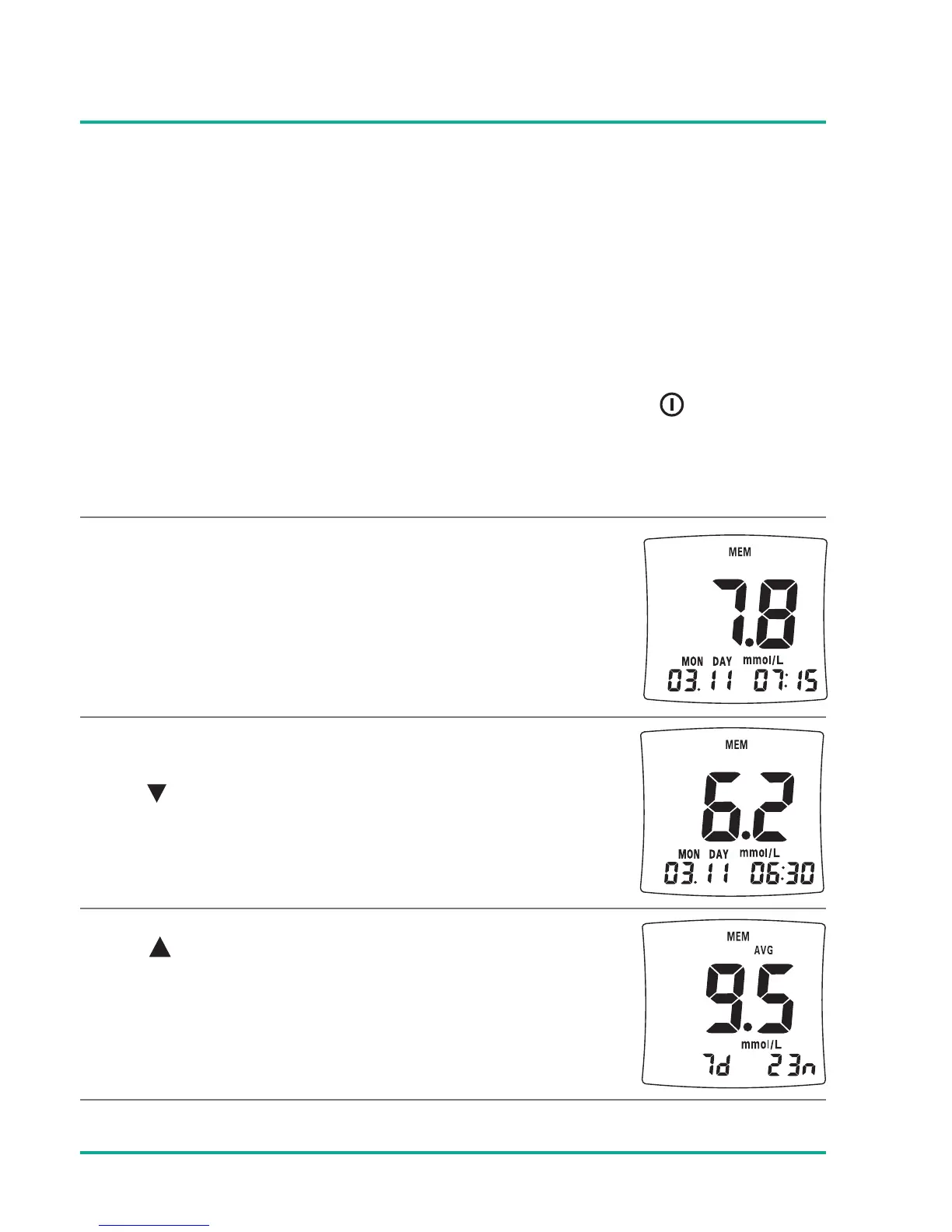
The meter enters “Memory” mode by pressing the button
shortly.
The first display shows the latest test result
Press button to see the individual test
results.
Press button to see the average results.
Small AVG icon will be shown on the display
(7d = 7 days average; 23n = 23 results taken
for average calculation).





 To Next Page