- 39 -
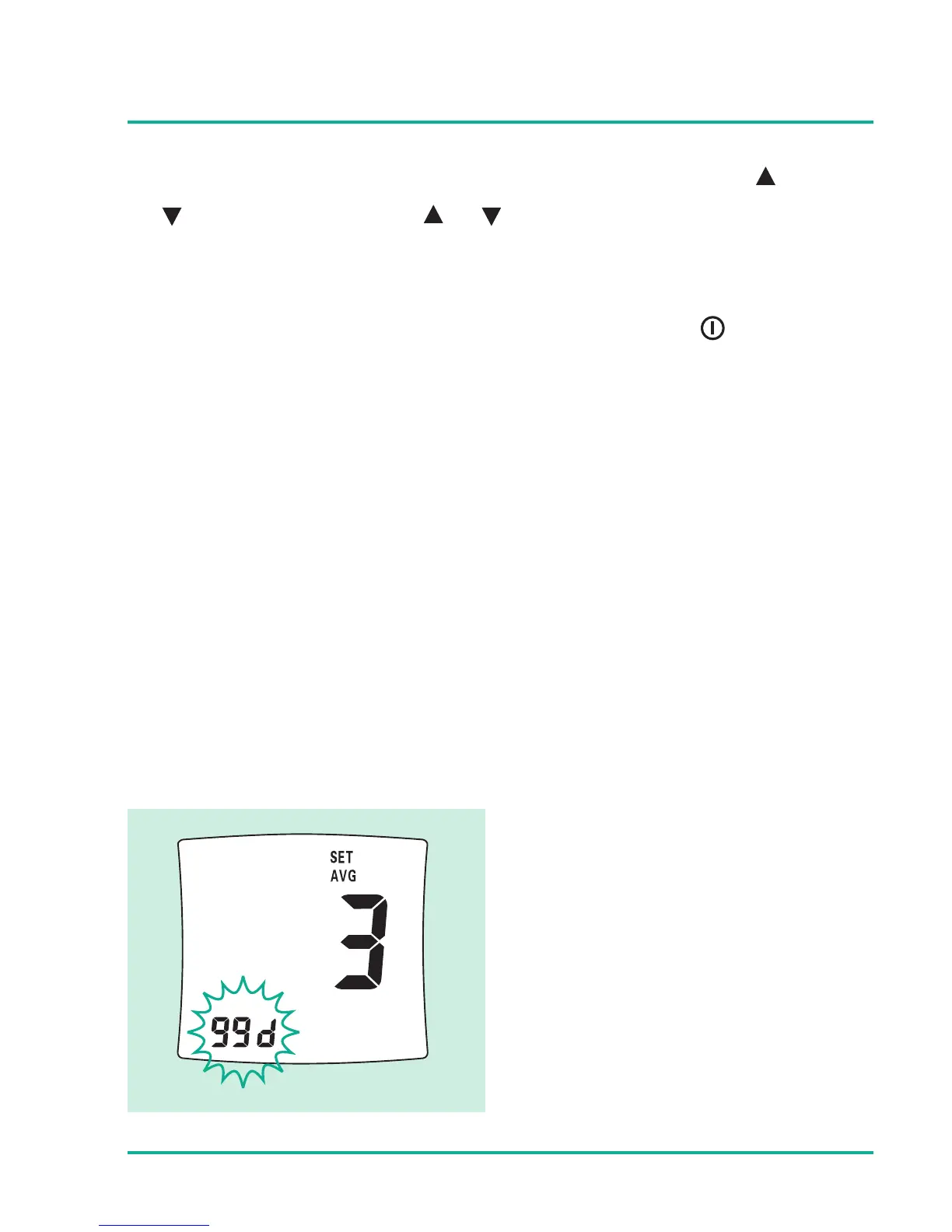
To increase or decrease the number of days, press the button
or button; holding the or button the value will be
increased or decreased at a quicker rate.
With the correct number of days displayed, press button to
set next average day. AVG character will display during the
average day setting.
Third average setting






 To Next Page