- 38 -
Set the Meter
Set the Average Day
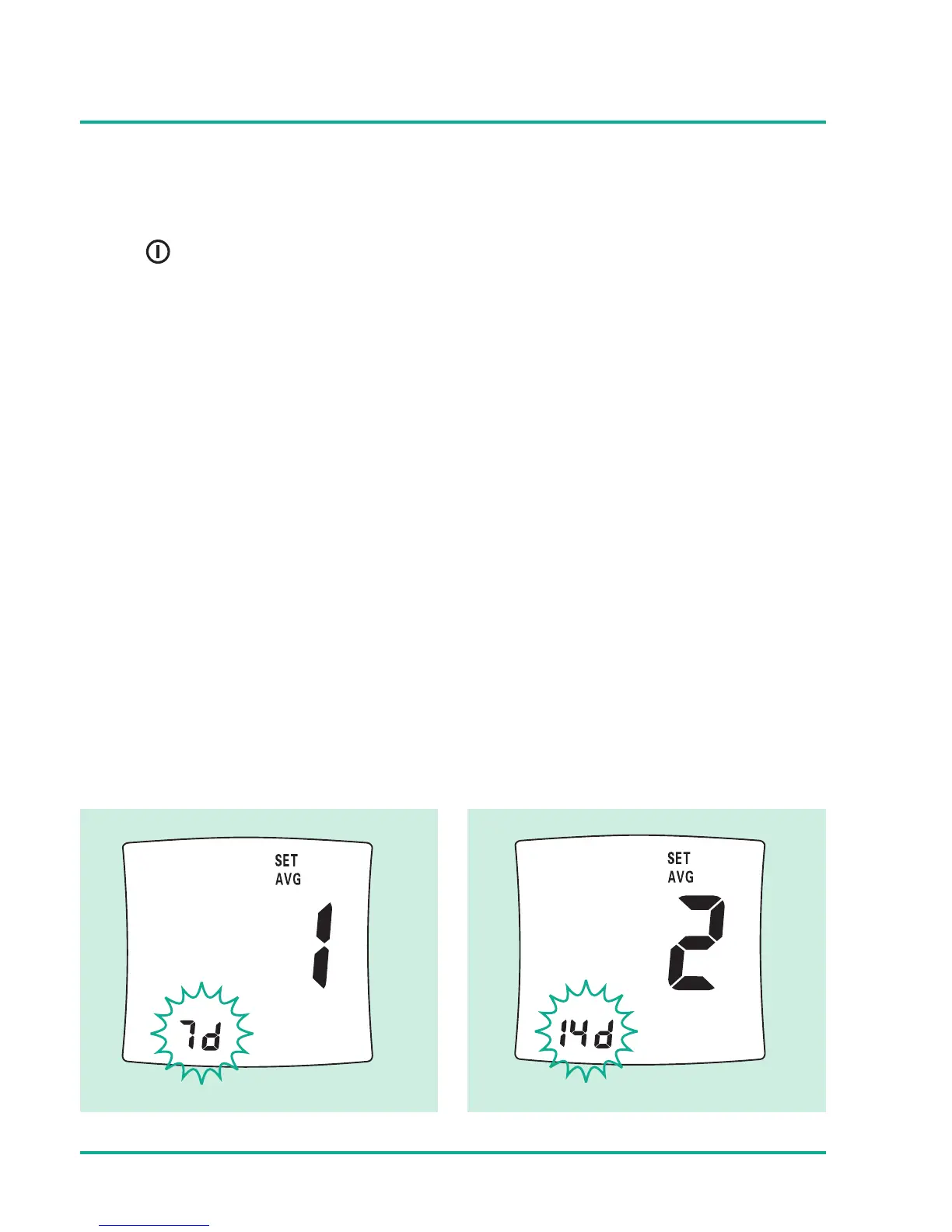
Press button to proceed to set the average day.
Omnitest® 3 will show 3 different average results and the
number of days can range from 1 to 99 days. The setting mode
begins with setting the number of days of which you would like
to receive an average calculation of your glucose level.
E.g. 7d = 7 days average
First average setting Second average setting





 To Next Page