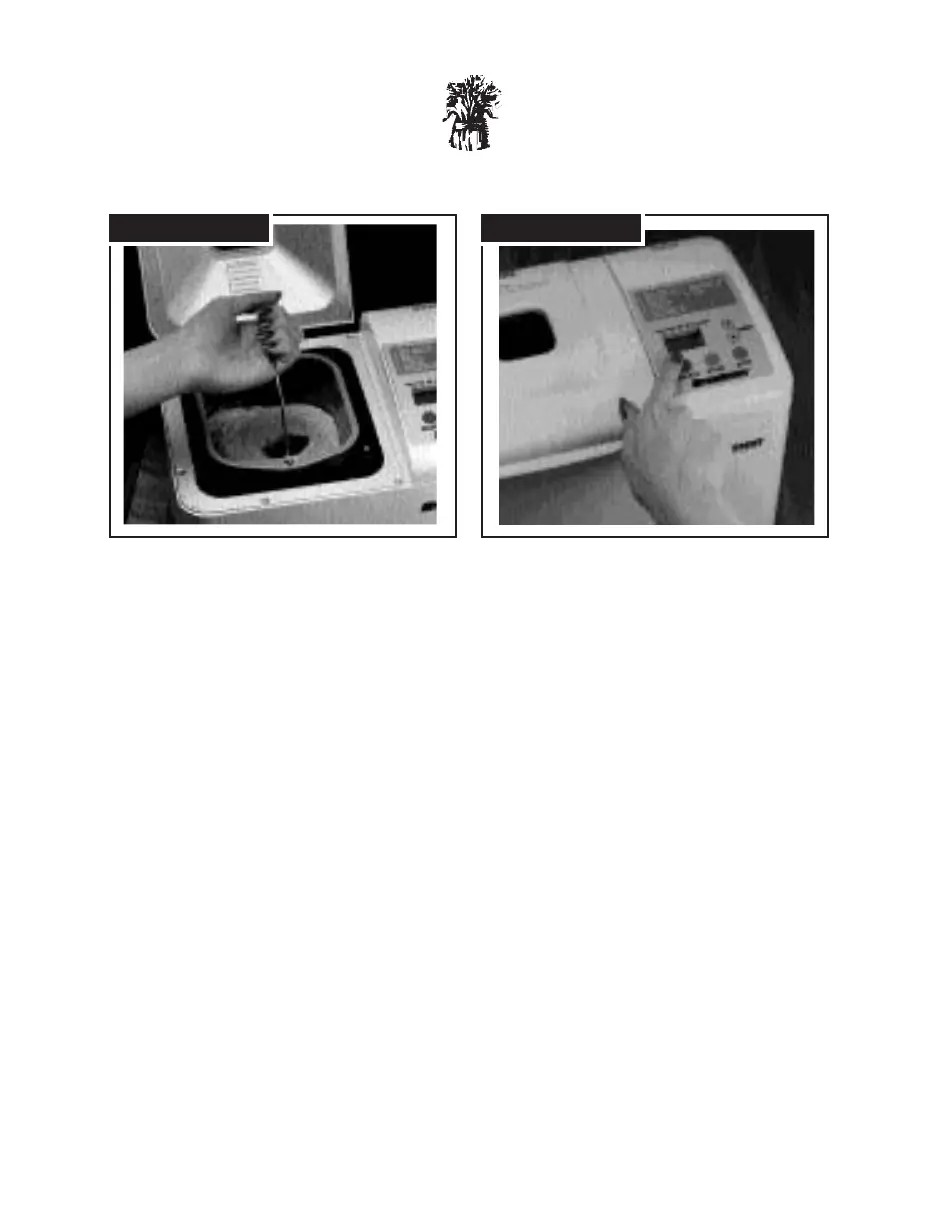
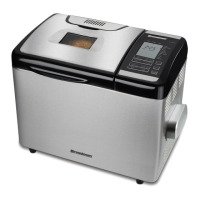
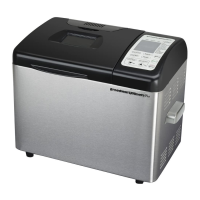
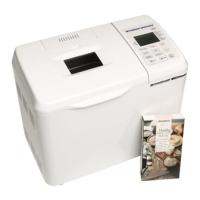
Insert the Bread Pan in the Breadman
®
.
To insert the Bread Pan into the machine,
set it in place. Press down until it snaps
into place.
Close the Lid and plug in the Breadman
®
.
When you plug it in, the Breadman
®
automatically sets to Basic White Bread,
Medium Crust.
Press the Select button to choose the
cycle you want.
Press the Select button to choose the
bread selection you desire. Each time you
press “SELECT,” the number of your
selection will be displayed in the Display
Window. See Control Panel section on
page 3 for the selection order.
9
STEP 5 STEP 6



 To Next Page