35
8. Maintenance
8.1 Firmware update
TheconsolesupportsOTArmwareupdatecapability.Itsrmwaremaybeupdatedovertheair
anytime (whenever necessary) through WSLink app.
8.1.1 Firmware update step
1. Thelatestrmwarewilldownloadtoyousmartphoneautomatically,justconnectyou
consoletocheckthermwareversion(refertosection 5.7).
2. FollowtheappsteptotransfertheOTAlefromsmartphonetoconsole
3. Onceletransferred,theconsolewillstarttoupdate,theupdate
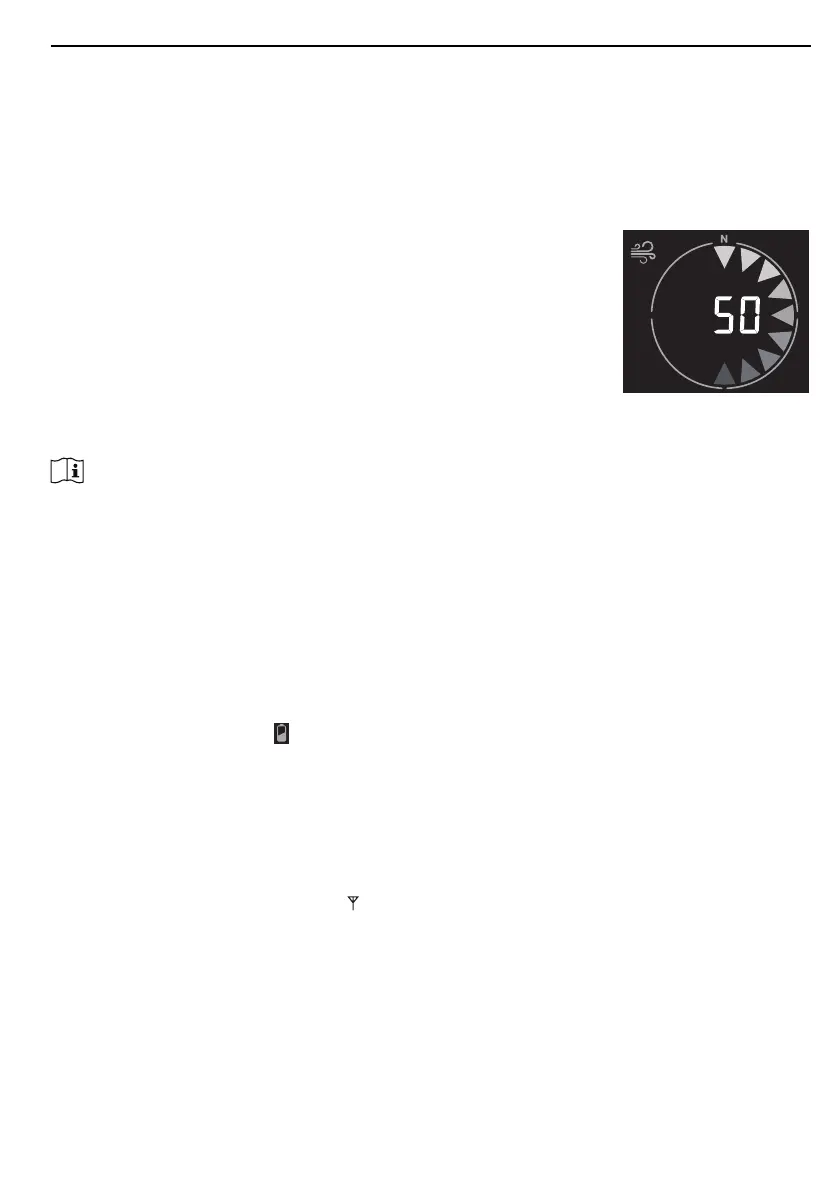
timeisaround5~10minutes.Whileupdating,theprogresswill
be displayed (i.e. 100 is completion).
4. The console will restart once the update is completed.
5. The console will stay in AP modeforyoutocheckthermwareversionandallthecurrent
setting. Simply press and hold [ SENSOR / WI-FI ] key for 6 seconds to exit AP mode.
Important note:
- Pleasekeepconnectingthepowerduringthermwareupdateprocess.
- Please make sure your WI-FI connection is stable.
- Whentheupdateprocessstart,donotoperatethesmartphoneandconsoleuntiltheupdatenished.
- Duringrmwareupdatetheconsolewillstopuploaddatatoweatherserver.ItwillreconnecttoyourWI-FI
routeranduploadthedataagainoncethermwareupdatesucceed.Iftheconsolecannotconnectto
your router, please enter the WSLink app to setup again.
- Afterthermwareupdate,Ifthesetupinformationsaremissing,pleaseinputthesetupinformationagain.
- Firmware update process have potential risk, which cannot guarantee 100% success. If the update fail,
justpressandholdthe[ + / WIND ] or [ - / BARO ] key with 10 seconds and then redo the above step to
update again.
8.2 Battery replacement
When low battery indicator “
” appear near the sensor antenna icon, it indicates that the
current sensor battery power is low respectively. Please replace with new batteries.
8.2.1 Re-pairing the sensor array manually
Whenever you changed the batteries of the 7-in-1 weather sensor array or other additional
sensors, re-synchronization must be done manually.
1. Change all the batteries to new ones of the wireless sensor array.
2. Press [ SENSOR / WI-FI ] key on the console to enter sensor synchronization mode (as
indicatedbytheashingantenna ).
8.3 Reset and factory reset
To reset the console and start again, press the [ RESET ] key once or remove the backup
battery and then unplug the adapter.
To resume factory settings and remove all data, press and hold the [ RESET ] key for 6
seconds.







 To Next Page