48 Instruments and Controls
Controls
Steering Wheel Adjustment
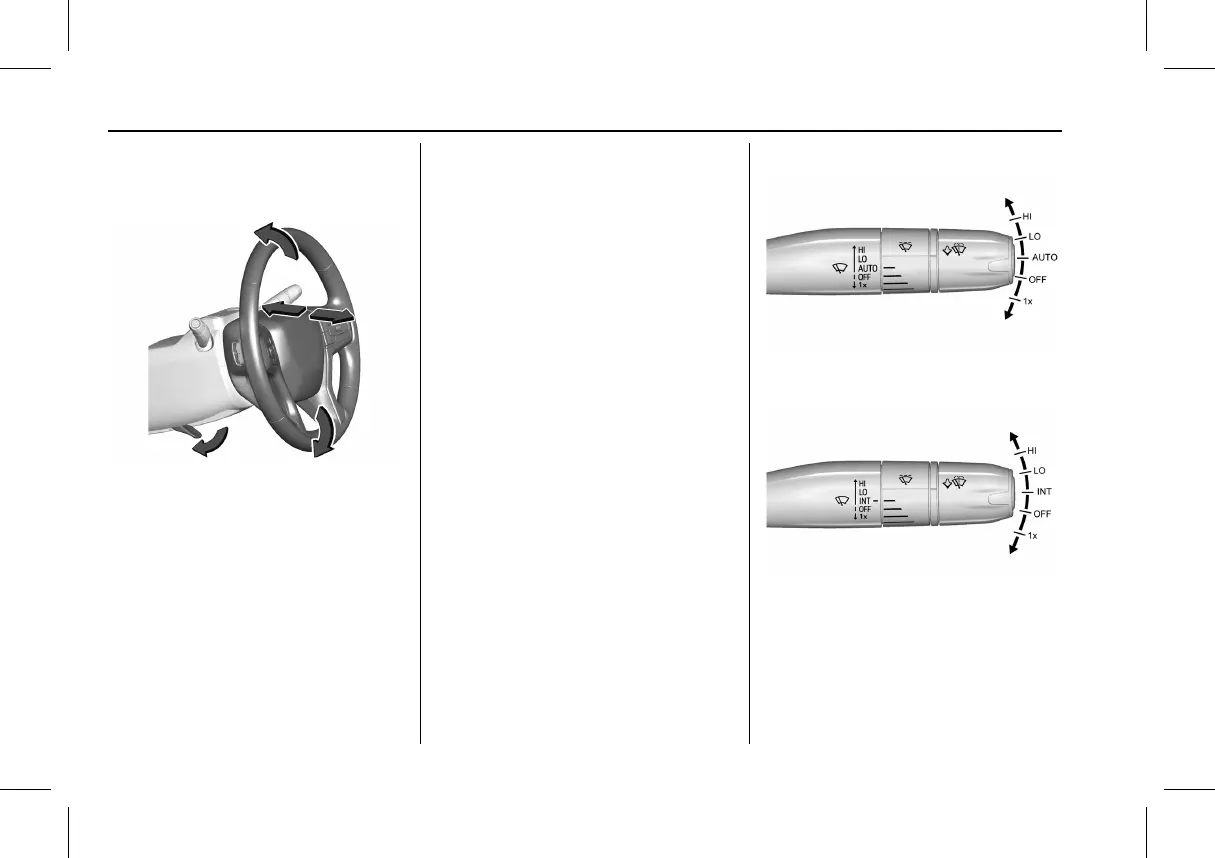
To adjust the steering wheel:
1. Pull the lever down.
2. Move the steering wheel up or down.
3. Pull or push the steering wheel closer or
away from you.
4. Pull the lever up to lock the steering
wheel in place.
Do not adjust the steering wheel while
driving.
Steering Wheel Controls
The infotainment system can be operated
by using the steering wheel controls. See
Steering Wheel Controls 0 83.
Horn
Press a on the steering wheel pad to
sound the horn.
Pedestrian Safety Signal
The vehicle is equipped with automatic
sound generation.
The automatic sound is generated to
indicate the vehicle presence to pedestrians.
The sound changes if the vehicle is speeding
up or slowing down. It is activated when the
vehicle is shifted into a forward gear or
R (Reverse), up to 33 km/h (20 mph).
Windshield Wiper/Washer
Windshield Wiper with Rainsense (AUTO
Shown), If Equipped
Windshield Wiper without Rainsense (INT
Shown)
With the vehicle on, move the windshield
wiper lever to select the wiper speed.
1X : For a single wipe, briefly move the
wiper lever down. For several wipes, hold
the wiper lever down.



 To Next Page