148 Driving and Operating
To End DC Charging
1. Wait until the charging process has been
fully stopped, the vehicle plug is
unlocked, and the Charging Status
Indicator is solid green or off.
If the vehicle plug does not unlock from
the vehicle charge port after a charge,
contact your dealer.
2. Unplug the DC vehicle plug from the DC
charge port on the vehicle and close the
dust cover.
3. Close the charge port door by pressing
firmly until it latches.
To Stop AC or DC Charging
Controls on the charging station can be used
to stop the charge process at any time.
To stop charging when inside the vehicle,
use the Stop Charge button on the Charging
screen. See “Active Charging” under
Charging 0 62.
Delayed Charging Override
To temporarily override a delayed charge
event, unplug the charge cord from the
charge port and then plug it back in within
five seconds. A single audible chirp will
sound and charging will begin immediately.
To cancel a temporary override, unplug the
charge cord, wait for 10 seconds, and then
plug the charge cord back in. A double
audible chirp will sound and charging will be
delayed.
See Charging 0 62 for advanced charge
scheduling options.
Charging Status Feedback
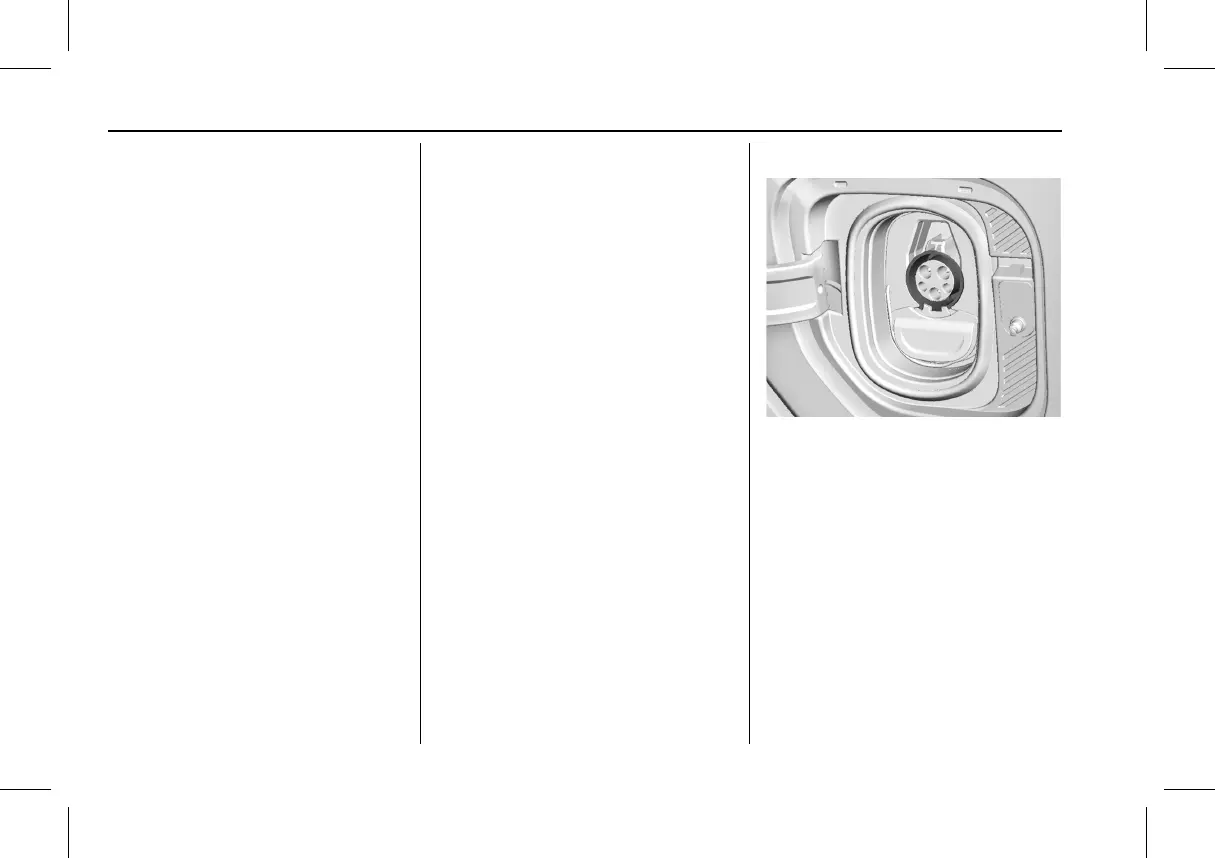
The vehicle is equipped with a charge port
light. When the charge cord is plugged in, a
color appears to indicate the charging
status.
Following is the charge port light feedback
when the charge cord is plugged in.



 To Next Page