64 Instruments and Controls
will change depending on how much time
is remaining — over an hour, or less than
an hour.
.
An estimate of the vehicle’s range upon
completing the charging session.
The default charge level is 100% when
plugged in. To set a different charge level,
touch the percentage shown under Charge
Level to display the Charge Level dialog.
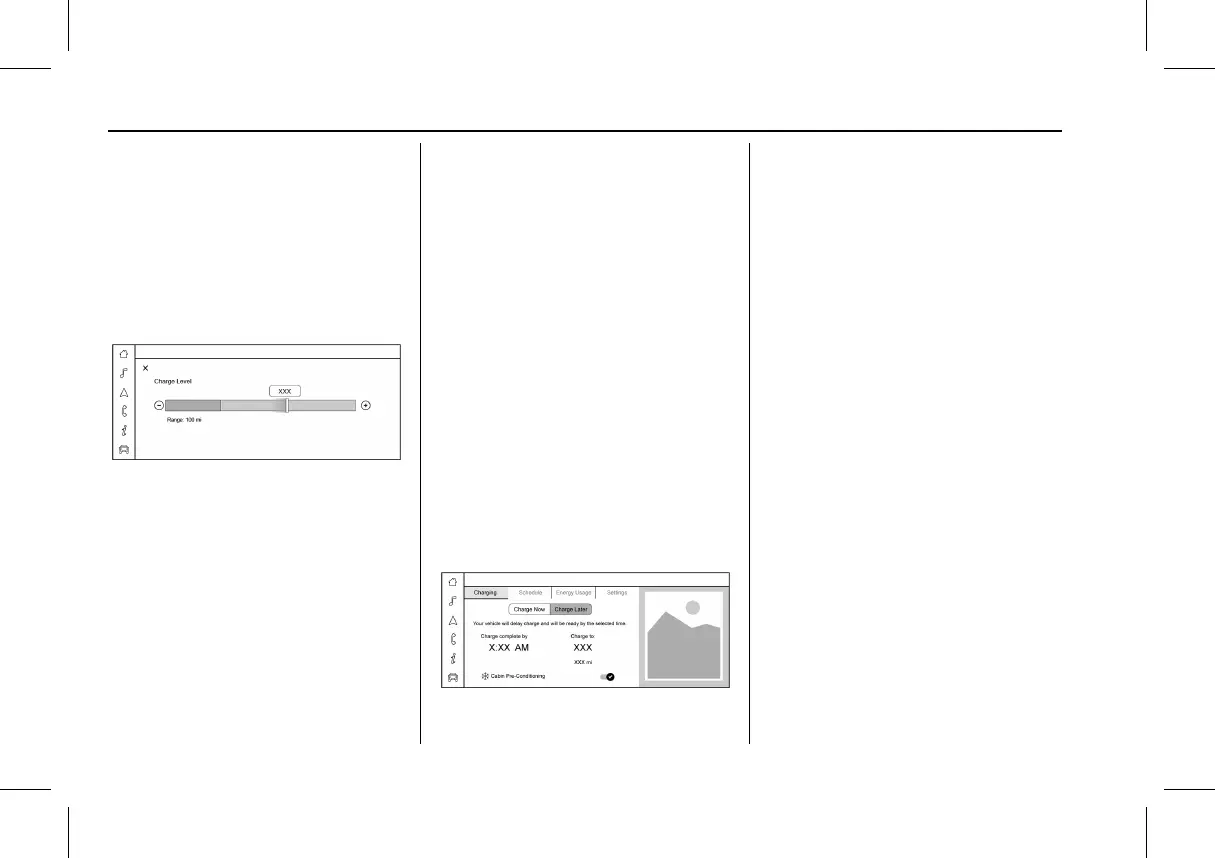
The Charge Level dialog displays:
.
The Charge Level Gauge ranging from
80% to 100% with a color-filled portion
displaying the vehicle’s current charge
level. Use
1 and 0 or drag the marker
to adjust the desired Charge Level.
.
Range: An estimate of the vehicle’s range
upon reaching the Charge Level specified
in this dialog.
.
An z allowing you to close the Charge
Level dialog. Settings made here are
automatically saved when the dialog is
exited.
To lower the desired Charge Level, drag the
Charge Level marker to the left, and to
increase it drag the marker to the right. The
Charge Level percentage appears above your
finger, updating in 5% increments as you
drag. The Range estimate updates once the
marker is released at the desired Charge
Level. To optimize battery health, the
minimum allowable Charge Level is
determined by the vehicle. Touch
z to exit
the Charge Level dialog and accept the
changes. When the dialog closes, the
charging information listed on the Charging
screen is updated to reflect any
changes made.
Charge Later
Instead of charging immediately to a desired
Charge Level, you may choose to delay the
charge to the vehicle and have it complete
by your desired departure time. This may be
a more economical choice and a more
efficient use of energy when charging at
home. To use this mode, touch the Charge
Later tab from the Charging screen.
With Charge Later selected, the Charging
screen displays:
.
Text explaining that your vehicle will
delay the planned charge to be ready by
the time specified.
.
Charge Complete by: The time at which
the vehicle will reach the desired Charge
Level.
.
Charge Level: The percentage to which
you would like the vehicle to charge.
.
An estimate of the vehicle’s range upon
completing the charging session.
.
Cabin Pre-Conditioning: Allows the vehicle
to heat or cool the cabin to your desired
temperature using energy from the
charger. This means energy from the
battery is not used to condition the cabin,
ensuring the vehicle gets the greatest
range from the charging session. Cabin



 To Next Page