66 Instruments and Controls
Gained during the charging session. For
information on beginning a charging session,
see Plug-In Charging 0 145.
For Level 1 chargers, you can also select the
appropriate Charge Cord Limit of either
8 amps or 12 amps. This determines how
much current can flow from an electrical
outlet to the vehicle battery. It also ensures
proper charge time estimates.
When the Charge Cord Limit is changed
from 8 amps to 12 amps on a 120V circuit a
notification is displayed.
If no Home Charge Location is set, the Level
1 Cord Limit will revert to 8 amps every
time the vehicle is shifted out of (P) Park.
Range and charge time estimates fluctuate
depending on a number of factors such as
Charge Cord Level/Limit, battery
temperature, and outside air temperature.
To learn more about the vehicle battery see
Plug-In Charging 0 145.
The peek-in charging screen can be used to
monitor your vehicle’s charge status
remotely, see Instrument Cluster 0 52.
DC Fast Charging
The vehicle will immediately begin charging
when plugged into a DC fast charging
station. While DC Fast Charging, the vehicle
will bypass any schedule or departure time
selection. See Plug-In Charging 0 145.
All the Active Charging screen information
will be present. The Charge Level Gauge will
allow you to set your desired Charge Level
for the DC fast charge.
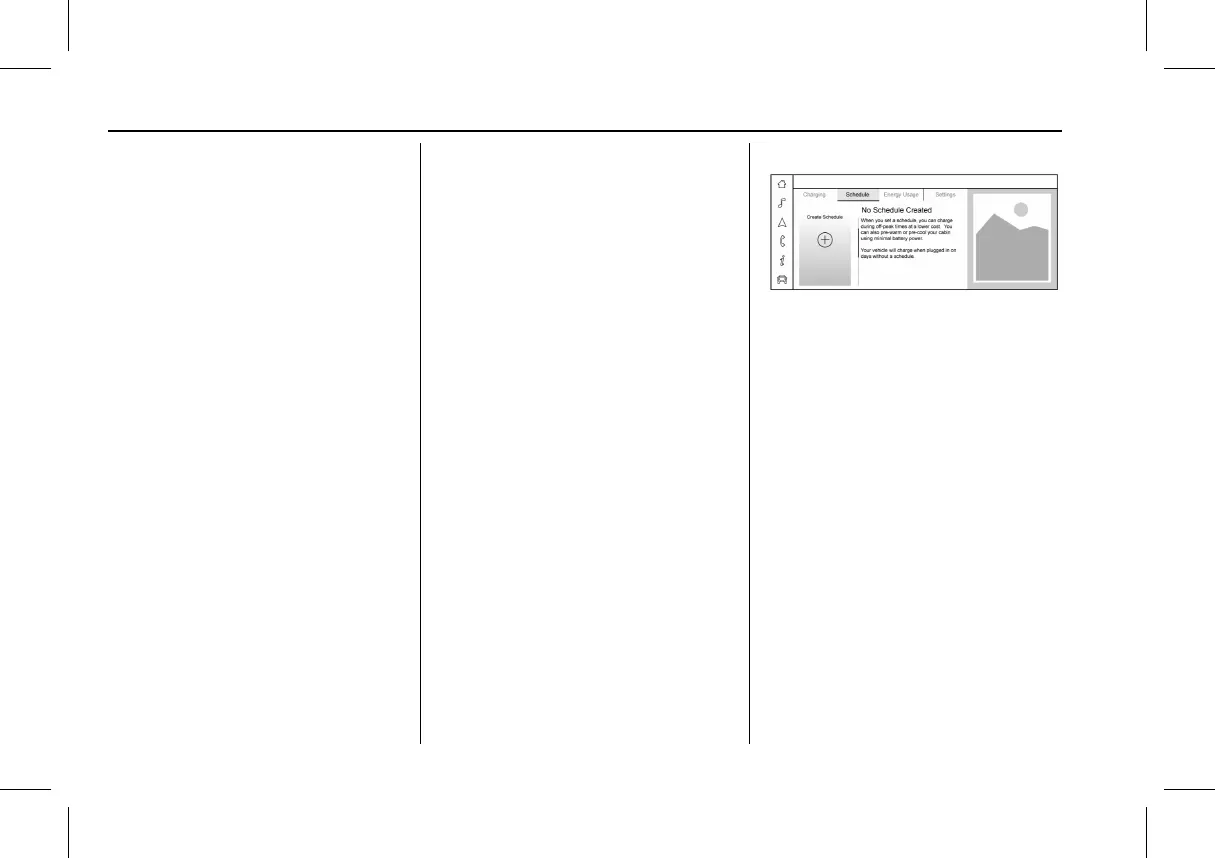
Schedule
The Energy app’s Schedule feature allows a
custom charging plan to be set for each day
of the week. When the vehicle is plugged in
at the Home Charge Location, the Schedule
feature will automatically charge to the
desired Charge Level and pre-condition the
cabin by the time set in the Schedule. This
feature acts as a more customizable Charge
Later setting than the one on the Charging
screen.
Creating a Schedule
To create a Schedule, touch the Create
Schedule card on the left. If there is no
Home Charge Location set you will be
prompted to create one.
The Charging Schedule dialog displays:
.
Toggles for each day of the week.
.
Charge to: A value selector for setting the
desired Charge Level.
.
Complete by: A time selector for setting
the time the vehicle will reach the desired
Charge Level.
.
Cabin Pre-Conditioning: Allows the vehicle
to heat or cool the cabin to the desired
temperature by using energy from the
charger.
.
An z allowing you to close the Charging
Schedule dialog.
.
Save & Close button: Applies any changes
made and exits the dialog.



 To Next Page