Model 428 User’s Manual REMOTE USER INTERFACE
Bristol Instruments, Inc. 33
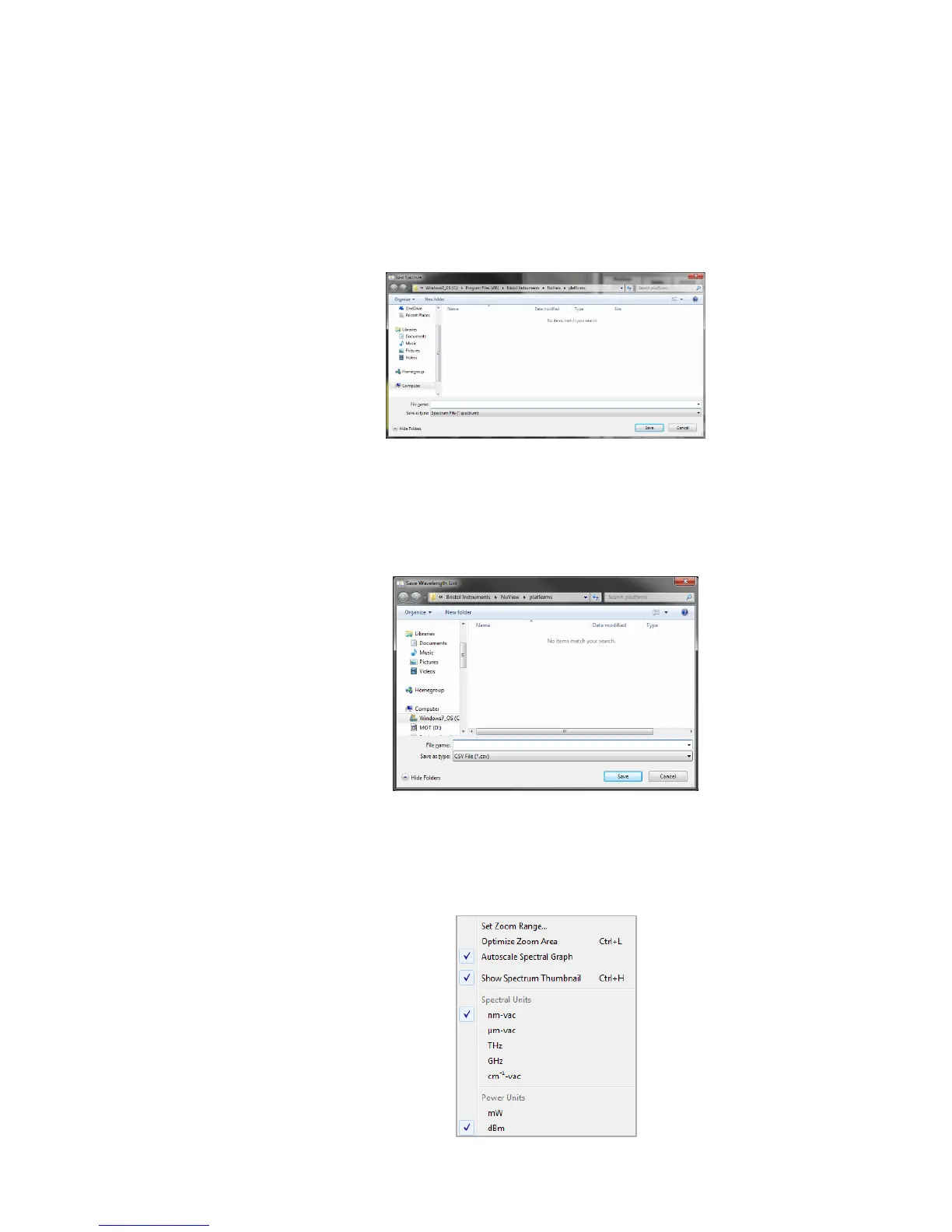
Save Spectrum – Saves a single spectrum to a Bristol proprietary format
(*.spectrum) or comma-separated value (*.csv) format file. The file type is selected
from the drop down menu below the file name. Each line of the CSV file will contain a
wavelength in nanometers, a comma, and an intensity value. Click on Save
Spectrum, enter the file name and folder location, select *.csv or *spectrum, and click
on Save. Files saved in the Bristol proprietary format can only be read by the NuView
Display Software, and the NuView Display Software cannot read files in the CSV
format.
Save Wavelength List – Saves a “snapshot” of the Optical Channels Table to a
comma-separated value (*.csv) format file. Each line of the CSV file will contain a
wavelength in nanometers, an intensity value in dBm, and the OSNR for each optical
channel. Click on Save Wavelength List, enter the file name and folder location, and
click on Save.
Exit – Exits out of the NuView Display Software.
View Menu



 To Next Page