Model 428 User’s Manual REMOTE USER INTERFACE
Bristol Instruments, Inc. 34
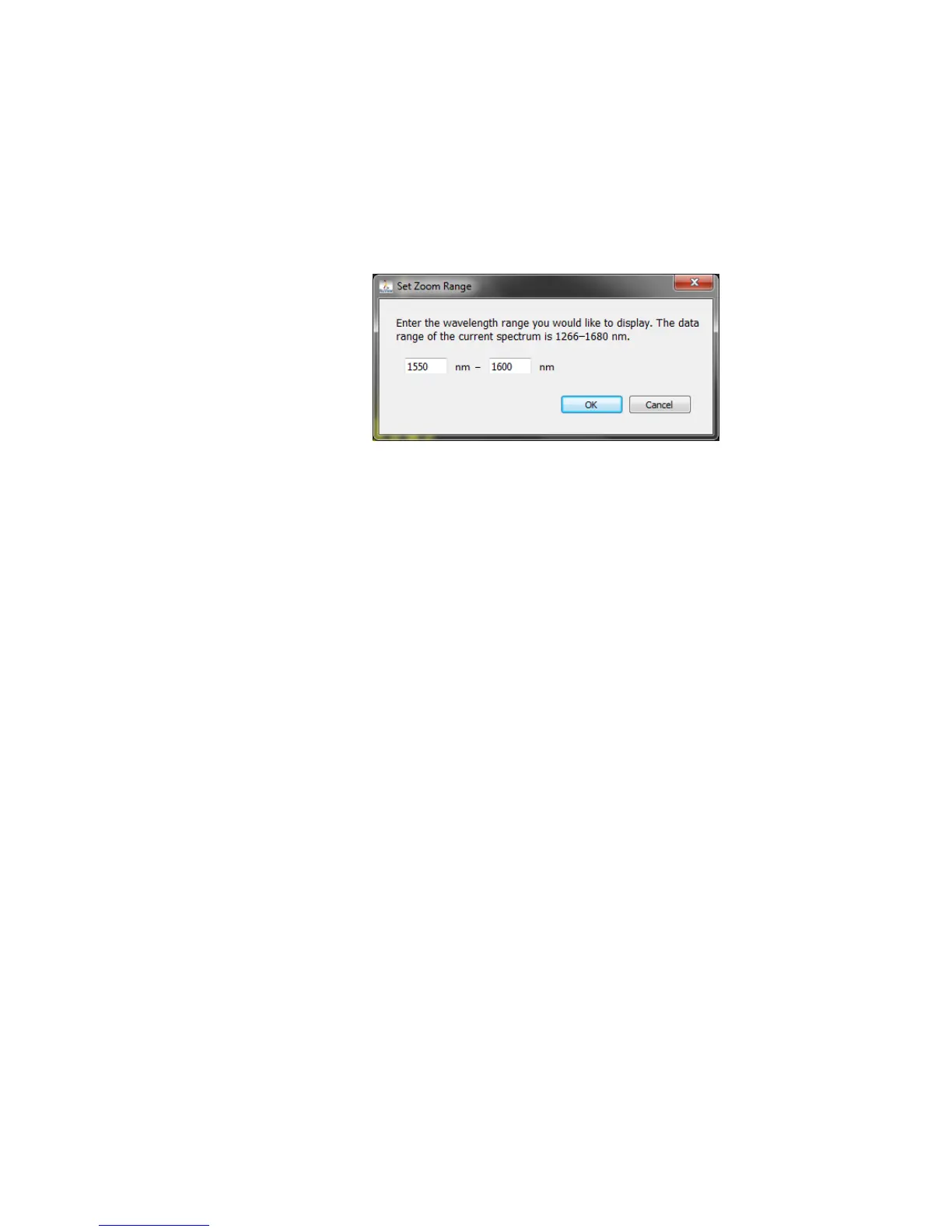
Set Zoom Range - Lets the user zoom in on a specific wavelength range of interest.
Click on Set Zoom Range and enter the desired start and end wavelengths with the
keyboard. Click OK to return to the Spectrum Display showing the specified
wavelength range. The Spectrum Display can be further zoomed in or out using the
Display Zoom function.
The Zoom Range entered must be within the operating range of the instrument, or an
error message will be displayed.
Optimize Zoom Area – Adjusts the Intensity axis a single time to provide the most
complete view of the current spectrum on the Spectrum Display. Optimize Zoom Area
zooms the view in or out as necessary to maximize the current spectrum presence in
the display area.
Autoscale Spectral Graph – Automatically and continuously expands the Intensity
axis of the Spectrum Display as necessary to fit the updating spectral features into
the display area.
Unlike Optimize Zoom Area, Autoscale Spectral Graph zooms the view out only, and
only when the current peak intensities are larger than the current Spectrum Display.
This is to avoid flickering from the display quickly zooming in and out from rapid
increases/decreases in spectral intensity from the optical input signal.
Show Spectrum Thumbnail – Adds/Removes the Spectrum Thumbnail from the
Spectrum Display.
Spectral Units - Allows the user to select the spectral units for the Spectrum Display
and Wavelength Screen.
nm-vac – Sets spectral units to nanometers (vacuum values).
µm-vac – Sets spectral units to micrometers (vacuum values).
GHz – Sets spectral units to gigahertz.
THz – Sets spectral units to terahertz.
cm
-1
-vac – Sets spectral units to wavenumbers (vacuum values).
NOTE: In other scientific publications, the units of nanometers, micrometers, and
wavenumbers may refer to the values in an air, standard air, or vacuum
environment. The 428 Wavelength Meter provides spectral measurements as
values in a vacuum environment, and units that are dependent on environment
are given a “-vac” suffix to emphasize this fact.



 To Next Page