Brivo ACS300 Installation Manual Page 21
© 2017 Brivo Systems LLC. All rights reserved. Rev 1
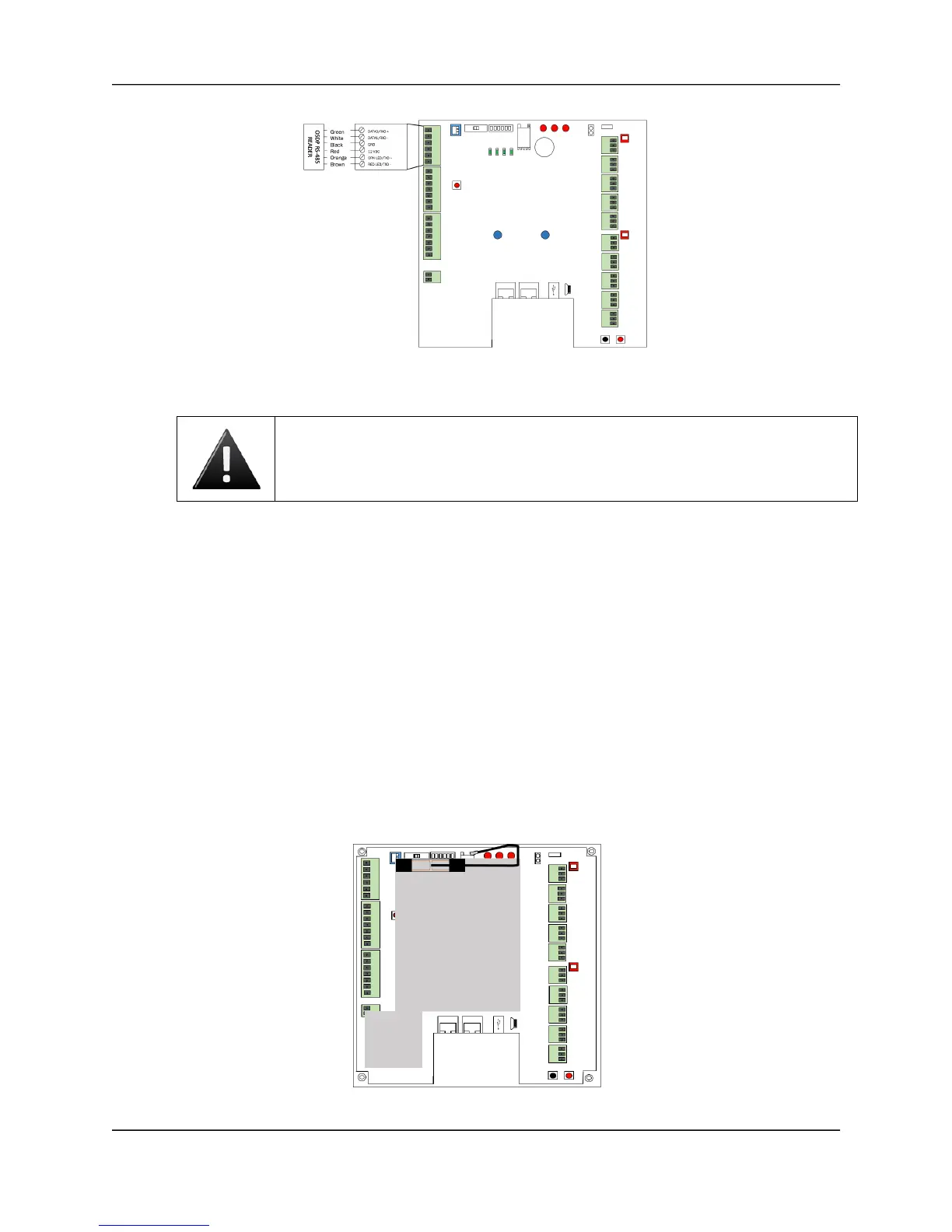
Wire Doors for OSDP Readers using RS-485
8. Install MOVs.
a) Install the MOV across the conductors, as close as possible to the electric strike
or latch. This will normally be at the connection from the field-installed wiring to
the pig tail or screw terminals of the electronic strike or latch.
b) Use the wire recommended by the manufacturer of the electric strike or latch. If
no wire is recommended, use a minimum of 18 AWG wire with sufficient strands
for the specific electronic strike or latch.
Connect the ACS300 Wi-Fi Antenna
1. The ACS300 Wi-Fi antenna sits atop the mylar shield over the ACS300 board, and
already comes connected on the ACS300 unit. Should it become detached and need to
be reattached, instructions are provided.
2. Extending from the ACS300 Wi-Fi antenna is a black connector cable with a silver
connector cap at the end.
3. Attach the silver connector cap to the right connector of the Wi-Fi chip.
4. When the connector attaches, you may hear an audible click as it fits into place.
ACS300 Wi-Fi Antenna Connection



 To Next Page