8
ES-2200 System Configuration
This section shows how to set cards and install them to be operated from the front panel of the ES-2200 unit.
Remember:
All DIP Switches must be configured with the power off.
Static electricity from your body can damage the cards. To prevent this type of damage, you should handle them
carefully:
• Do not take them out of their conductive bags until you are ready to install them.
• Do not carry them around the room unless they are in their conductive bags.
• Before touching them, discharge any static electricity from your body by first touching the grounded metal chassis.
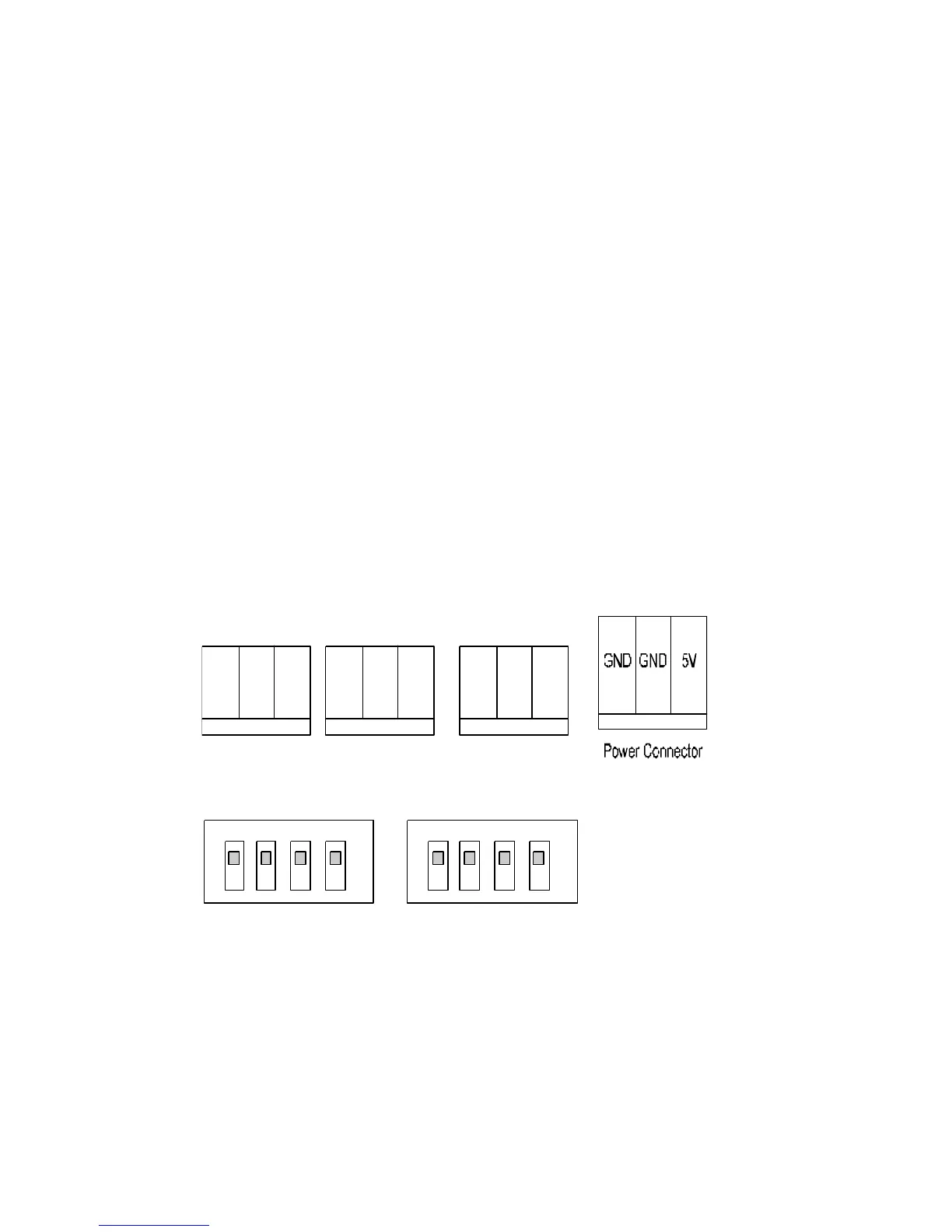
Figure 1-2: ES-2200 Front Panel DIP Switch Assignments
TX GND RX
Remote Connector
TX GND RX
Unit 2 Connector
TX GND RX
Up Position
Down Position



 To Next Page