Scan to E-mail attachment
file:///C|/Documents%20and%20Settings/mcampbell.AM/My%20Documents/ADS2000solutions/chapter4_3_3.html[3/11/2013 10:25:01 AM]
Scan to E-mail attachment
You can scan a document and add it as an attachment to a message in your default E-mail application.
1
Click the (ControlCenter2) icon in the menu bar and then select Open.
The ControlCenter2 window will appear.
Note
If (ControlCenter2) icon is not displayed in the menu bar, double-click the ControlCenter icon.
The ControlCenter icon is in Macintosh HD/Applications/Brother.
The
(ControlCenter2) icon will appear in the menu bar.
2
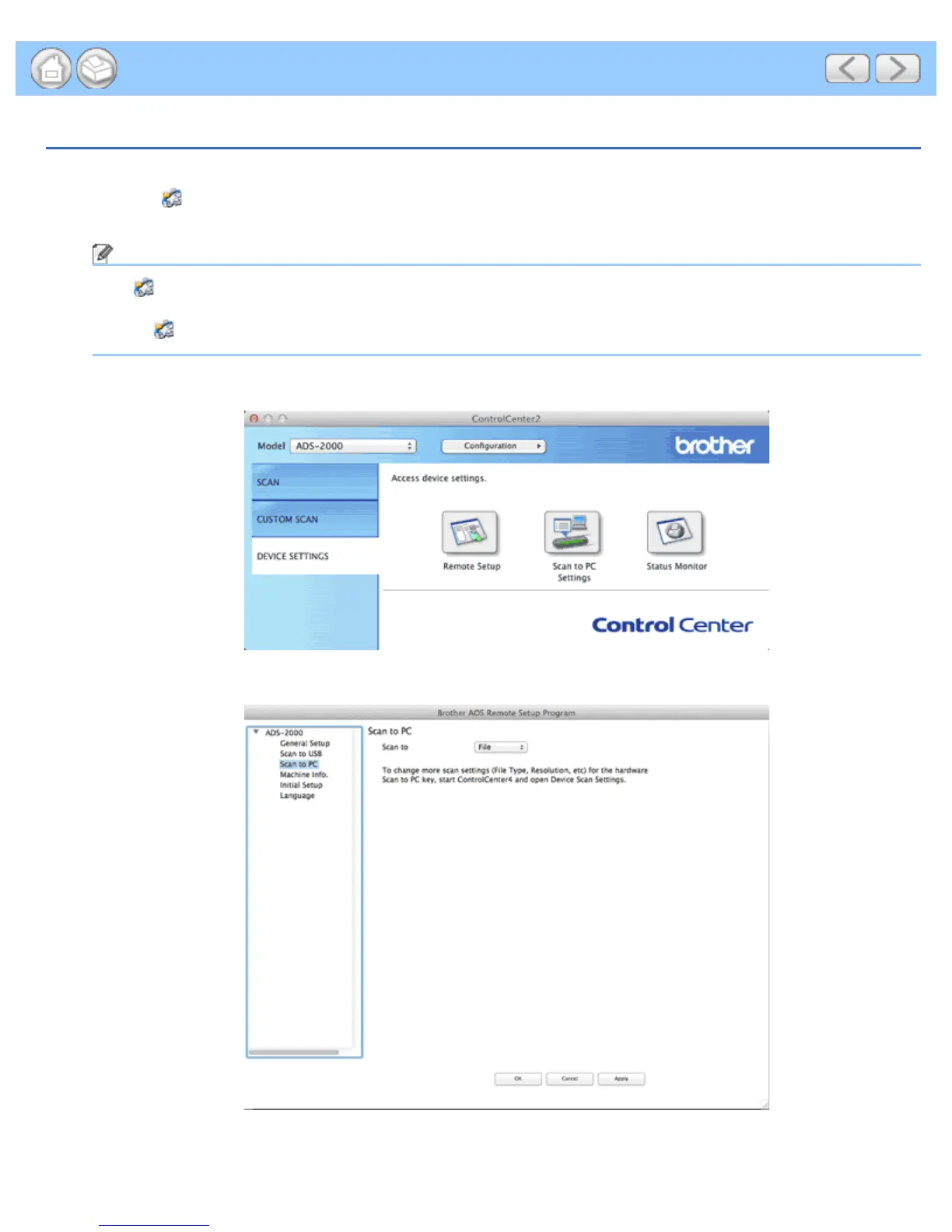
Click the DEVICE SETTINGS tab.
3
Click the Scan to PC Settings button. The Remote Setup window will appear.
4
Select E-mail from the drop-down list.











 To Next Page