Loading Business Cards and Plastic Cards
file:///C|/Documents%20and%20Settings/mcampbell.AM/My%20Documents/ADS2000solutions/chapter1_5_2.html[3/11/2013 10:26:01 AM]
Loading Business Cards and Plastic Cards
Make sure documents with ink or correction fluid are completely dry.
1
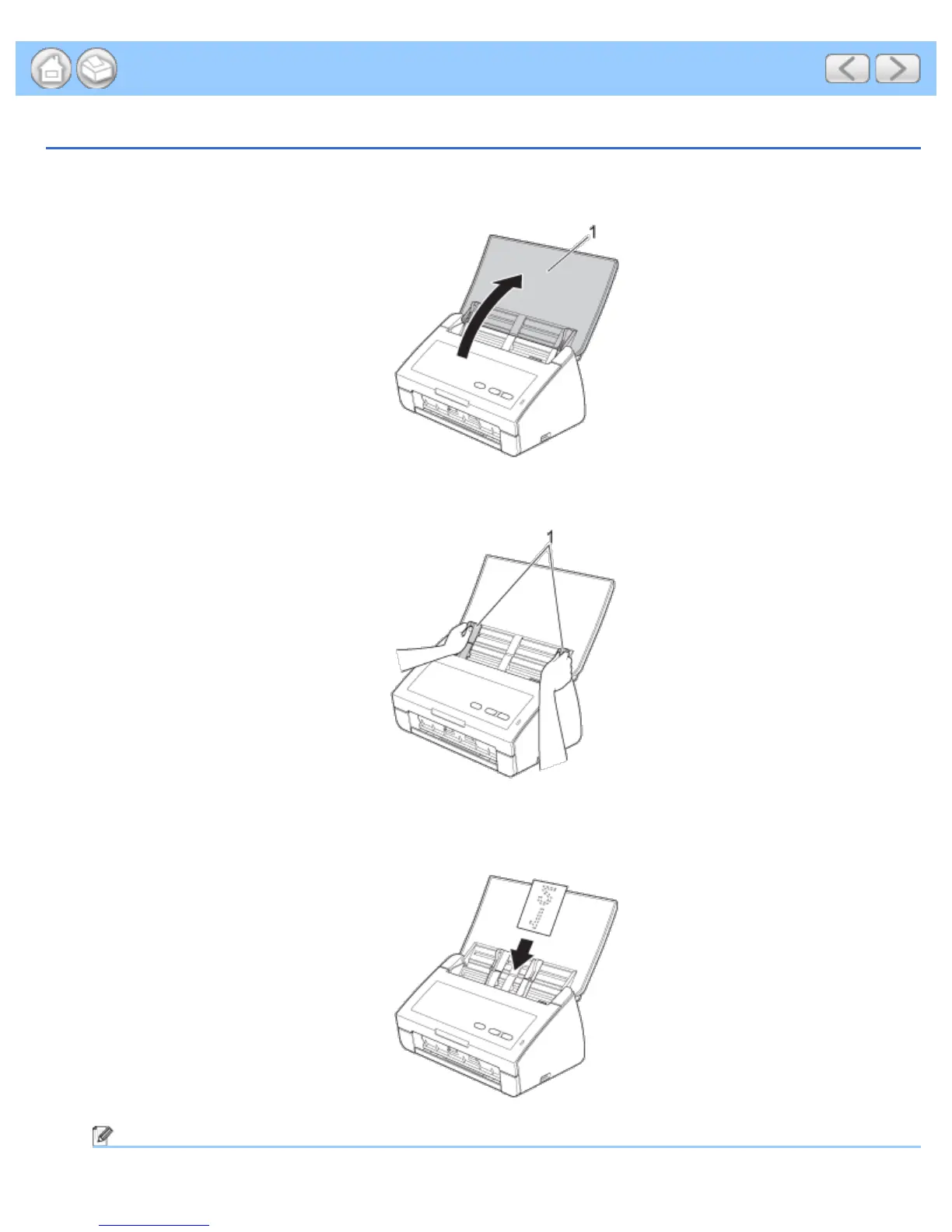
Open the Top Cover (1).
2
Adjust the Document Guides (1) to fit the width of your document.
3
Place your document, face down and short side first in the document feeder between the Guides until you feel
it touch the inside of the machine.
Note











 To Next Page