Save Scanned Documents to a USB Flash Memory Drive
file:///C|/Documents%20and%20Settings/mcampbell.AM/My%20Documents/ADS2000solutions/chapter4_1_6.html[3/11/2013 10:23:40 AM]
5
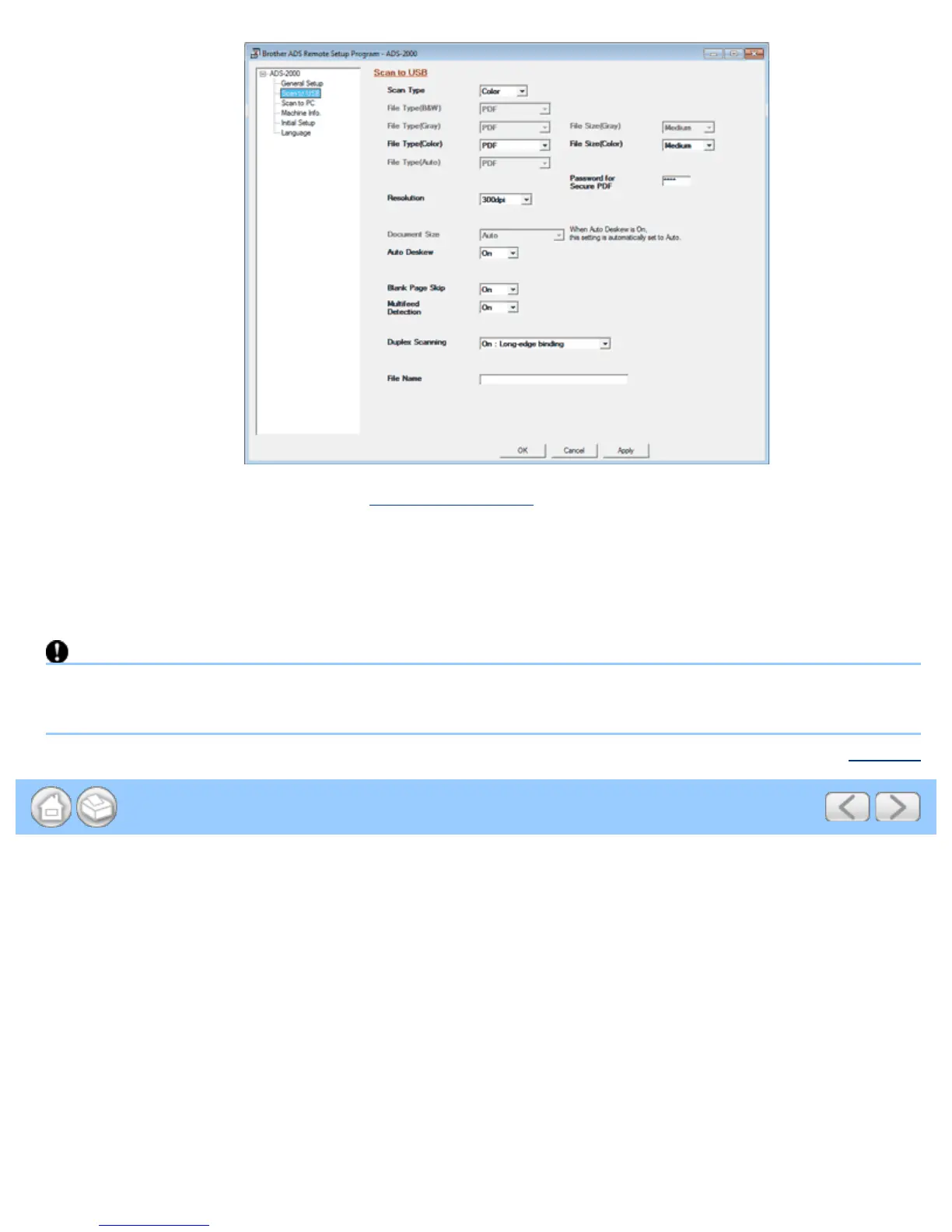
Change other settings if needed (see Change Scan Settings).
6
Insert a USB flash memory drive into your machine.
7
Load your document.
8
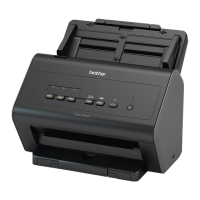
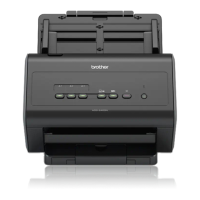
Press Scan to USB on the control panel. The machine starts scanning.
Important
DO NOT remove the USB flash memory drive while the Scan to USB key is blinking to avoid damaging the drive or
the data stored on it.
Page Top





 To Next Page