12
Installing the Driver & Software
B
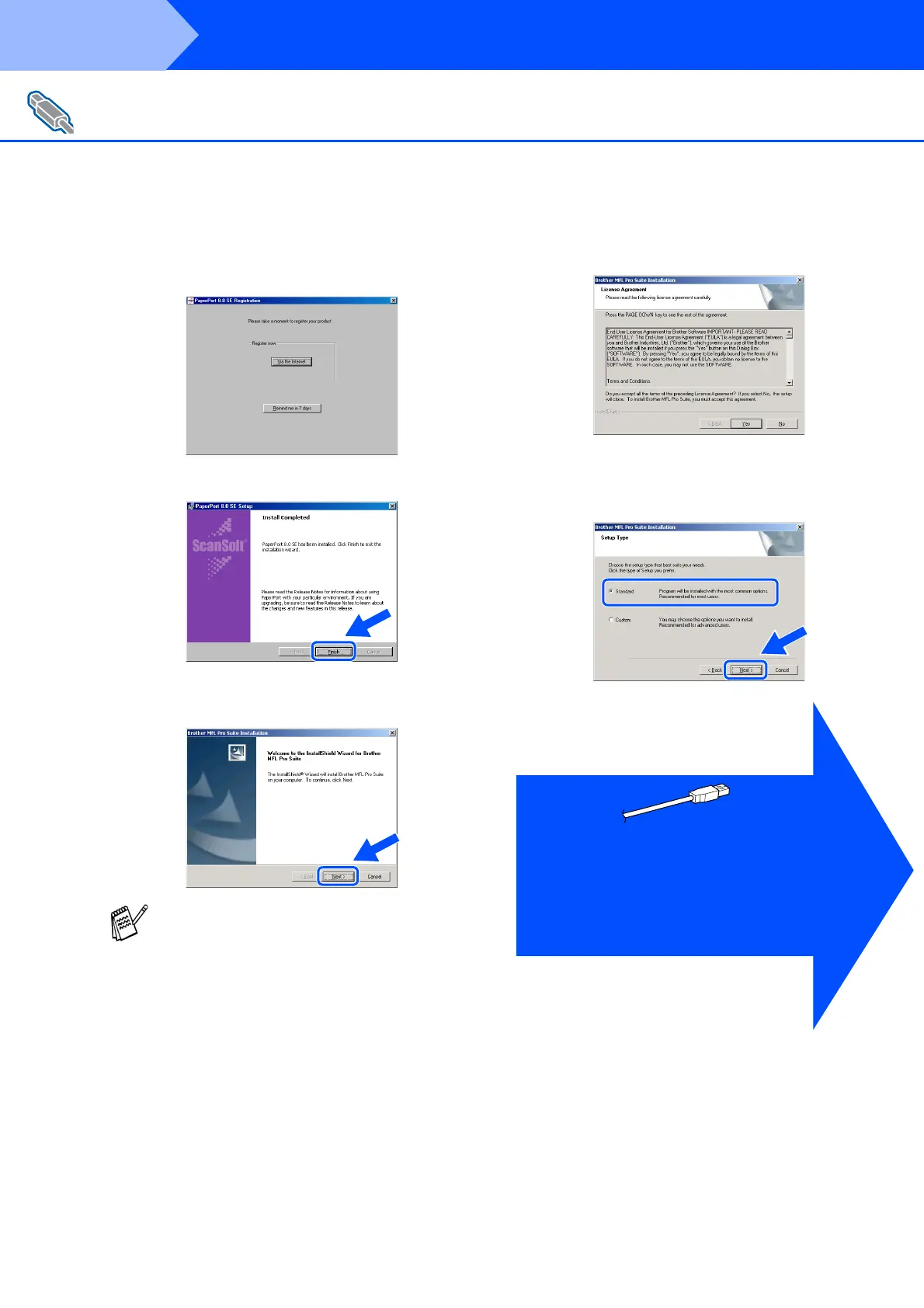
When the Registration screen is displayed,
make your selection and follow the on
screen instructions.
C
Click Finish to complete installation.
D
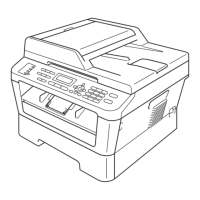
When the Brother MFL-Pro Suite
Installation window appears, click Next.
E
When Software License Agreement window
appears, click Yes.
F
Select Standard, and then click Next.
The application files will be copied to your
computer.
For Windows
®
98/98SE/Me/2000 Professional/XP Users
If you have previously installed the MFL-Pro
Suite, you will first have to uninstall it. From the
Start menu, select Programs, Brother,
Brother MFL-Pro Suite, Uninstall, and then
follow the instructions on the screen.
Windows
®
98/98SE/Me Users
➝
Go to page 13
Windows
®
2000 Professional Users
➝
Go to page 15
Windows
®
XP Users
➝
Go to page 16
Step 2



 To Next Page