14
Installing the Driver & Software
M
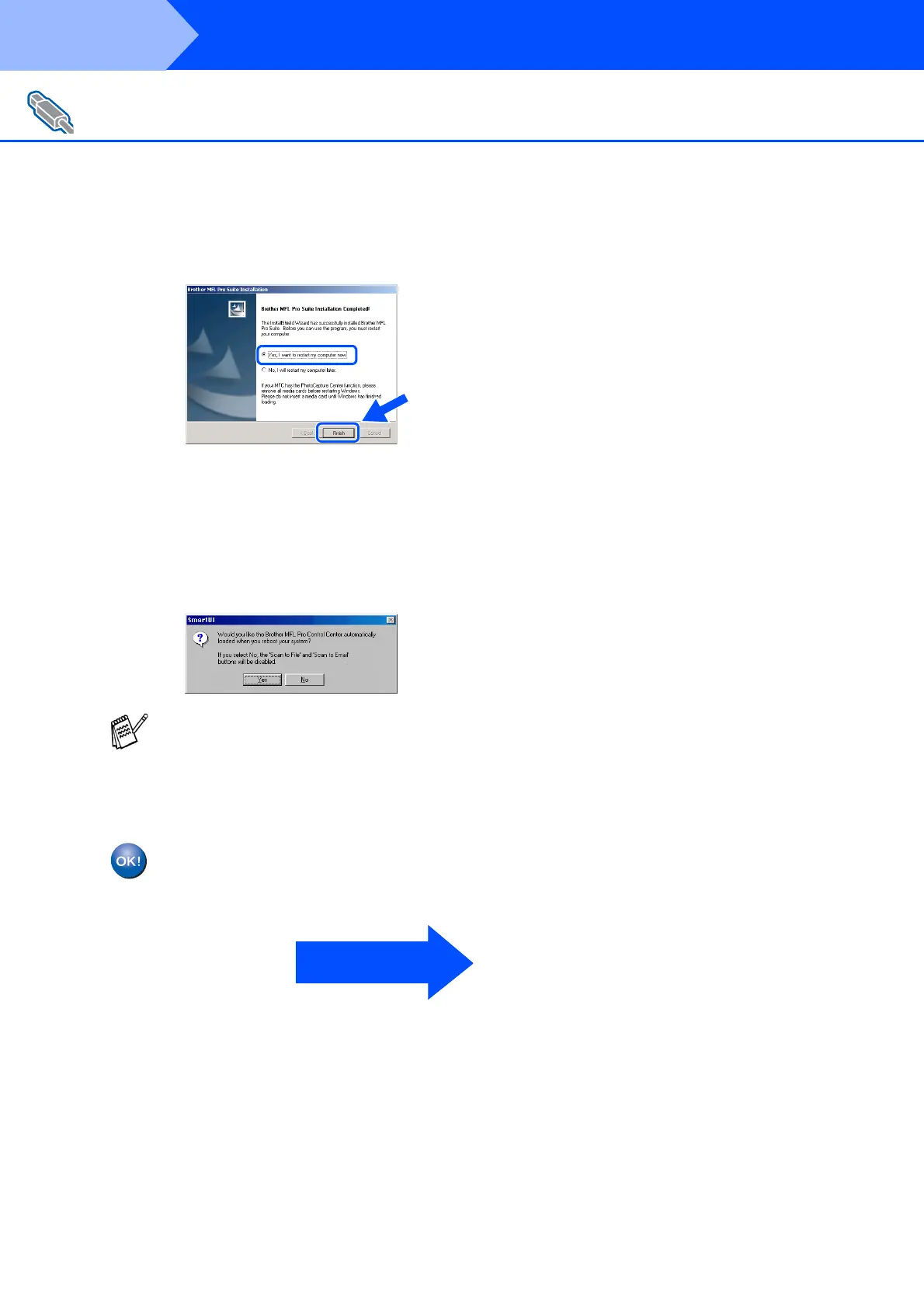
Click Finish to restart your computer.
N
After the computer restarts, click Yes to
have the Control Center loaded each time
Windows
®
is started. The Control Center
will appear as an icon in the task tray.
If you click No the
Scan to
key on the DCP
will be disabled.
The Brother Printer and Scanner
drivers have been installed and the
installation is now complete.
For Windows
®
98/98SE/Me/2000 Professional/XP Users
Even if you select NO, later you will be able to
launch the Brother Control Center to use the
Scan to
key. See AutoLoad the Brother
Control Center, Chapter 10 in the
Documentation (User’s Guide) located on the
CD-ROM.
Go to page 17
Step 2



 To Next Page